Category: Headless Ecommerce

  • Headless Commerce Mobile Apps: How to Get a Native App Without Rebuilding Your Stack

    Headless commerce is supposed to be the ultimate flexibility architecture. Decouple your frontend from your backend, build whatever experience you want, deliver it across every channel.

    In practice, most brands are focused on one channel: the web.

    Only about one in five ecommerce brands with $5M+ in monthly revenue have a mobile app. Among brands running headless architectures, the number isn’t dramatically different. 

    The reason is straightforward: launching mobile apps for headless stores is easier in theory than reality.

    Your headless backend exposes APIs. Your custom web frontend consumes those APIs. But a native iOS or Android app requires a separate build, a separate team, a separate budget. That’s why most brands’ mobile apps keep getting pushed to “next quarter.”

    This article covers why that gap matters, your options for closing it, and the approach that lets you turn your headless investment into a native app without starting from scratch.

    Why Headless Brands Need Native Mobile Apps

    If you’ve invested in a headless ecommerce architecture, you already understand the value of meeting customers where they are. You’ve built a flexible backend precisely so you can deliver the right experience on every channel. 

    But without a native app, you’re missing the channel that drives the most valuable customer behavior.

    App Users Are Your Highest-Value Customers

    The data on native app performance isn’t subtle. App users convert at 3-4x the rate of mobile web visitors, generate higher average order values, and return more frequently. 

    They’re a self-selected, high-intent audience: they downloaded your app, they kept it on their home screen, and they engage with it regularly.

    For brands already optimizing their headless web frontend for conversion, leaving this segment on mobile web is leaving significant revenue unrealized.

    Push Notifications Change the Retention Game

    Native app push notifications reach your highest-value customers with nearly 100% visibility rates. 

    That’s the core advantage: not raw reach, but the quality of the audience receiving the message and the environment they land in.

    When a push notification opens your native app, the customer is immediately in a fast, full-screen shopping experience with native navigation, saved login state, and the entire purchasing flow at their fingertips. That’s a fundamentally different conversion environment than an email click or an SMS link that opens mobile Safari.

    For headless brands investing in personalization and CX on the web side, push notifications extend that investment to the most engaged slice of your audience.

    Closer Customer Touchpoints

    Attention is gold. Direct access to your customers is gold.

    All this is getting more difficult in today’s ecommerce. Whether it’s iOS tracking changes, declining email visibility, SMS regulatory concerns or the rise of agentic shopping, showing up constantly is a struggle.

    Mobile apps change that. Your brand shows up on the customer’s home screen. On their lock screen. You own valuable real estate on the device that modern shoppers are linked to and look at hundreds of times per day.

    How to Launch Mobile Apps for Headless Commerce Brands

    If you’ve built a headless architecture, your first instinct is probably to build a custom native app the same way you built your web frontend: connect iOS and Android apps to your backend APIs, build a dedicated mobile UI, hire mobile developers or an agency, and manage the app alongside your website.

    That instinct makes architectural sense. It’s efficient in comparison to building custom mobile apps for websites without the API-first headless architecture you have.

    But the reality is that it’s a huge, unnecessary expense – just to rebuild something that already works.

    “If we had unlimited time and money, we would probably go for a custom native app, but that is half a million to a million a year to maintain.”
    — David Cost, VP of Ecommerce at Rainbow Shops

    The Custom App Trap

    Building a custom native app for a headless ecommerce store means building a second frontend from scratch. 

    It’s a completely separate codebase that happens to talk to the same backend.

    The build itself is a major project. A custom mobile app that matches your web experience (same product catalog, same search, same personalization, same checkout, same loyalty program) typically costs $250,000+, and a project that could drag out for 6-12 months. 

    That’s not a worst-case scenario; it’s what agencies and in-house teams actually quote for ecommerce apps with real complexity.

    Then the maintenance starts. Once the app ships, you’re running two separate frontends: your web storefront and your mobile app. 

    Every new feature, every design change, every integration has to be built and deployed in both. 

    • Your checkout flow changed? Two codebases to update.
    • You added Afterpay? Two integrations to build.
    • You redesigned the product page?

    Two implementations, two QA cycles, two deployment pipelines.

    Over time, one frontend starts lagging behind the other. Usually it’s the app. Web gets the updates first because the web team is already working on it. The app team catches up later, or doesn’t. 

    Feature parity becomes a constant source of friction, and your customers notice the inconsistency.

    Do You Really Need Something Different?

    Here’s the question that rarely gets asked early enough: what is the app actually doing that the website doesn’t?

    For the vast majority of ecommerce brands, the honest answer is: not much. 

    The mobile app should deliver largely the same shopping experience as the website. Same products, same prices, same checkout, same integrations. 

    The app adds native capabilities on top (push notifications, deep linking, App Store presence), but the core commerce experience is identical.

    If the app does the same thing as the website, building a second frontend from scratch is solving a problem that doesn’t exist.

    Why PWAs Don’t Close the Gap Either

    Some headless brands try to sidestep the native app question with a Progressive Web App. It’s tempting: your existing frontend already IS a PWA with a few configuration changes. No App Store, no separate build.

    But PWAs aren’t native apps. They don’t show up in the App Store or Google Play, where customers actually look for apps. iOS support for PWA features remains limited: push notifications only arrived in iOS 16.4 and are significantly more restricted than native push. There’s no badge support, no rich notification features, and no guarantee Apple won’t further restrict PWA capabilities (they’ve already tried).

    A PWA is a reasonable stopgap. It’s a great way to improve your mobile browser experience. But it’s not a full mobile strategy.

    The Better Path: Extend What You’ve Already Built

    You’ve already invested heavily in your headless web frontend. Custom product pages, integrated search, personalization, checkout customization, loyalty, reviews. All of that work lives in your web codebase and it works.

    Instead of rebuilding all of it as a separate native app, you can take that web frontend and deliver it inside a native iOS and Android app. Not as a PWA in a browser. As an actual native app, listed on the App Store and Google Play, with native push notifications, deep linking, native navigation, and the distribution and performance characteristics that customers expect from a native app.

    This is what Vendrux does. Vendrux takes your existing headless web storefront (the Next.js, Nuxt, Hydrogen, or whatever framework your team built) and delivers it inside native apps with native capabilities layered on top.

    Some of the apps built with Vendrux. See more examples here.

    The critical difference from the custom build path: there’s no second codebase. Your web frontend is the app frontend. When you update your website, the app reflects it automatically. 

    When you add a new integration to your store, it works in the app immediately. There’s no feature parity problem because it’s the same code delivering both experiences.

    And there’s no second team. You don’t need mobile developers building and maintaining a parallel frontend. Your existing web team keeps doing what they’re doing, and the app benefits from every improvement they ship.

    When Custom Development Actually Makes Sense

    There are legitimate cases where a custom native app is the right call. 

    If your mobile app needs to do something fundamentally different from your website (a unique mobile-only UX, heavy reliance on device hardware like AR, camera, or GPS, or offline-first functionality that goes beyond caching), then a custom build gives you capabilities that an extended web frontend can’t match.

    But those requirements are the exception in ecommerce, not the rule. Most brands need their app to deliver the same shopping experience as their website, plus push notifications and App Store presence. 

    Spending $250K+ and a year of development time on a custom build to achieve that is solving the problem the hard way.

    How Vendrux Works with Headless Architecture

    The relationship between Vendrux and your headless stack is simpler than you might expect.

    Vendrux doesn’t interact with your headless backend directly. It doesn’t need to know whether you’re running Commercetools, Shopify Plus, Salesforce Commerce Cloud, or a custom backend, and it doesn’t need to communicate with these APIs.

    What Vendrux works with is your web frontend: the custom storefront your team built on top of those APIs.

    Here’s how it works:

    Your headless backend serves data through APIs (products, inventory, pricing, orders). This doesn’t change.

    Your custom web frontend (built in Next.js, Nuxt, Gatsby, or whatever framework you chose) consumes those APIs and renders the shopping experience. This doesn’t change either.

    Vendrux takes that web frontend and delivers it inside a native iOS and Android app. It adds a native layer on top: push notifications, deep linking so URLs open in the app, native navigation, and the architecture that lets it run as a real app on the customer’s device.

    The result: you have one storefront, powered by your headless backend, delivered on web and as native mobile apps. 

    When you update a product, change a price, add a new feature to your website, or redesign a page, the app reflects it automatically. There’s no second deployment.

    What This Means for Your Team

    • Backend team: No changes. Your APIs serve the web frontend the same way they always have.
    • Frontend team: No changes. Your web codebase is the app codebase.
    • Marketing team: You get push notifications, deep linking, and a powerful owned channel without waiting for a mobile dev team.
    • Finance: A predictable monthly cost instead of a $250K+ custom build plus ongoing maintenance.

    Platform-Specific Considerations

    Headless implementations vary by platform. In case you’re wondering how the mobile app equation works for your specific headless platform, here’s how it plays out for a few of the most popular backends:

    Shopify Plus (Hydrogen/Oxygen)

    If you’ve gone headless on Shopify using Hydrogen, you’ve built a custom React storefront on Shopify’s Oxygen hosting. 

    Vendrux works with this frontend the same way it works with any web storefront. Your Hydrogen app becomes the native app. All your Shopify integrations (Klaviyo, Yotpo, Recharge, etc.) carry over because they’re part of the web experience.

    Commercetools

    Commercetools is headless-first, meaning there’s no built-in frontend at all. Your team has built a completely custom web storefront, and Vendrux extends that storefront into native apps. 

    The composable nature of Commercetools means you might be running a more complex stack (separate CMS, separate search, separate personalization), but since Vendrux works at the frontend layer, the backend complexity is irrelevant.

    Adobe Commerce (Magento)

    Adobe’s headless offering uses its PWA Studio or a custom frontend connected via GraphQL APIs. If you’ve built a headless Magento frontend, Vendrux can turn it into a native app. 

    This is particularly relevant for enterprise Magento brands that have complex, highly customized storefronts: the custom work you’ve done on the web carries directly into the app.

    Salesforce Commerce Cloud

    SFCC brands running headless (via the B2C Commerce API and a custom frontend) face the same mobile gap. But Vendrux works with the custom frontend layer, regardless of what’s behind it. 

    For SFCC brands specifically, the alternative (building a custom app on top of SFCC APIs) typically requires specialized Salesforce developers and a significant budget.

    The Economics of Headless + Mobile App

    Here’s a cost comparison, for headless brands evaluating mobile app delivery::

    Custom Build PWA Vendrux
    Upfront cost $250K-$500K+ $0-$20K ~$5-10K
    Time to launch 6-12 months 1-2 weeks 6-8 weeks
    Ongoing cost $10-$30K/mo maintenance Hosting only from $1,499/mo
    Separate codebase Yes No No
    Feature parity Rebuild each feature Automatic (same code) Automatic (same code)
    App Store + native push Yes No Yes

    For a headless brand that has already invested six figures in a custom web frontend, the extend-your-site approach is the most capital-efficient way to get a native app. You’re not paying to rebuild what you’ve already built. You’re paying to deliver it through a new channel.

    Extend Your Headless Commerce Site to a Mobile App

    If you’re running a headless architecture and want to explore native mobile apps, Vendrux is the most cost-efficient way to do it.

    Here’s what the process looks like:

    1. Fill out the form at vendrux.com/demo with your website URL. Our team will get on a call with you to discuss the project and make sure your site is a good fit for a mobile app.
    2. Vendrux builds a custom preview of your native app so you can see exactly how your headless storefront looks and feels as a native mobile experience. No commitment required.
    3. Vendrux handles the build, the store submissions, the approval process, and ongoing updates. Most brands go from first conversation to live app in about a month.

    The question isn’t whether your headless backend can support a native app (it can, that’s the whole point of APIs). 

    The question is how much time and money you want to spend getting there. 

    If you’ve already invested in a strong web frontend, extending it into native apps is the fastest way to close the mobile channel gap, and the best way to virtually guarantee a positive ROI.

    Book a free strategy call to see your headless storefront come to life as a native app.
  • Composable Commerce: What It Is, How It Works, and When It Makes Sense

    Composable Commerce: What It Is, How It Works, and When It Makes Sense

    If you’ve followed the ecommerce architecture conversation over the past few years, you’ve heard “headless” evolve into “composable.” The terms get used interchangeably sometimes, which creates confusion. They’re related but not the same thing.

    Headless commerce solves one specific problem: separating the frontend from the backend so you can build any customer-facing experience you want.

    Composable commerce takes that further. It’s the idea that every part of your ecommerce stack should be an independent, swappable component. Not just the frontend, but the search engine, the CMS, the payment processor, the personalization layer, the checkout, the order management, the mobile app delivery. 

    Each one is a modular service that communicates via APIs, and each one can be replaced without affecting the others.

    What Is Composable Commerce?

    Composable commerce is an architectural approach where your ecommerce technology stack is assembled from independent, best-in-class components. 

    Instead of buying one platform that handles everything (commerce, content, search, payments, personalization), you select the best tool for each job and connect them through APIs.

    The term was coined by Gartner to describe a shift from monolithic platforms to modular, API-connected architectures. It builds on several principles that the industry groups under the MACH acronym.

    The MACH Framework

    MACH stands for:

    • Microservices: Each capability (search, checkout, content) is an independent service with its own logic and data
    • API-first: All functionality is accessible through APIs, so any component can communicate with any other
    • Cloud-native: The infrastructure runs on cloud services, enabling independent scaling and deployment
    • Headless: The frontend is decoupled from the backend (headless is one element of composable, not the whole thing)

    The MACH Alliance is an industry group of vendors that certify their products against these principles. Members include Commercetools, Contentful, Algolia, and others who build the components that make up a composable stack.

    If a vendor meets the MACH criteria, their product should plug into a composable stack without forcing you to adopt the rest of their ecosystem.

    Composable vs Headless: What’s the Difference?

    Headless is a subset of composable. All composable architectures are headless, but not all headless setups are composable.

    Here’s the distinction:

    • Headless decouples the frontend from the backend. You might still be running a single monolithic platform on the backend side (Shopify Plus, BigCommerce), with the frontend built separately. The backend is still one system handling commerce, content, search, and checkout.
    • Composable decouples everything. The commerce engine, the CMS, the search engine, the personalization layer, the payment system, and the frontend are all independent services. Each can be swapped, upgraded, or scaled without touching the others.
    Traditional Headless Composable
    Frontend Coupled to backend Decoupled (any frontend) Decoupled (any frontend)
    Backend One monolithic platform One platform via APIs Multiple independent services
    Vendor lock-in High Medium (backend locked) Low (swap any component)
    Flexibility Limited High (frontend only) Maximum (every layer)
    Complexity Low Medium High
    Team required Small Medium Large or experienced

    A Practical Example

    The above might be difficult to turn into a real image in your head. Here’s a practical example of the difference.

    • With a traditional setup: Shopify handles your storefront, products, checkout, content, and basic search. Everything is in one place.
    • With a headless setup: Shopify handles your backend (products, checkout, orders). You’ve built a custom React frontend connected via Shopify’s Storefront API. The frontend is decoupled, but the backend is still one system.
    • With a composable setup: Commercetools handles commerce (products, pricing, inventory). Contentful handles content. Algolia handles search. Stripe handles payments. Segment handles customer data. Your frontend is custom-built on Next.js. Each component is independent and connected via APIs.

    Each step further divides your tech stack into independent silos, each doing their own job.

    Benefits of Composable Commerce

    Here are some of the reasons a brand might want to go down the composable commerce route:

    Best-in-Class Everything

    The core promise: instead of accepting one platform’s “good enough” version of search, content management, and personalization, you pick the best tool for each job. 

    • Algolia for search.
    • Contentful for content.
    • Dynamic Yield for personalization.
    • Stripe for payments. 

    Each vendor is an expert at their specific function.

    This matters most when the quality of a specific capability directly impacts revenue. A generic platform search might be adequate for a small catalog. For a brand with 10,000+ SKUs and complex filtering needs, Algolia’s search quality can measurably lift conversion.

    True Vendor Independence

    In a composable stack, no single vendor has lock-in over your entire operation. If your search provider raises prices or falls behind, you can swap it for a competitor without touching your commerce engine, CMS, or frontend. The APIs are the contract, not the vendor.

    This is a significant advantage over monolithic platforms where migrating away means migrating everything at once. In composable, migrations happen one component at a time.

    Independent Scaling

    Each component scales independently. A traffic surge on your frontend doesn’t require scaling your CMS or payment processor. A product catalog expansion doesn’t require upgrading your search infrastructure unless search performance actually degrades.

    For enterprise brands with variable traffic patterns (seasonal, launch-driven, campaign-driven), this means more efficient infrastructure spending.

    Faster Innovation Per Component

    When each component is independent, teams can update, test, and deploy changes to one service without coordinating across the entire stack.

    Your search team can improve relevance without waiting for a platform release. Your content team can restructure the CMS without touching commerce logic.

    This is one of the biggest practical benefits for large teams. Composable reduces the coordination overhead that slows down monolithic platforms.

    Challenges of Composable Commerce

    Composable isn’t simple, and the complexity is the primary reason most brands shouldn’t adopt it.

    Integration Complexity

    Every connection between components is an integration you build and maintain. A composable stack with 8-10 components means dozens of API connections, data flows, and potential failure points.

    When something breaks, the debugging spans multiple systems, potentially from different vendors with different support teams.

    This requires either a sophisticated internal engineering team or a systems integrator with composable experience. It’s not a DIY project.

    Higher Total Cost

    Composable can be more expensive than a monolithic platform, especially initially. You’re paying for multiple vendor subscriptions, custom integration work, and a more complex hosting environment. 

    Some brands report total cost of ownership 2-3x higher than a monolithic platform, though the value is in the flexibility and performance gains.

    The economics make sense at enterprise scale, where the revenue impact of better search, personalization, and multi-channel delivery outweighs the infrastructure cost. For mid-market brands, the math often doesn’t work.

    Talent Requirements

    Managing a composable stack requires developers who understand distributed systems, API design, and multi-vendor architectures. This is a narrower talent pool than developers who can build on Shopify or BigCommerce. Hiring and retention costs are higher.

    Governance and Standards

    With multiple independent components, someone needs to set standards for how data flows between them, how errors are handled, and how releases are coordinated. Without governance, a composable stack can become a fragmented mess where no one has a complete picture of how the system works.

    Who Should Consider Composable Commerce?

    Composable commerce is an enterprise architecture. That’s not gatekeeping; it’s a practical assessment of the resources required.

    Composable makes sense when:

    • Your annual revenue justifies the infrastructure investment (typically $10M+, often $50M+)
    • You have an engineering team (or agency) capable of managing distributed systems
    • The quality of specific capabilities (search, personalization, content) directly impacts your revenue
    • You need to serve multiple channels, markets, or brands from a shared infrastructure
    • Vendor independence is strategically important to your business

    Composable is overkill when:

    • A headless setup on Shopify Plus or BigCommerce meets your needs
    • Your team is small and needs to move fast with minimal infrastructure overhead
    • The marginal improvement from best-in-class components doesn’t justify the integration cost
    • You’re under $10M in annual revenue and don’t have enterprise-level complexity

    For most growing ecommerce brands, headless commerce provides the frontend flexibility they need without the full complexity of composable. Many brands adopt headless first and evolve toward composable as their scale and requirements grow.

    Where Mobile Apps Fit in a Composable Stack

    One component that’s often missing from composable architecture discussions is native mobile app delivery.

    A composable stack gives you the commerce engine, the CMS, the search, the personalization, and a custom web frontend. But it doesn’t give you an iOS and Android app. 

    Just like headless, composable solves the backend flexibility problem without addressing the mobile channel.

    The composable approach to mobile apps follows the same philosophy: choose a best-in-class component for mobile app delivery and plug it into your stack.

    However, unlike an on-site search plugin or loyalty program, native mobile apps (even just the frontend) cost a lot, and take a lot of work to manage.

    You need dedicated devs on staff, managing your apps in parallel with your website. That’s inefficient, when your mobile website already does 90% of what your app should do.

    Vendrux fits into a composable architecture as the mobile app delivery layer. It takes whatever web frontend you’ve built (regardless of the commerce engine, CMS, or search provider behind it) and delivers it as a native iOS and Android app with push notifications, deep linking, and an icon on your customer’s home screen.

    The fit is natural: Vendrux is API-independent (it works with any web frontend), it doesn’t require backend changes, and it operates as an independent service that can be added or removed without affecting the rest of your stack.

    It’s not a flashy, custom build. But you don’t need that. 

    Vendrux is, realistically, the composable model applied to mobile.

    For a deeper look at how this works technically, see our guide to headless commerce mobile apps.

    Key Composable Commerce Platforms

    Composable commerce boils down to picking and choosing the best tools to manage different elements of your business.

    If you’re evaluating composable, these are the components most commonly seen in production stacks:

    For platform-level comparisons (especially if you’re deciding between headless and composable), see our headless ecommerce platforms guide.

    Headless First, Composable Later

    Most brands don’t start composable. They start by going headless: decoupling the frontend from a platform like Shopify Plus or BigCommerce. 

    As they grow and their needs become more specialized, they begin replacing individual backend components with best-in-class alternatives. Search gets swapped first (Algolia is a common early move). Then the CMS. Then personalization.

    This incremental path is more realistic and less risky than attempting a full composable buildout on day one. It lets you validate the architecture at each step and only add complexity where it creates clear value.

    The key is building on an API-first foundation from the start, even if you’re only going headless initially. 

    If your commerce engine and frontend communicate via clean APIs, adding composable components later is straightforward. If you’re tightly coupled from the start, going composable later means a full rebuild.

    Plan for composable. Start with headless. Add components as your scale demands them.

  • Headless Commerce Examples: 10 Brands That Made the Switch (and Why)

    Headless Commerce Examples: 10 Brands That Made the Switch (and Why)

    It’s easy to talk about headless commerce in the abstract: decoupled frontends, API-first backends, frontend flexibility. 

    It’s more useful to see what it actually looks like when brands implement it.

    The examples below span DTC startups, mid-market brands, and global enterprises. Each went headless for different reasons, used different platforms, and got different results. 

    What they share is a decision that their existing platform setup was limiting what they could build, sell, or deliver.

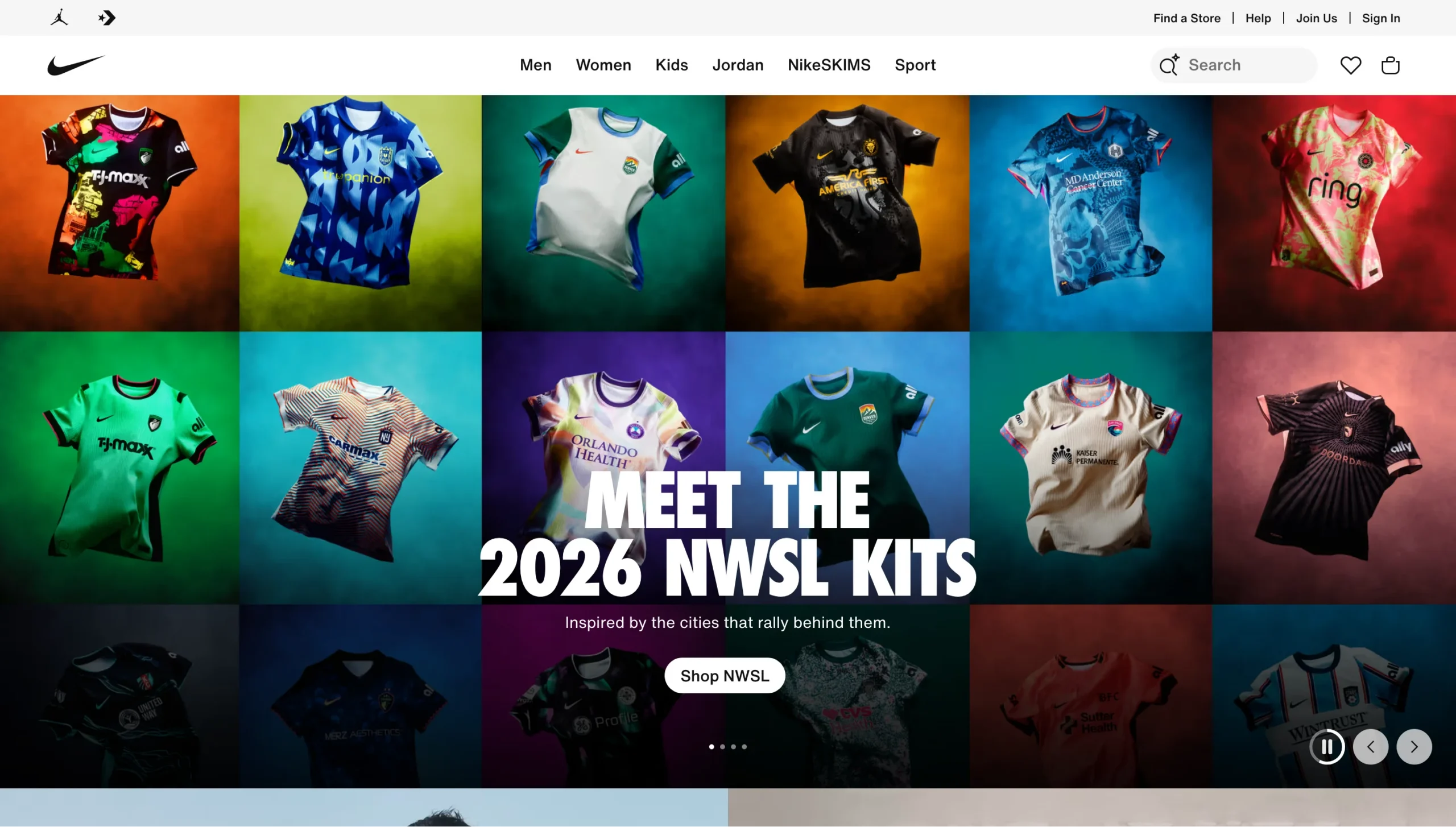
    1. Nike

    Platform: Custom headless (Next.js with server-side rendering)

    Why they went headless: Mobile-first DTC strategy

    Nike’s shift to headless was driven by its broader move toward direct-to-consumer sales. The brand needed storefronts that could serve dozens of markets with localized experiences, handle massive traffic spikes during product drops, and prioritize mobile performance above everything else.

    Their architecture uses Next.js with server-side rendering, Redux for state management, and GraphQL for data operations, all backed by Nike’s internal microservices. This gives them full control over the experience per market, per device, and per customer segment.

    The result: significantly improved mobile conversion rates, faster page loads, and the ability to run market-specific storefronts without maintaining entirely separate codebases for each region.

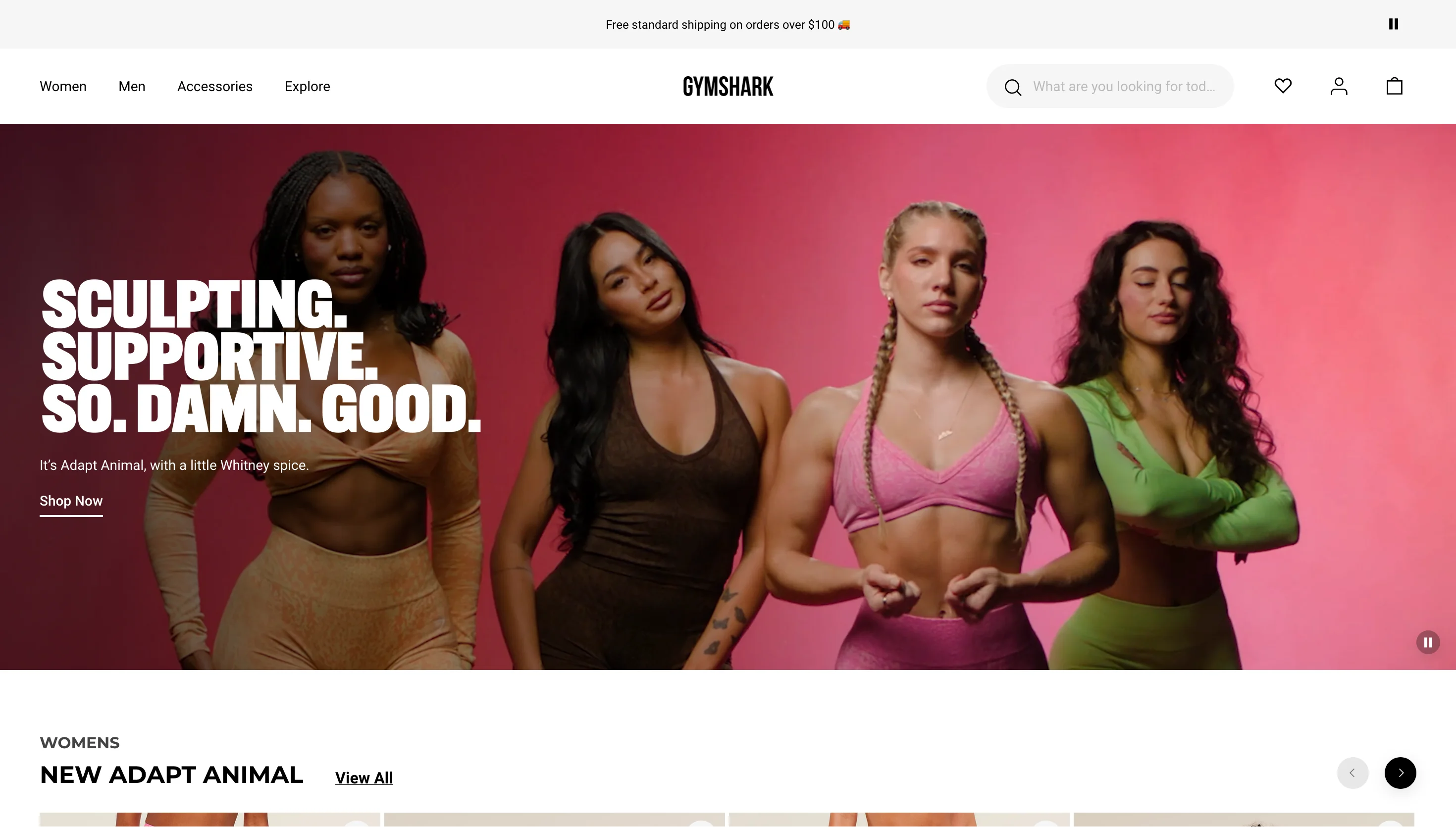
    2. Gymshark

    Platform: Shopify Plus (custom React headless frontend)

    Why they went headless: Performance during high-traffic sales events

    Gymshark’s move to headless was born from a painful Black Friday. In 2015, their site on Adobe Commerce (Magento) crashed for eight hours, costing an estimated GBP 100,000. The brand needed a storefront that could handle 450,000 concurrent users during flash sales without performance degradation.

    Their headless stack pairs Shopify Plus on the backend with a custom React frontend, Contentful for content management, and Algolia for search, all stitched together with AWS Lambda. This isn’t Shopify Hydrogen; it’s a custom headless build that predates Hydrogen’s release.

    The headless frontend also gives their design team more creative control, which matters for a brand whose visual identity is core to its appeal.

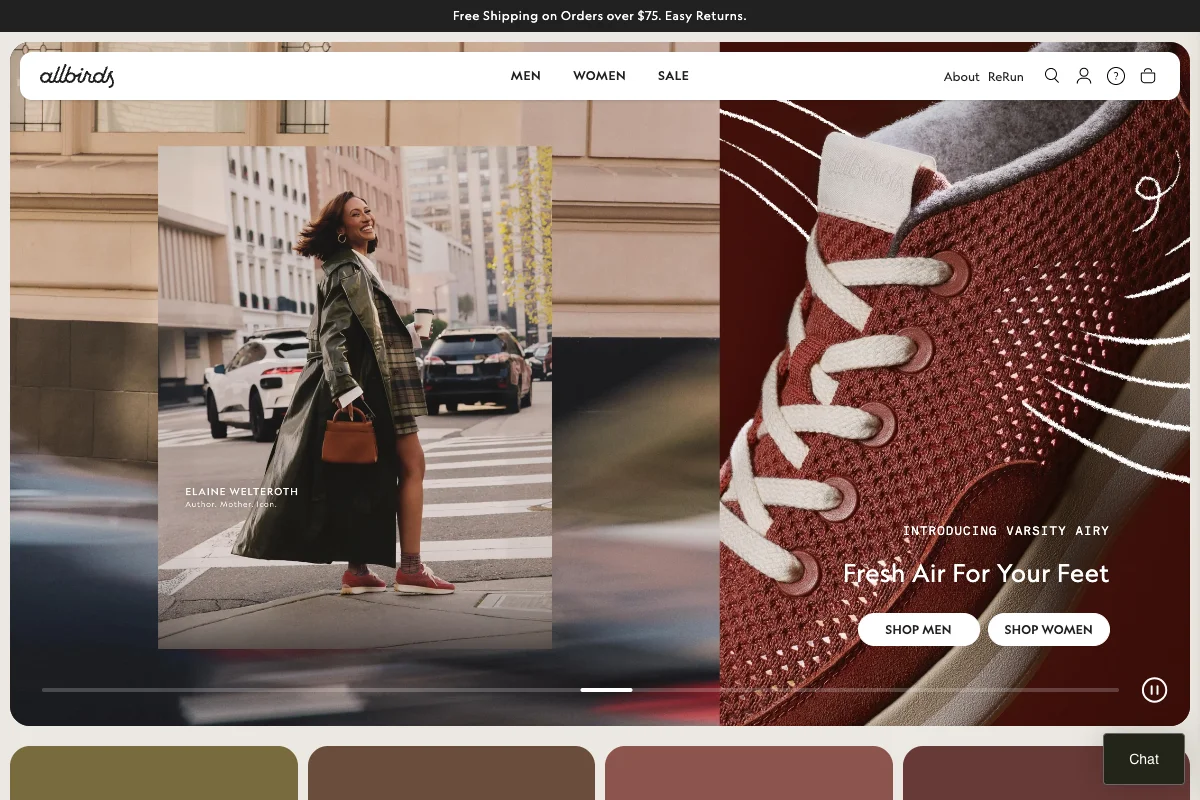
    3. Allbirds

    Platform: Shopify Plus (headless via APIs) 

    Why they went headless: Brand-first design and international expansion

    Allbirds built its brand around sustainability and simplicity, and the shopping experience needed to reflect that. Standard ecommerce templates couldn’t deliver the clean, purpose-driven design language the brand wanted.

    Going headless on Shopify gave Allbirds full control over the frontend while keeping Shopify’s commerce engine handling products, orders, and payments. 

    They’ve used the flexibility to build features like an integrated store locator that bridges online and offline shopping, and to optimize the experience for international markets with different needs.

    The headless approach also enabled faster page loads, which directly supports their goal of reducing friction in the purchase path.

    4. Target

    Platform: Custom headless architecture 

    Why they went headless: Omnichannel unification (web, app, in-store)

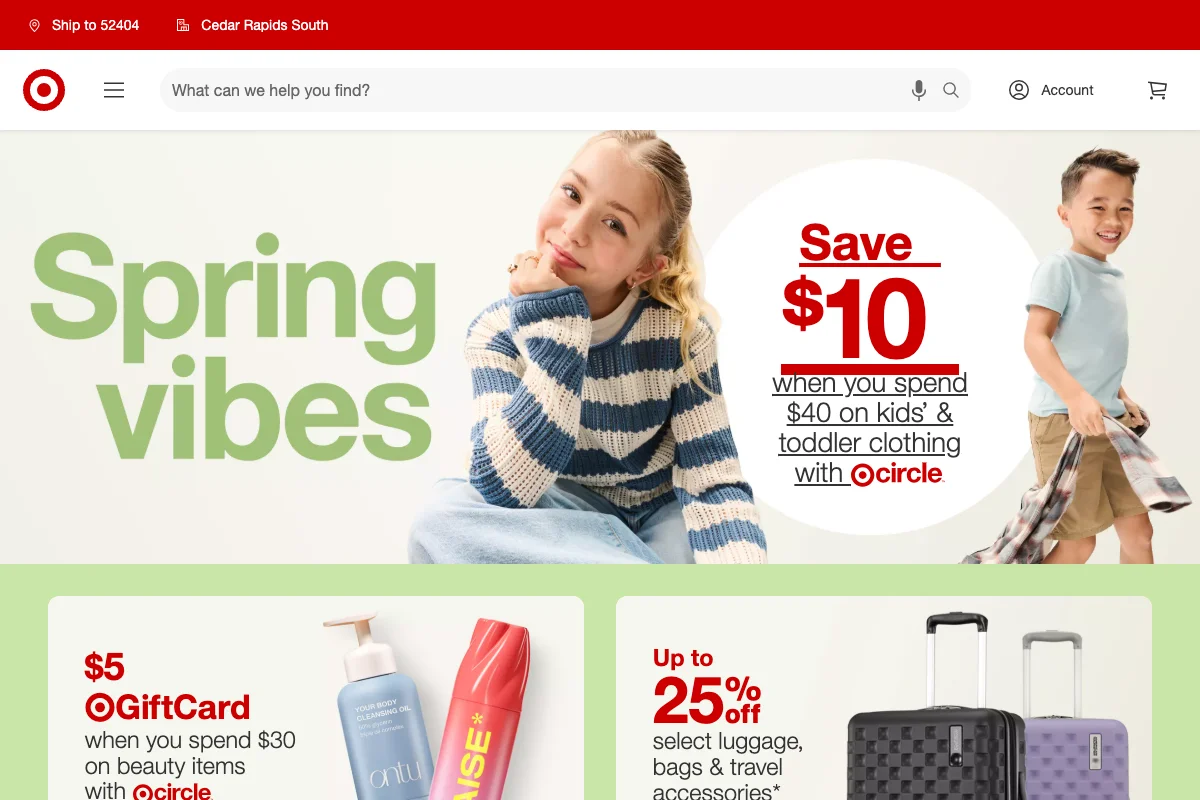
    Target’s headless implementation is driven by one of the most complex omnichannel operations in retail. The same commerce backend needs to power the website, the mobile app, in-store kiosks, and services like same-day pickup, delivery, and Drive Up.

    A monolithic platform couldn’t serve all of these channels from a single data layer. By decoupling the frontend and backend, Target can build purpose-built experiences for each channel while maintaining consistent product data, real-time inventory, and pricing across all of them.

    The practical benefit: a customer can check inventory on the app, add items to their cart, and pick them up in-store 30 minutes later with accurate stock information at every step.

    5. Burberry

    Platform: Composable MACH stack (Contentstack + commercetools)

    Why they went headless: Immersive editorial commerce

    Luxury ecommerce has different demands than mainstream retail. Burberry needed product pages that blend long-form storytelling, editorial photography, and video with commerce functionality. Standard ecommerce templates treat the product as a data object (image, price, description, buy button). Burberry treats it as a narrative.

    Their composable architecture pairs Contentstack as the headless CMS with commercetools as the commerce engine, plus Smartling for translation across 59 countries. The content layer is fully decoupled from the commerce layer, allowing the creative team to build rich, magazine-style product experiences while the transactional side runs independently.

    After the migration, developer support tickets dropped from 40+ per week to fewer than 1, and translation work became 80% faster.

    For brands where the shopping experience IS the brand, headless provides the creative freedom that templated platforms can’t match.

    6. SKIMS

    Platform: Shopify Plus (Hydrogen) 

    Why they went headless: Speed at scale

    SKIMS generates enormous traffic, both through organic demand and high-profile marketing moments. Product launches and celebrity collaborations create traffic spikes that can overwhelm standard Shopify storefronts.

    By building on Hydrogen, SKIMS gets a fast, server-rendered storefront that handles surges gracefully while giving the team full control over the visual experience. 

    For a brand this design-driven, the ability to break free from Shopify theme constraints was as important as the performance gains.

    7. TOMS

    Platform: Shopify Plus (Hydrogen + Builder.io)

    Why they went headless: Migrating off Salesforce Commerce Cloud

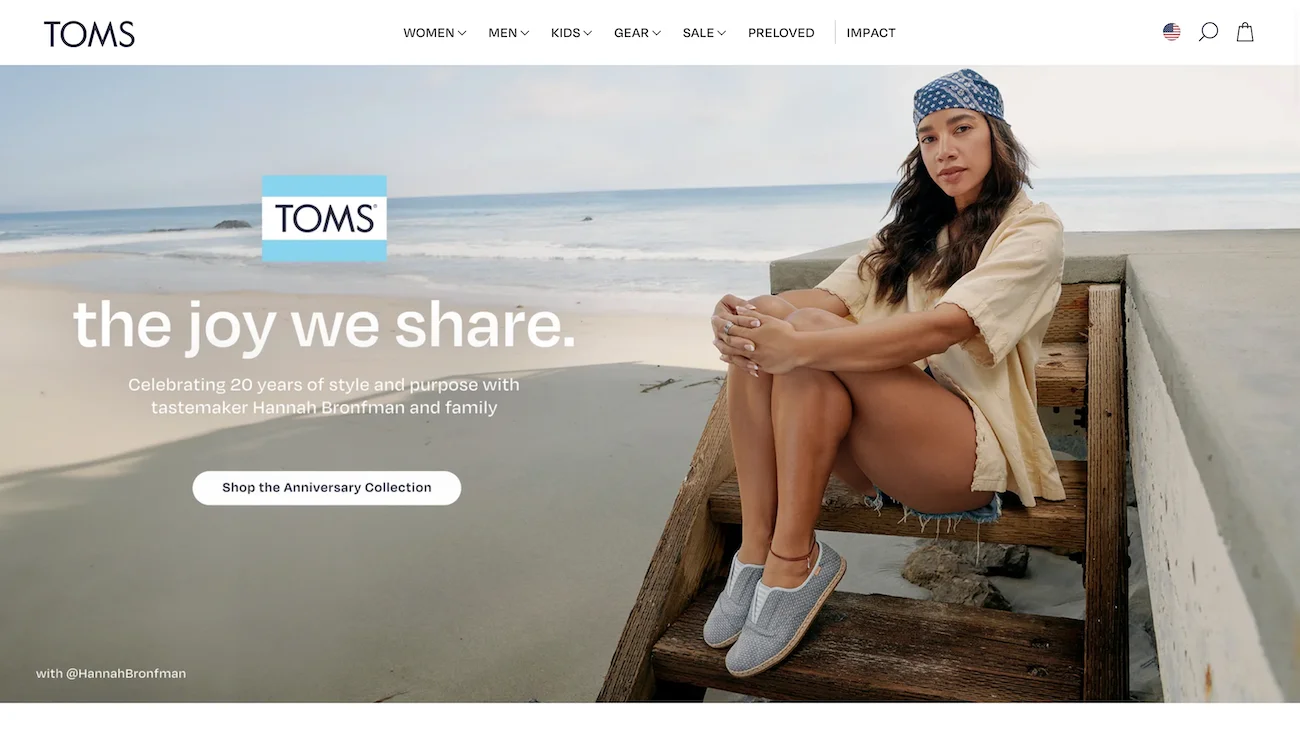
    TOMS migrated from Salesforce Commerce Cloud to Shopify Plus with Hydrogen, driven by three goals: lowering total cost of ownership, improving site performance, and giving their marketing team more control over content.

    The new stack pairs Hydrogen with Builder.io as a headless visual CMS, giving non-technical teams drag-and-drop content management, A/B testing, and personalization across four international storefronts (US, CA, UK, EU) managed from a single admin. The agency CQL delivered the build with a strict 2MB-per-page performance budget to keep load times fast.

    For brands evaluating a move off legacy enterprise platforms like SFCC, TOMS is a useful reference point: the migration delivered lower licensing costs and more operational agility without sacrificing the multi-market complexity the brand requires.

    8. Good American

    Platform: Shopify Plus (Hydrogen) 

    Why they went headless: Inclusive sizing UX

    Good American’s inclusive sizing model (00-32) creates unique UX challenges. Standard product pages with size dropdowns don’t communicate the brand’s commitment to inclusive fashion. 

    The headless frontend lets the team build custom product experiences that center size inclusivity in the browsing and purchasing flow.

    Beyond sizing UX, the headless approach gives Good American faster page loads and more control over how products are merchandised, which is critical for a brand competing in the crowded DTC apparel space.

    9. Amazon

    Platform: Custom microservices architecture 

    Why they went headless: The original API-first commerce

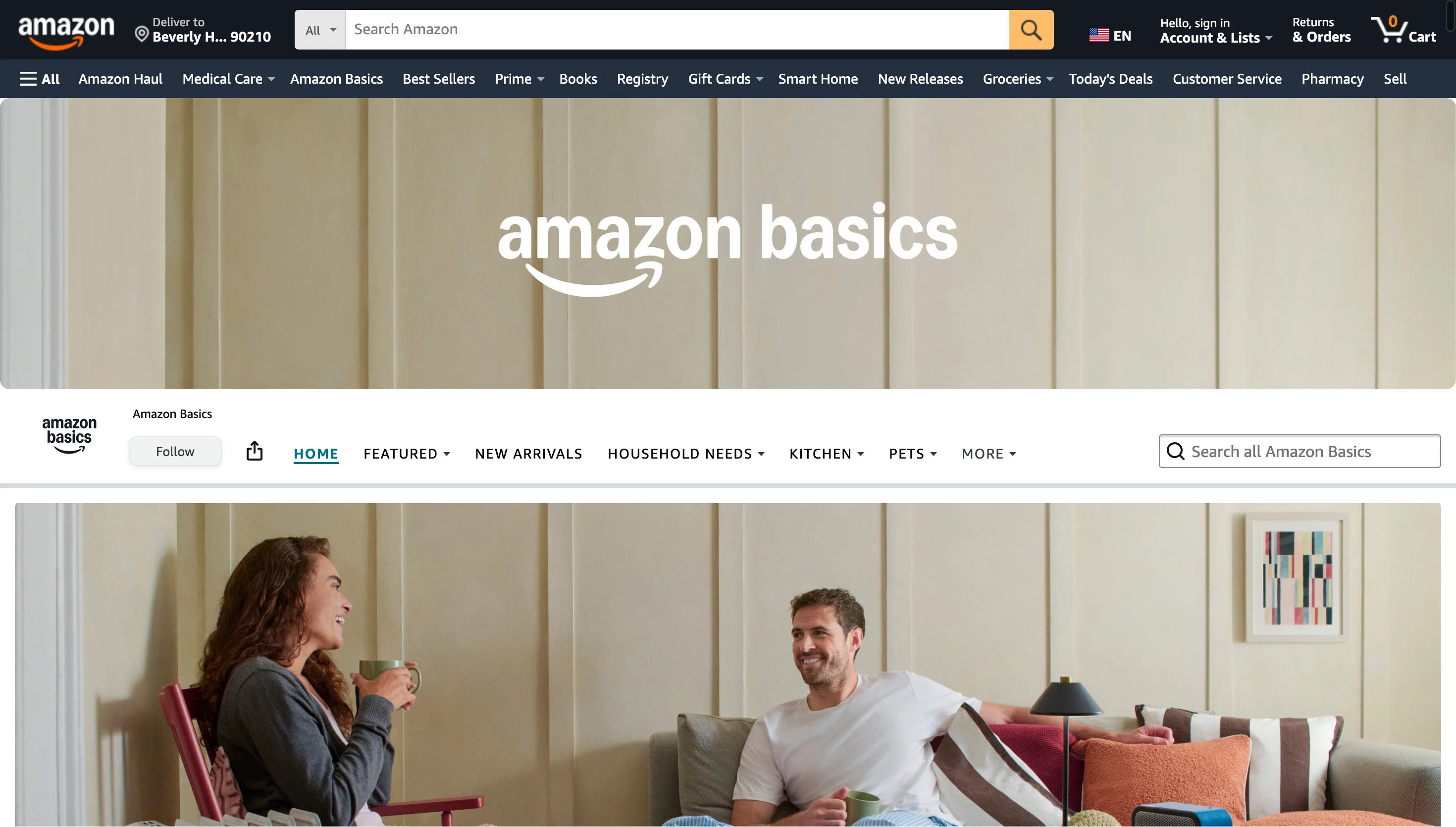
    Amazon was headless before “headless” was a term. Their architecture is built entirely on microservices, with every capability (search, recommendations, cart, checkout, fulfillment) exposed as an independent API. The frontend consumes these services to render the shopping experience.

    This architecture is what allows Amazon to run massively different experiences (marketplace, Prime, Subscribe & Save, Alexa shopping, Amazon Go) all from the same underlying commerce infrastructure. 

    It’s the most extreme example of headless at scale, and the model that inspired the modern headless commerce movement.

    Most ecommerce brands won’t need Amazon-level complexity, but the architectural principle is the same: decouple the backend from the frontend so you can build different experiences for different channels.

    Learn more: How the Amazon App Uses a Hybrid of Native and Web Technologies to Stand Out

    10. Staples Canada

    Platform: Shopify Plus + Contentful (headless CMS)

    Why they went headless: Legacy platform modernization

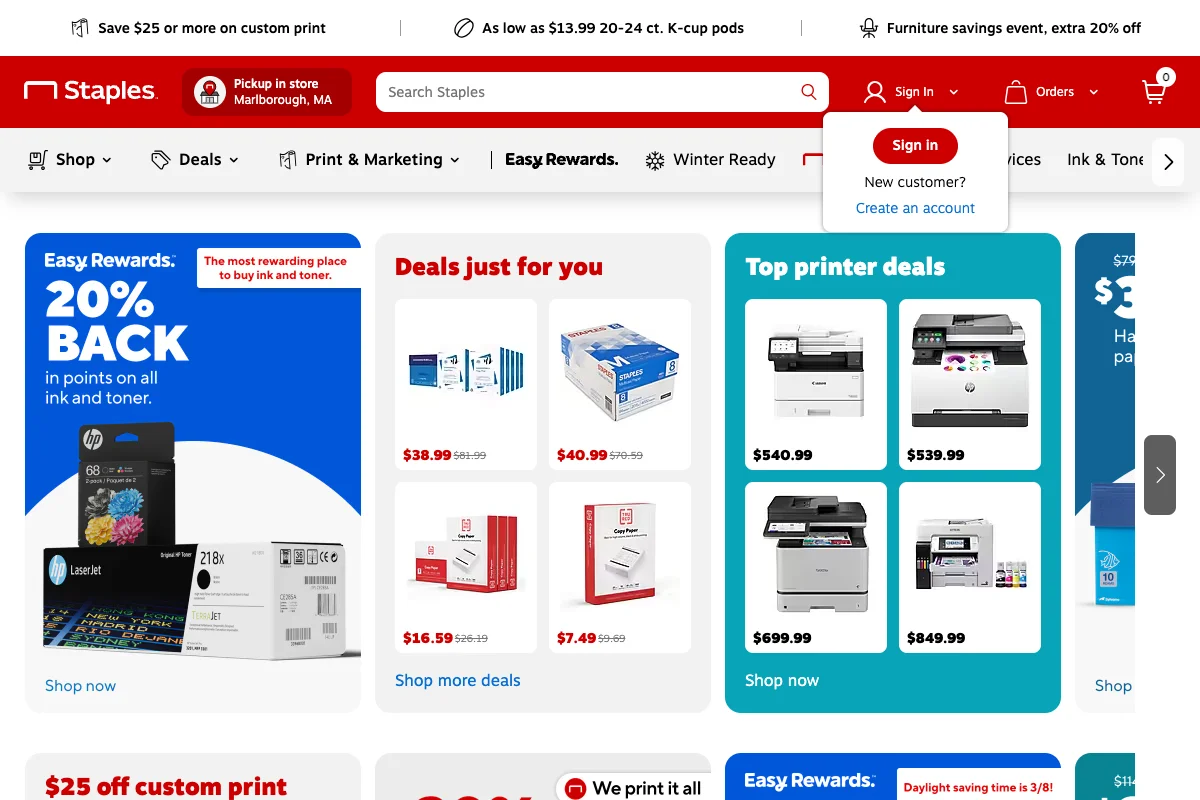
    Staples Canada represents a different headless use case: modernizing a legacy ecommerce platform that was too complex to maintain and failed during traffic spikes.

    After a 2017 corporate split, the team rebuilt on Shopify Plus with Contentful as a headless CMS, Algolia for search, and Bazaarvoice for reviews, completing the migration in under 12 months for roughly half the cost of a Salesforce or SAP Hybris implementation.

    The results were immediate: all-time Black Friday records, 100% uptime during peak traffic, and content publishing times that dropped from 1-2 days to 5 minutes. When COVID hit, the team launched curbside pickup in 72 hours, something the old platform could never have supported.

    Patterns Across These Examples: Why Brands Go Headless

    A few consistent themes stand out:

    Performance is the most common trigger

    Brands go headless because their current setup is too slow, especially on mobile and during traffic spikes. 

    Gymshark, Nike, and SKIMS all cited load time and conversion improvements as primary outcomes.

    Creative control for brand-driven companies

    Burberry, Allbirds, and Good American didn’t go headless for technical reasons alone. They needed frontends that could express their brand in ways that templates couldn’t support.

    Shopify Hydrogen dominates the mid-market

    Five of the ten examples here run on Shopify’s headless framework. For brands on Shopify Plus that need more frontend flexibility, Hydrogen has become the default path. See our Shopify headless commerce guide for more on that.

    The omnichannel bet

    Target’s headless architecture exists to serve multiple channels from one backend. Amazon is famous for their mobile app. Other brands on this list – Nike, Allbirds, Gymshark – are everywhere.

    For brands of this size – or brands led by Kim Kardashian – the resources are there to build and maintain a separate mobile UI.

    But for others – or even for enterprise brands that just don’t see the need in adding the complexity of managing different UIs with different dev teams – mobile apps are still a gap in the omnichannel strategy.

    That’s a gap Vendrux helps close by allowing brands to extend their headless web storefront into native iOS and Android apps.

    Want to see more about how Vendrux works, and how it fits into your omnichannel strategy? Click here to dive deeper.

    What These Brands Have in Common

    Every brand on this list reached a point where the standard approach wasn’t enough. The template was too limiting, the page load was too slow, the platform couldn’t serve a second channel, or the checkout couldn’t be customized.

    That’s the real test for whether headless makes sense: not whether the architecture is trendy, but whether your current setup is actively holding back the experience you want to deliver.