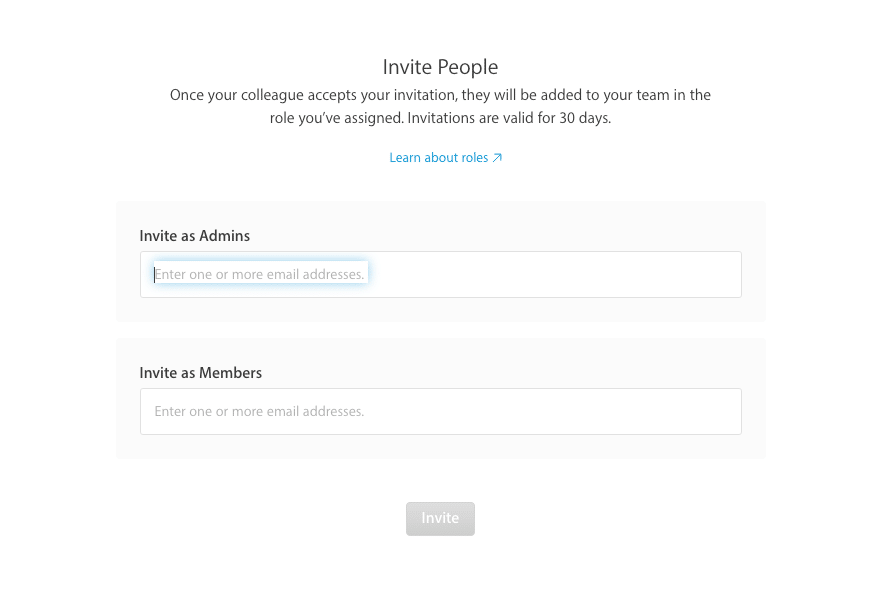
To access your account, a new admin user will need to be invited.
To invite team members
- Sign in to developer.apple.com/account, and click People.
- Click Invite People.
- Enter the email address of the person you want to invite as an Admin in the top section
- Click Invite.

Leave a Reply