On the sidebar of your WordPress admin pages, Click on the Vendrux plugin.
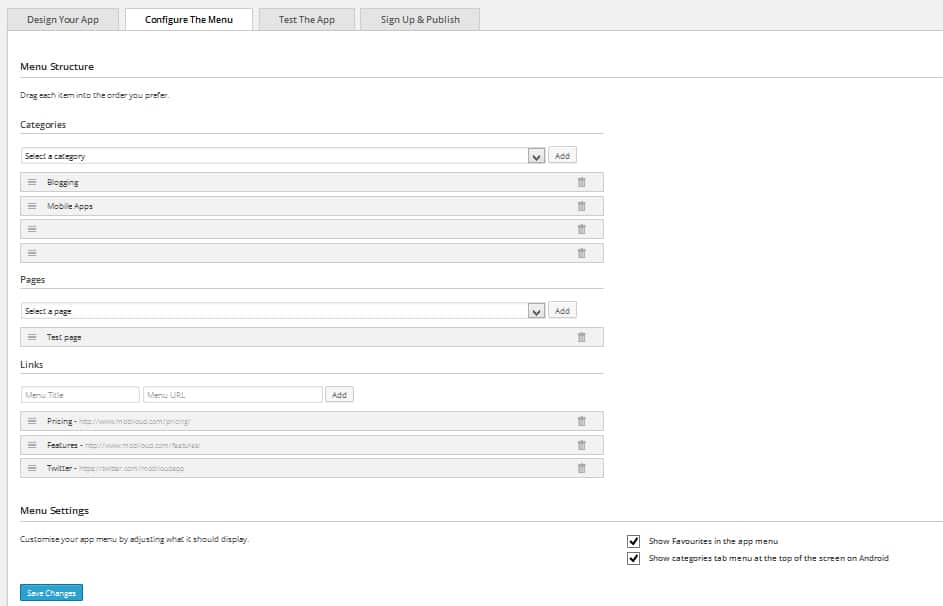
- Click on the Menu Configuration tab.
- You will be given the option to add a Categories, Pages and Links.
- You can easily remove items from the menu and reorder them by dragging each item.
- Don’t forget to hit Save Changes!
You might need to force close the app and reopen it to see changes taking effect, as the menu configuration is cached.

Leave a Reply