Under the “Colors” area of your Vendrux Dashboard you will be able to customize the color of certain elements in your app, including:
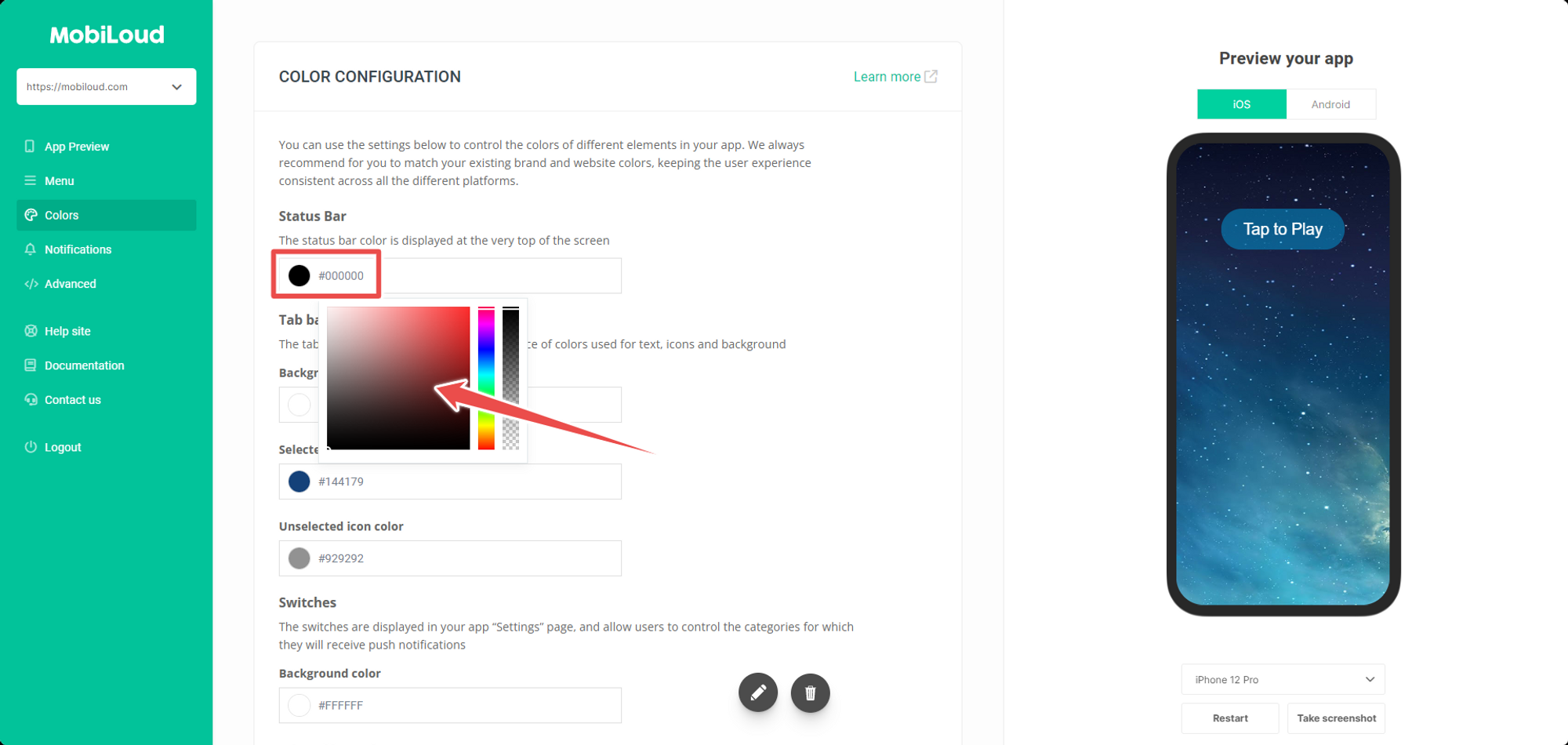
Changing colors is extremely simple, for each element you just need to click on the corresponding circle and pick the color you want to use:
.png)
Make sure to pick colors that match your branding and the colors of your website, this helps with keeping the app interface consistent and pleasant to the eyes of your users.
Leave a Reply