In your Google Developer Console, you will be able to track your Android app usage.
1 – Log into your Google Developer Console account
You can login using this link: https://play.google.com/console/
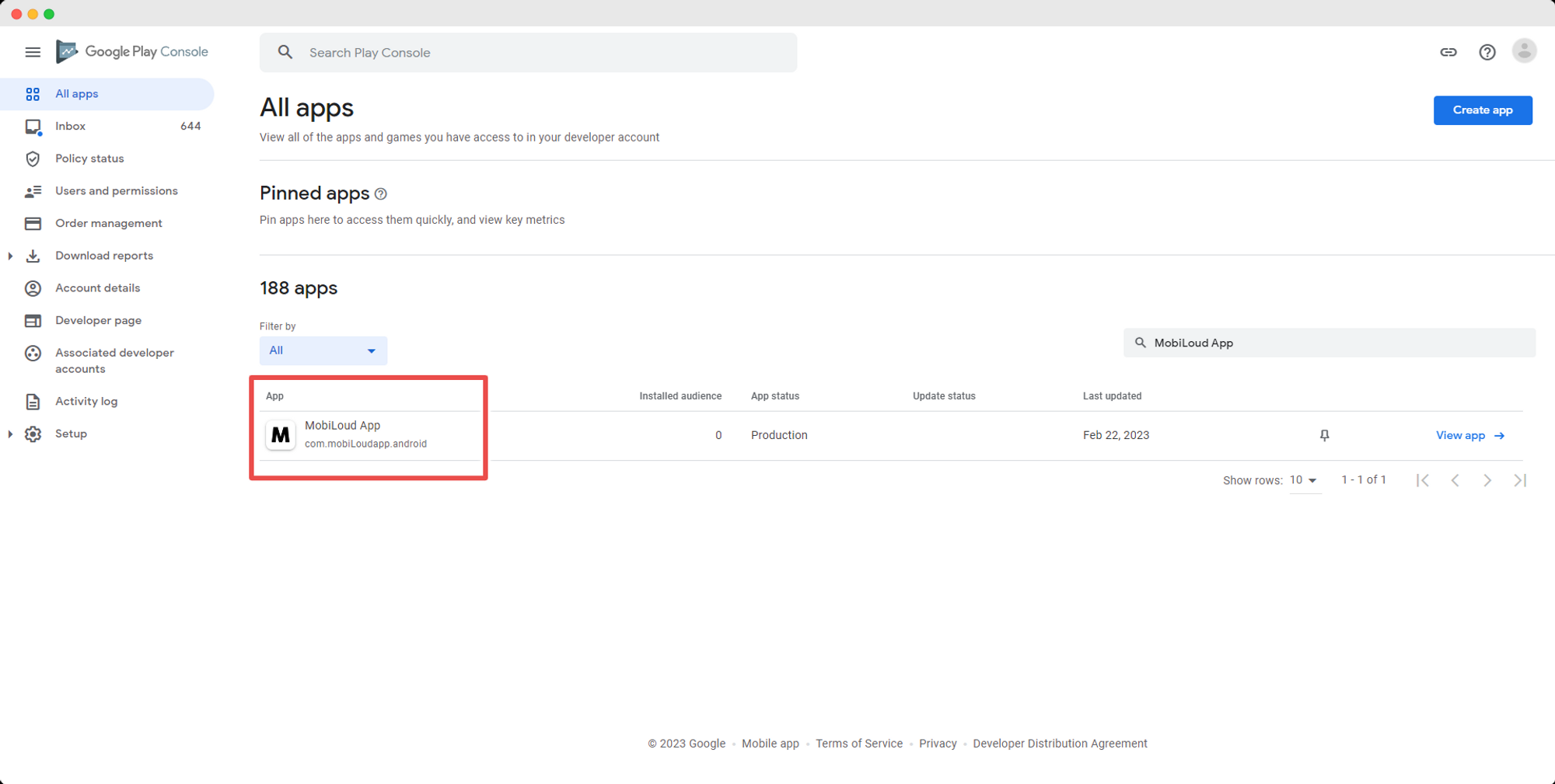
2 – Select your app from the list of available apps
.png)
3 – Navigate to the Statistics tab in the left-hand menu
.png)
4 – Usage information
Under the “Statistics” area you can find your app usage details, you can change the period as well as the metrics using the different options on that page:
.png)
Leave a Reply