After registering for your Firebase account and creating your first project you will want to invite users to your account.
Open your Firebase Console here: https://console.firebase.google.com/
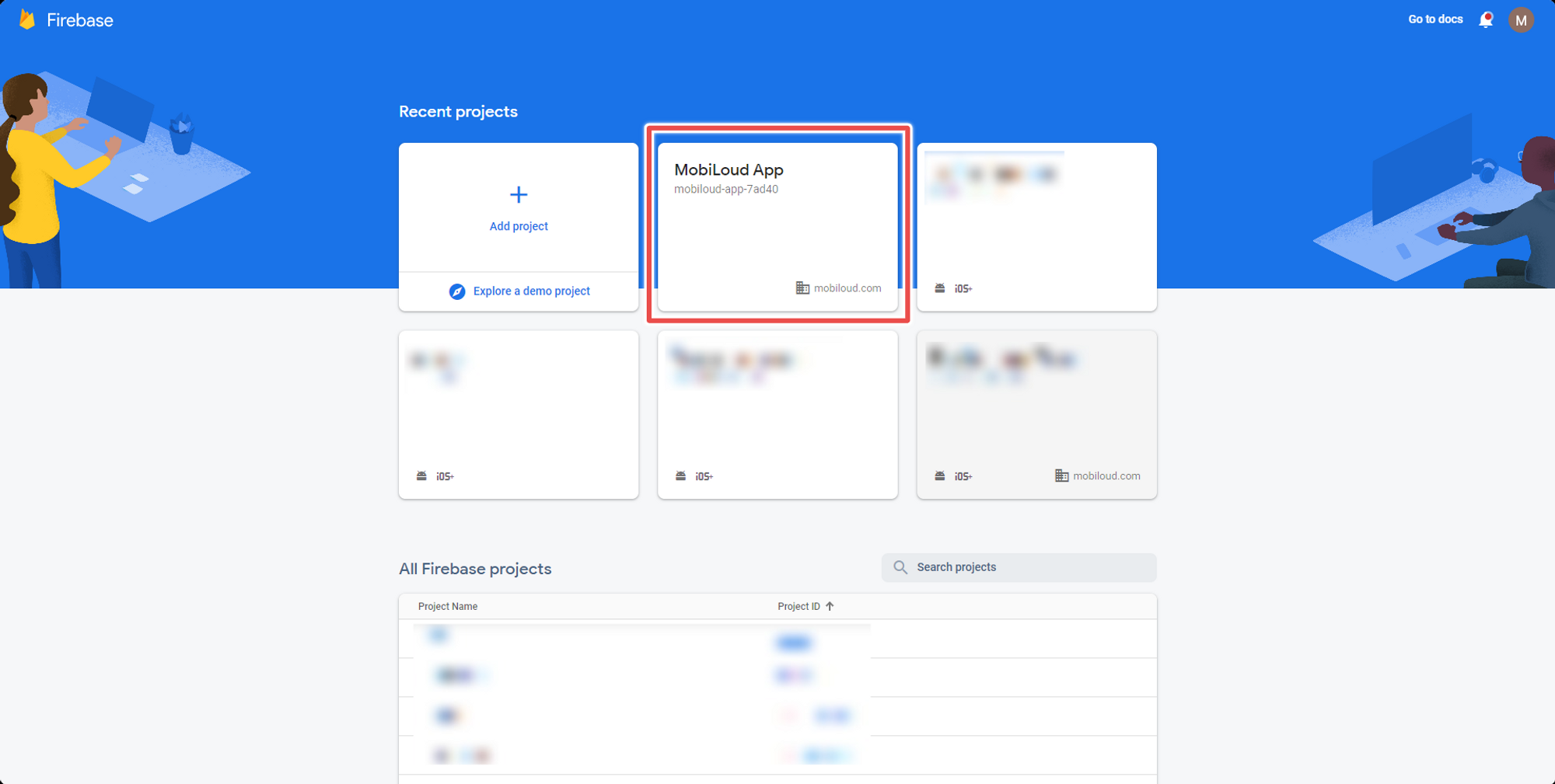
1 – Select your app from the list
Click on the project to which you would like to invite users for:
.png)
2 – Click the “gear” icon and then “Users and permissions”
On the left sidebar you will see a gear icon, click on it and then select “Users and permissions”:
.png)
3 – Click “Add member”
You can now click on the “Add member” button on the right side of the screen:
.png)
4 – Fill in the user details and invite
Fill in the user email and the role (you will want to use owner for Vendrux). Once you are done, click “Add member”.

Done! The user will receive an invitation via email.
Leave a Reply