Now that you have registered for your OneSignal account and created your OneSignal app, you will want to invite Vendrux to your account so we can configure your app accordingly.
Access https://dashboard.onesignal.com/apps and select the OneSignal app to which you would like to invite us to.
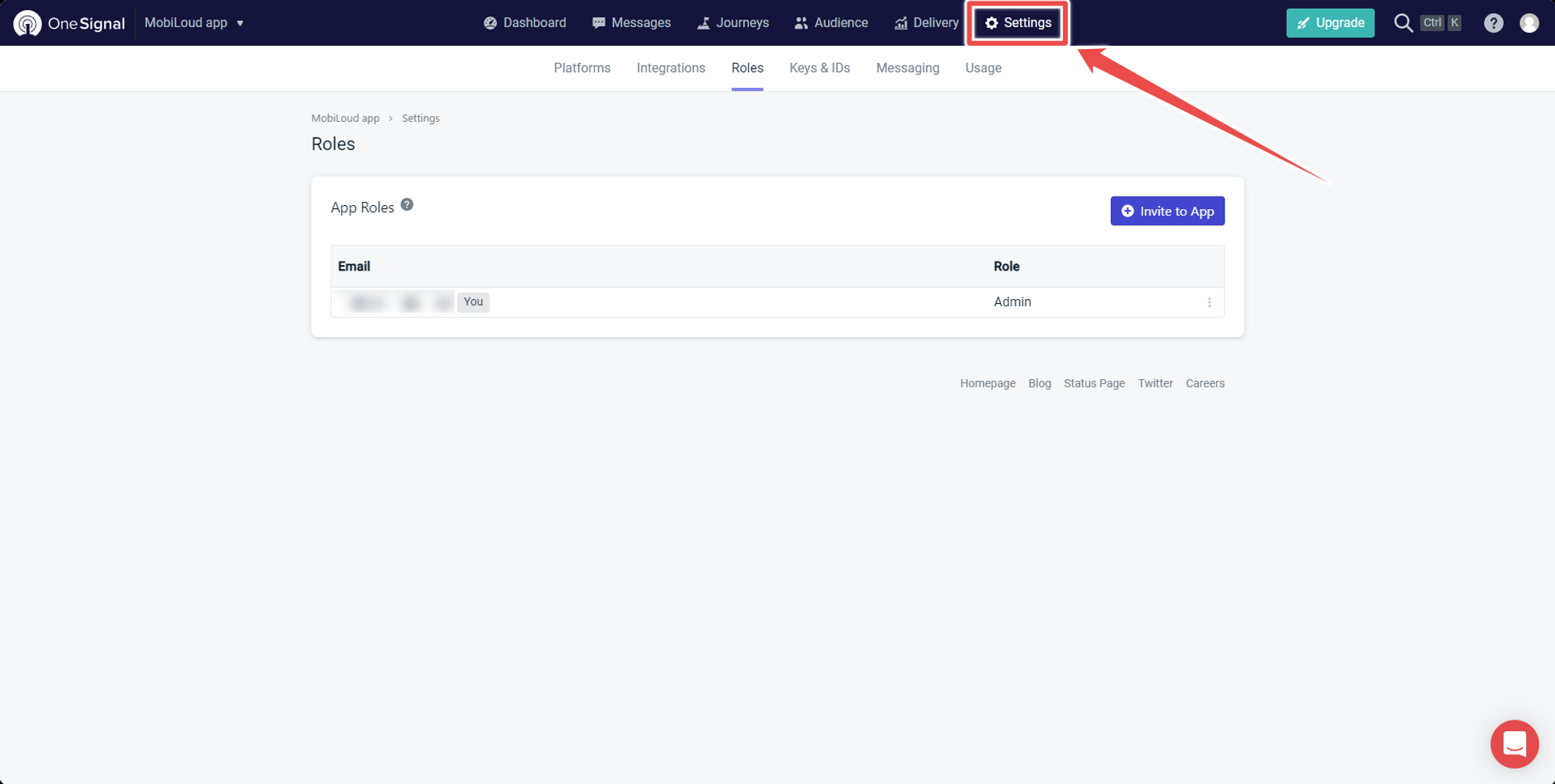
1 – Go to “Settings”
On the top menu select “Settings”:
.png)
2 – Select “Roles”
Now on the submenu below “Settings” click on “Roles”:
.png)
3 – Click “Invite to App”
To add a new user click “Invite to App” on the right side of the screen:
.png)
4 – Fill in the user details and click “Invite”
.png)
Leave a Reply