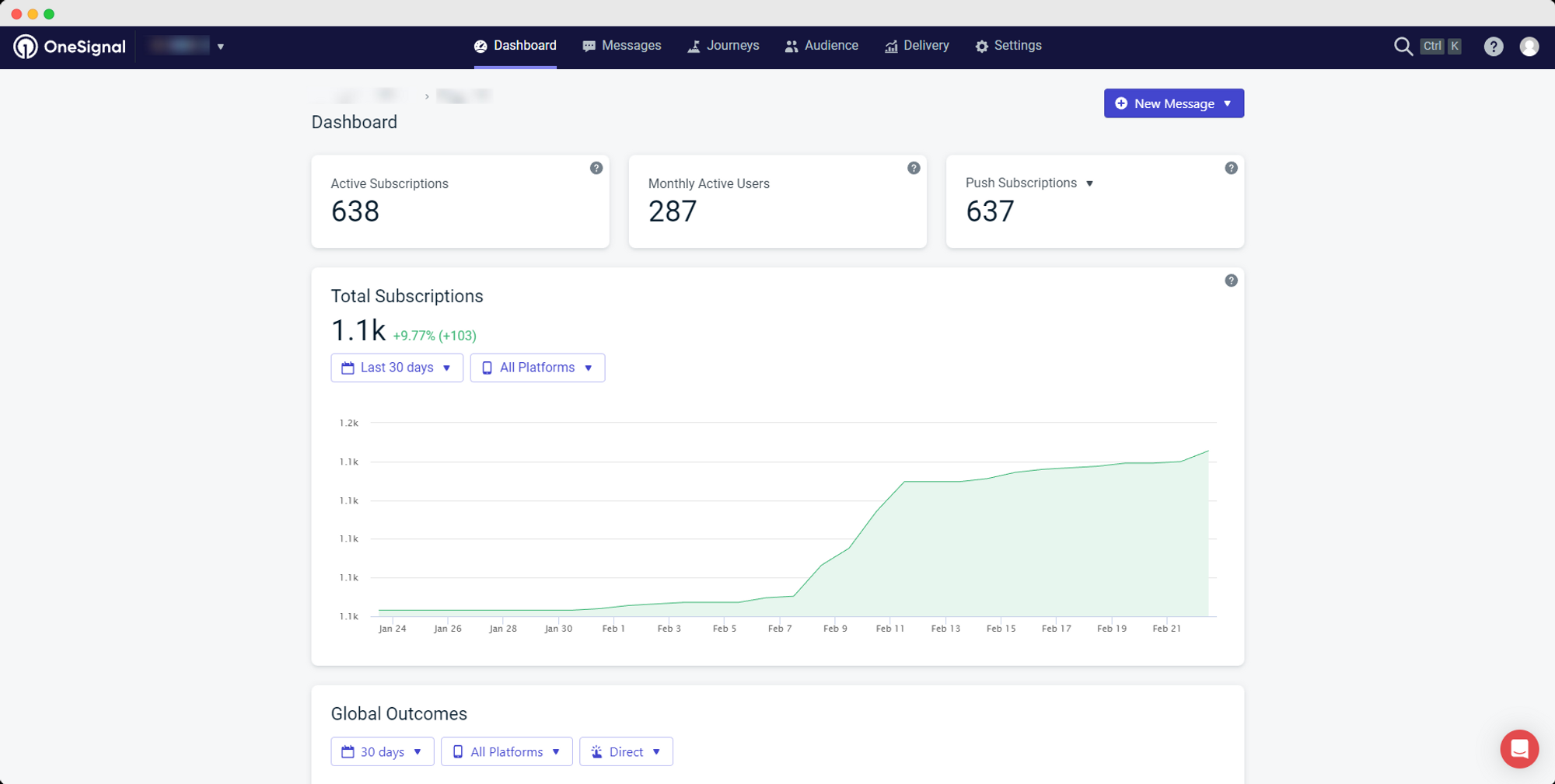
OneSignal provides accurate information about how many users have subscribed to receive push notifications on your app, and how many of these users are active on a monthly basis.
1 – Login to your OneSignal account
Go to https://dashboard.onesignal.com/login and login to your account
2 – Select your app
After logging in, click on the app for which you want to see the usage information
3 – Usage information
Right after selecting your app, OneSignal will display general usage information about your app, as you can see below:
.png)
These are the metrics you want to be looking into:
Monthly Active Users: an estimate of the number of users who have used your app in the last 30 days. Examples of activity include opening a notification, opening the app, and receiving tags from the app.
Push Subscriptions: this number is the total count of active push subscriptions
Leave a Reply