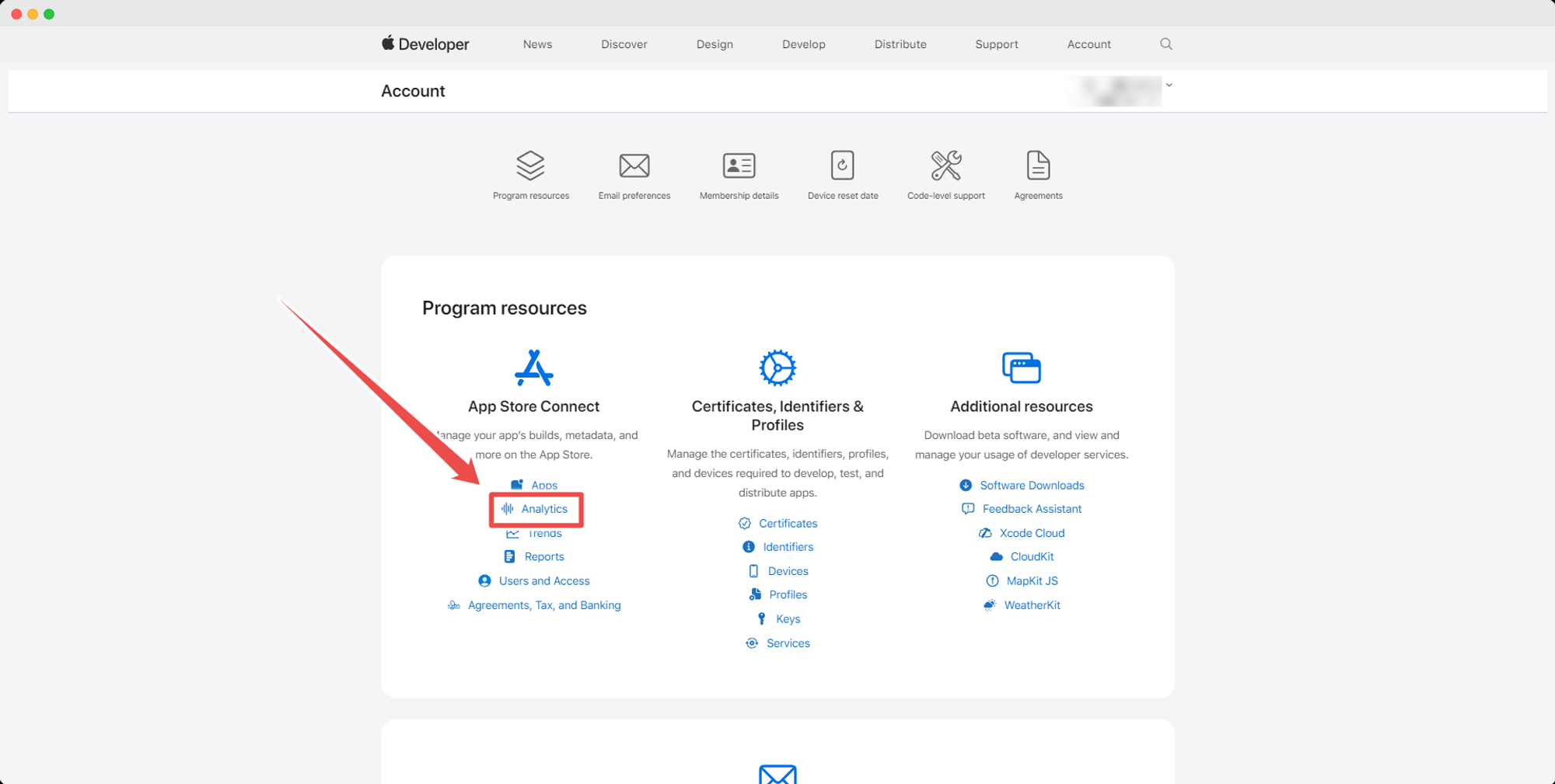
Through your Apple Developer Account, you will be able to track iOS-specific usage of your app.
1 – Log in to your Apple Developer Account
You can log in from this URL: https://developer.apple.com/account/
2 – Select the “App Analytics” tab
.png)
3 – Select the app you want to see analytics for
.png)
4 – Analytics Information
On the “Overview” tab you will be able to see details about your app usage within a given period:
.png)
Leave a Reply