Author: Vendrux

  • The Ultimate Guide to Push Notifications with Klaviyo

    The Ultimate Guide to Push Notifications with Klaviyo

    In this article we’re going to walk you through everything there is to know about using Klaviyo for push notifications – from why Klaviyo + Vendrux is the perfect combination, to actionable advice on setting up powerful flows and segmented push notification campaigns in Klaviyo to drive engagement and revenue.

    Keep reading for more!

    If you don’t have your own app yet, and want to learn how easy it is to build and launch an app with Vendrux, get in touch with us for a free consultation now!

    Why Vendrux’s Klaviyo Integration is Perfect for Brands Starting with Push Notifications

    There are a number of great push notification services available today. But Klaviyo adding push notifications to their platform makes it the easiest way for many brands to start out.

    Klaviyo is probably the most popular email marketing platform for eCommerce stores already. If you’re on a paid Klaviyo plan, you’ll have access to push notifications as well, meaning you don’t need to sign up for another service.

    It’s also extremely valuable to have your email and push (and SMS, if you’re using this channel) in the same place. 

    You want these channels to work in combination with each other, and being able to set up flows that touch customers on multiple channels is a huge plus.

    Vendrux’s Klaviyo integration makes getting started even easier. 

    Our apps (check out some examples of brands we’ve worked with here) have a native integration with Klaviyo for push notifications, meaning we’ll set up all the necessary code to integrate your app with Klaviyo’s push feature.

    As soon as your app is live, you’ll be able to start reaching out to customers with push notifications, with no extra dev work on your end, and no extra channels or platforms to juggle.

    Setting Up Push Notifications with Klaviyo

    If you’re already using Klaviyo for email marketing, there’s essentially nothing extra required to start using push notifications.

    You should have Klaviyo integrated with your website already, perhaps via code, or their Shopify app.

    Since Vendrux directly converts your website into an app, this integration remains intact in your mobile app (as well as any other tools, features or integrations from your website).

    Our native integration takes it a step further, though, directly integrating your app with Klaviyo for push notifications.

    We do all of this for you when we build your apps. There’s nothing for you to do, and once your app goes live, push notifications will be ready to go.

    Push notification opt-in prompt

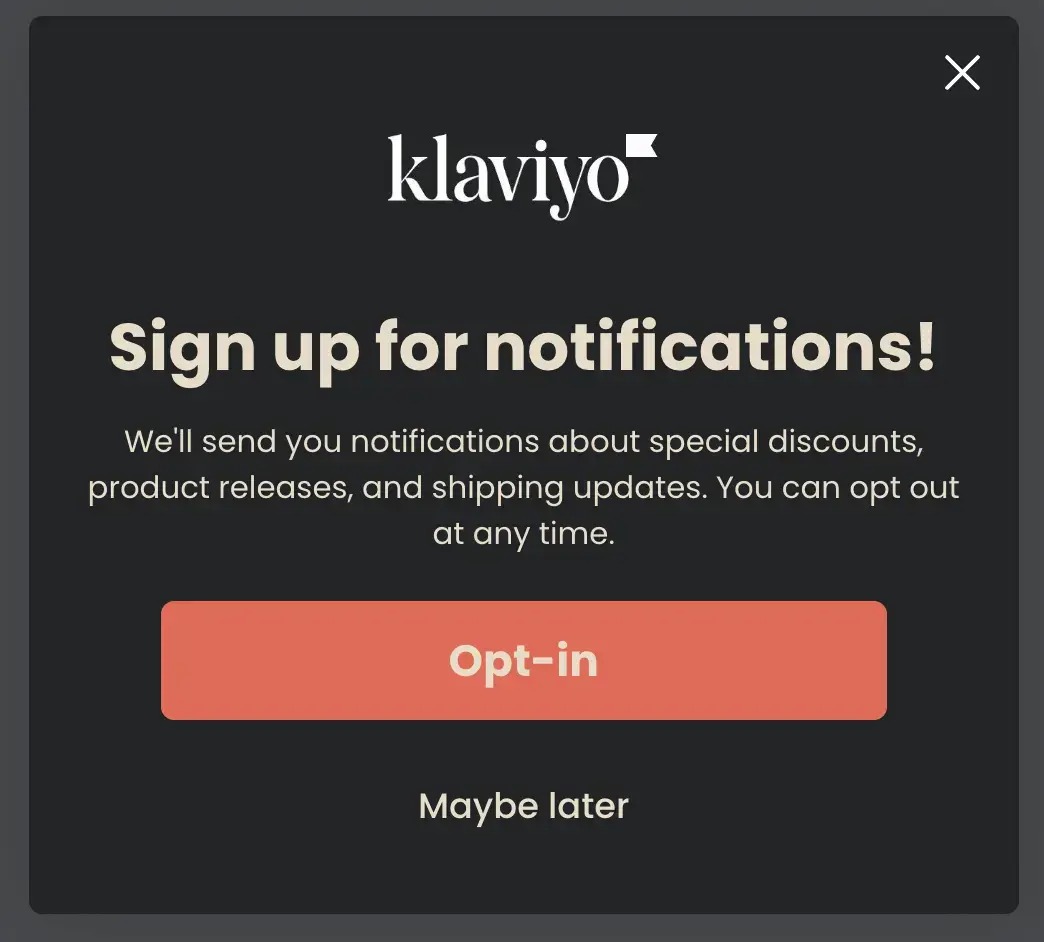
    All you need to do is configure your opt-in prompt, to ensure app users give their consent to receiving push notifications.

    Klaviyo allows you to set up a custom prompt, like this example from Klaviyo’s docs

    __wf_reserved_inherit

    Your custom prompt will be followed by the operating system’s native prompt:

    __wf_reserved_inherit

    How to Send Your First Push Campaign

    Once your app is live, and push notifications are set up, you can start sending push notifications to subscribed users.

    Here’s a basic walkthrough for sending a one-off push notification campaign in Klavyio.

    First, click on “Campaigns” in the left sidebar.

    __wf_reserved_inherit

    This will contain all your campaigns, including email and SMS as well.

    To start a new campaign, click the “Create Campaign” button, and choose “Push” as the campaign type.

    __wf_reserved_inherit

    Fill out the basic information about your campaign, and choose who to send it to (you could send it to all push subscribers, or a specific segment – we’ll discuss segmentation a little later).

    __wf_reserved_inherit

    Now set up the content for your notification, including the title, body and image (title and image are optional, though recommended for best results).

    __wf_reserved_inherit

    Specify the behavior settings for your notification, including the action that should happen when the user taps on the notification (we recommend you deep link to a certain page on your site).

    __wf_reserved_inherit

    Finally, hit “Save & continue”, review the details about your campaign, and either send it immediately or schedule for a specific time.

    __wf_reserved_inherit
    __wf_reserved_inherit
    __wf_reserved_inherit

    Sending a one-off push notification is fairly straightforward. There are some times you’ll want to send one-off campaigns like this, but for the most part, Klaviyo’s push notifications become particularly powerful when you utilize their advanced triggers and flows, which we’ll walk you through shortly.

    Different Ways to Use Push Notifications

    Once your mobile app is live, and you’re set up and ready to send push notifications in your Klaviyo account, there’s a plethora of ways you can use push notifications to boost engagement, retention and revenue.

    Here are some ideas:

    Sales and discounts
    Push notifications can alert users to limited-time deals, exclusive offers, and flash sales. This not only drives immediate traffic but also encourages impulse purchases.

    Product releases
    Notify users when new products or features become available, keeping your audience updated and driving excitement for your latest offerings.

    Events and holiday promotions
    Push notifications are perfect for promoting special events or holiday-themed sales (such as Black Friday, Halloween, Easter, Christmas, Father’s Day/Mother’s Day), reminding users of key dates and using the natural excitement of the holidays to generate engagement.

    Personalized campaigns based on browsing behavior
    Leverage user data to send targeted notifications about products or content they’ve shown interest in, enhancing relevance and boosting conversion rates.

    Abandoned cart notifications
    Remind users about items left in their cart, incentivizing them to complete the purchase with offers like free shipping or discounts.

    In-app minigames and contests
    Engage users with notifications about fun activities like contests or games within your app, enhancing user interaction and retention.

    Re-engagement campaigns
    Send notifications to users who haven’t opened the app in a while, offering incentives or reminders to bring them back to your app.

    App onboarding
    Help new users get familiar with your app by sending onboarding messages that guide them through key features and setup steps, or simply send a “welcome” message to condition them to look out for more push notifications in the future.

    Feedback requests
    Use push notifications to request user feedback, including product reviews, after a purchase or interaction.

    Shipping updates
    Keep users informed about their orders with real-time shipping and delivery updates, enhancing the post-purchase experience.

    Customer service updates
    Notify users when their support requests are updated or resolved, improving communication and satisfaction with your customer service.

    Rewards and loyalty program updates
    Push notifications can remind users about points earned, reward milestones, or new perks available in your loyalty program, which drives engagement and excitement and hammers home the benefits they get from participating in the program.

    How to Craft Effective Push Notifications

    How you craft your push notifications can have a sizable impact on visibility and reaction rates, and the overall effectiveness of your campaign.

    Here are a few tips on getting the most out of your push notifications:

    Short, concise copy

    Push notifications are an extremely short form of communication. At max, you have the following character limits:

    • Android: 65 characters for the title, 240 for the description
    • iOS: 178 characters total

    Anything over this amount will get cut off.

    That’s why you need to keep your message brief and to the point. There’s no space to write paragraphs. Use as few words as possible, and inject action-oriented verbs to inspire immediate engagement, such as “Shop Now”, “Unlock Your Offer”, or “Join the Sale.”

    __wf_reserved_inherit

    Use emojis and rich media

    Emojis are shown to increase push notification reaction rates by 20%, while push notifications with rich media (e.g. images, videos) have a 56% higher open rate on average.

    Emojis and rich media make your push notifications stand out more, and often communicate more than your copy can in the limited space you have to work with.

    __wf_reserved_inherit

    Sounds and badge notifications

    With Klaviyo’s push notifications, you have the option to choose (for recipients on iOS) whether or not your notifications make a sound when delivered, and whether there’s a badge displayed on your app’s icon when the user has a new notification.

    __wf_reserved_inherit

    It’s up to you how you want to do this – enabling both will decrease the chance of your notifications being missed or ignored, though it will also make them more intrusive, which may slightly increase the likelihood that the user will disable notifications.

    That said, users can simply disable sounds/badges, without disabling notifications altogether, so the risk seems pretty low.

    __wf_reserved_inherit

    With that in mind, enabling these features on your push notifications could provide a nice boost in engagement.

    Timing and frequency

    There’s a lot said about how many push notifications is too many, and the risk of over-sending, and causing the user to disable notifications (or delete the app entirely).

    While this can happen, more brands are guilty of sending too few notifications than too many.

    Data shows that retail apps have 2-5x higher retention rates when sending weekly notifications, and 3-6x higher retention rates when sending daily push notifications.

    Some brands, like Temu and Shein, take this to the extreme, sending 5-10 notifications per day. While this might not be ideal for all brands, it does do a great job of keeping the app top-of-mind.

    __wf_reserved_inherit

    You might not want to send this many, but consider sending multiple notifications per week at least.

    As for timing, experiment with different times and see what generates the best results (though you’ll probably want to avoid sending push notifications overnight, which may upset your users, especially if you have sounds enabled).

    With Vendrux and Klaviyo’s deep integration with your store, it will be easy to track results and see which notifications, sent at which time, have the highest visibility and drive the most revenue.

    Personalization

    It’s best practice to personalize your push notifications wherever possible.

    The easiest way to do this is by adding your recipient’s name to the message (e.g. “Andrew, check out our new product drop!”).

    __wf_reserved_inherit

    You can go further and send targeted notifications based on the user’s activity and preferences, such as personal recommendations based on the kind of products a user tends to browse or buy most often.

    Personalized push notifications have 4x higher reaction rates, while advanced targeting methods are shown to increase retention rates by up to 3x, so it’s worth it to spend some time to make your campaigns more personal and relevant to the user.

    Check out this article for more on effective personalization strategies for push notifications.

    Deep linking

    Finally, in most cases you’ll want to enable deep links from your notification.

    A deep link is when tapping on the notification sends the user to a specific page in the app, rather than the homepage of the app (which is the default behavior).

    If you’re sending a notification for a specific product, or encouraging a specific action (e.g. a new product drop, or an abandoned cart notification), you’ll get higher conversion rates if you send the user directly to the page or action screen.

    Leveling Up Your Push Notification Strategy with Klaviyo’s Advanced Features

    You can have great results with simple, vanilla, one-off push notification campaigns. And if you’re not using any kind of push notifications yet, something as simple as sending a single manual broadcast each week is a great way to start, and should increase your app’s visibility and usage rate.

    But Klaviyo is billed as a “marketing automation platform”, and there’s so much more potential for what you can do than just sending basic, manual broadcasts.

    Once you’ve gotten your feet wet with push notifications, you’ll want to explore Klaviyo’s full feature set, and see how you can use these features (in combination with Vendrux’s native integration) to level up your push notification strategy.

    Here are some things you can do that will make push a truly pivotal tool for your business.

    User segments

    Segmenting users is a powerful way to serve hyper-relevant push notifications that convert at a higher rate.

    With the wealth of data that Klaviyo provides for you, there are endless possibilities for user segments to create.

    You can segment users based on:

    • Interests (e.g. different product categories purchased)
    • Demographics
    • Purchase frequency
    • Lifetime value
    • Engagement rate

    …and more.

    To create a segment, from your Klaviyo dashboard, click “Lists & segments”, under the “Audience” section in the sidebar.

    You’ll be able to view all your lists and segments here. Click the “Create New” button, then select “Create segment” from the dropdown to create a new segment.

    Finish up by naming your segment and defining the conditions for which users will be included in the segment.

    Event-triggered push notifications

    The ROI on push notifications grows significantly when you start automating your push notifications, with messages triggered by certain events.

    __wf_reserved_inherit

    Sometimes known as transactional push notifications, these messages are automatically sent in response to a specific action from the user, such as an abandoned cart, or a purchase.

    Automated, triggered notifications tend to be much more relevant and timely than a generic broadcast message, and thus are usually more effective.

    To set up triggered push notifications, go to the “Flows” tab, and create a new flow. 

    In your flow, you can define the event to trigger your flow, and segments or conditions to include/exclude from your flow, timing, and different messages to send.

    __wf_reserved_inherit
    Example of an abandoned cart email flow, via Klaviyo’s docs. You can set up the same kind of sequence with push notifications.

    For example, you could set up an abandoned cart notification that gets triggered when someone starts the checkout process, waits a few hours, and sends a notification if they didn’t complete their purchase.

    Triggered flows and notifications are so effective because they work in the background, continuously running to serve timely push notifications that drive extra sales, with very little labor required once initially set up.

    A simple abandoned cart notification like the example above can easily recapture at least 10-15% of otherwise lost carts, fully on autopilot.

    __wf_reserved_inherit

    Omnichannel Flows

    Another powerful part of the Klaviyo platform is how it allows you to combine multiple channels in your flows, and reach customers on multiple touchpoints.

    You can set up flows that include push notifications, emails and SMS. And if your user is subscribed to all three, you can reach them on each channel, all in the same campaign.

    With a Black Friday campaign, for example, you might start with an email, followed later by a push notification, followed again by an SMS “last chance” message when the sale is about to end.

    Or, you might set up an abandoned cart campaign, which sends a push notification, and then an email to follow up if the user didn’t react to the push notification.

    You could also set up flows that direct different segments through different paths, depending on the channel they’re most likely to engage with.

    There are some incredible possibilities for what you can set up with Klaviyo’s flows. By using email, push and SMS in combination, you can increase visibility for your campaigns, reach each customer where they’re most likely to respond, and ultimately get much better returns on your marketing efforts.

    Analysis and iteration

    Klaviyo is an amazing platform for the analytics they provide, and how it’s able to link your revenue back to specific channels, campaigns and flows.

    __wf_reserved_inherit

    You’ll want to make use of the data provided by Klaviyo to analyze how your push notification marketing is performing, and make constant improvements to get better results.

    For each campaign or flow you create, check up on the revenue generated (or other relevant metrics, such as engagement/clicks, conversion rate), as well as deeper insights, such as which type of messages, which segments, or which stages of your flows get the best results.

    For example, you might find that you get much higher engagement from promo campaigns sent to a certain segment, or it might turn out that people are more likely to take action after receiving multiple push notifications in a flow.

    Use these insights to craft future campaigns and alter your flows to improve future results, by making decisions based on hard data, rather than hunches and assumptions.

    Scaling Push Notifications

    Once you’ve started implementing push notifications, and iterated on your strategy to figure out the ideal formula for optimal returns, the biggest challenge becomes scaling your push notifications.

    Scaling tends to be one of the biggest barriers for brands with push notifications, as your reach is limited, not just to app users, but to app users who have push notifications enabled.

    In comparison, it’s much easier to build a large email list and contact tens, or hundreds of thousands of people with your emails (though a lower percentage of your emails will be seen).

    So the next step is to figure out how to increase the reach of your push notifications.

    You can do this by:

    • Getting more people to download your app, through app-specific promotions, first-time discounts for app users, and promoting your app in other channels, such as email.
    • Optimizing your opt-in message at the right time to increase push subscribers.
    • Minimizing the opt-out rate of your push subscribers, by always delivering value in your push notifications and optimizing your sending frequency.
    __wf_reserved_inherit

    The best part is that the cost of push notifications doesn’t scale as much as the potential return, as your subscriber base grows.

    If you can effectively boost reach for your push notifications, this channel can deliver a truly incredible ROI, massively reducing your reliance on paid acquisition channels, and providing a big boost to cash flow and profitability.

    3 Steps to Get Started with Klaviyo & Push Notifications

    Any eCommerce brand that isn’t using push notifications is missing out.

    Push notifications are a cheap and effective way to communicate with your customers and drive sales. The biggest barrier of entry is building your own app – but this is relatively simple with Vendrux (and there are numerous additional benefits to launching an app besides only push notifications).

    If you’re intrigued by the potential of push notifications, and perhaps already using Klaviyo for email marketing, here’s how to add push notifications to your toolbox:

    1. Get a free consultation with the Vendrux team’s app experts, to discuss the goals for your brand and how Vendrux fits in.
    2. Let us build and launch your app, which will include everything that works on your website, and push notification functionality built in.
    3. Start onboarding your customers to the app.

    That’s it. All the setup is done for you, and once you start getting app users, everything will be there for you to start building complex and powerful Klaviyo flows, with automated push notifications.

    The Final Word

    For more, you can check out our documentation on Klaviyo, as well as Klaviyo’s help center for push notifications.

    To learn more about how Vendrux works, and what’s possible with our platform, check out these case studies of successful, high-revenue brands who launched apps with us, or read more about why our approach is the ideal way for eCommerce brands to build mobile apps.

    If you want to discuss in more detail with one of our team of eCommerce experts, get in touch for a free consultation now.

    With Vendrux, Klaviyo, and the amazing power of push notifications, you can take your business to new heights, and be at the crest of the mobile commerce revolution.
  • How to Increase Customer Loyalty and Retention With a Mobile App

    How to Increase Customer Loyalty and Retention With a Mobile App

    Mobile commerce is on the rise: a trillion-dollar industry worldwide, and shopping apps specifically generate more than $33 billion dollars per year in the US alone, growing by 15-20% every year.

    More and more brands today have their own mobile app. For good reason; apps have a 157% higher conversion rate than mobile websites, and app users view 4.2x as many products per session than website users.

    Apps also have an amazing effect on customer loyalty, getting your existing customers to feel a deeper connection with your brand, coming back to shop with you more often.

    Keep reading and we’ll explain how this works, a few actionable strategies to use your mobile app to boost customer loyalty, and how to build your own app if you don’t have one already.

    How a Mobile App Can Increase Customer Loyalty

    Why are mobile apps so great for customer loyalty?

    Apps are inherently positive for loyalty and retention, as they give you a semi-permanent touchpoint with your customers, as opposed to a website where you disappear once they close the browser tab.

    There are also a lot more possibilities for what you can do to cultivate loyalty with a mobile app, such as push notifications and more access to customer data.

    Let’s explore a little further. Here are a few reasons why mobile apps result in higher customer loyalty:

    • Your store and your brand can stay top of mind, with an app icon on your customer’s phone and push notifications appearing on their lock screen.
    • You simplify the shopping experience with a more mobile-friendly UX, making customers more likely to come back and shop with you again.
    • Increased convenience (customers can get in with one tap, navigate with fewer distractions and shop from anywhere) also makes it more likely to see repeat shoppers that grow into loyal fans.
    • Apps let you provide better customer service, through a more direct communication channel with your customers.
    • Since an app is a channel you own outright, you have the ability to collect first-party data, which you can use to better understand your customers and build a more personalized shopping experience.
    • There is a subconscious effect on the customer when they download an app, where this action alone makes them feel a deeper connection with your brand.

    Part of this comes with the package when you launch an app for your customers, but part has to be nurtured. 

    Keep reading to the next section and we’ll walk through some steps you can take to use your app to foster deeper loyalty from your customers.

    7 Ways to Use Your Mobile App to Improve Customer Loyalty

    1. Offer App-Exclusive Discounts

    You want to incentivize your customers to use your app, and a great way to do this is by offering discounts or specials that are exclusive for purchases made within the app.

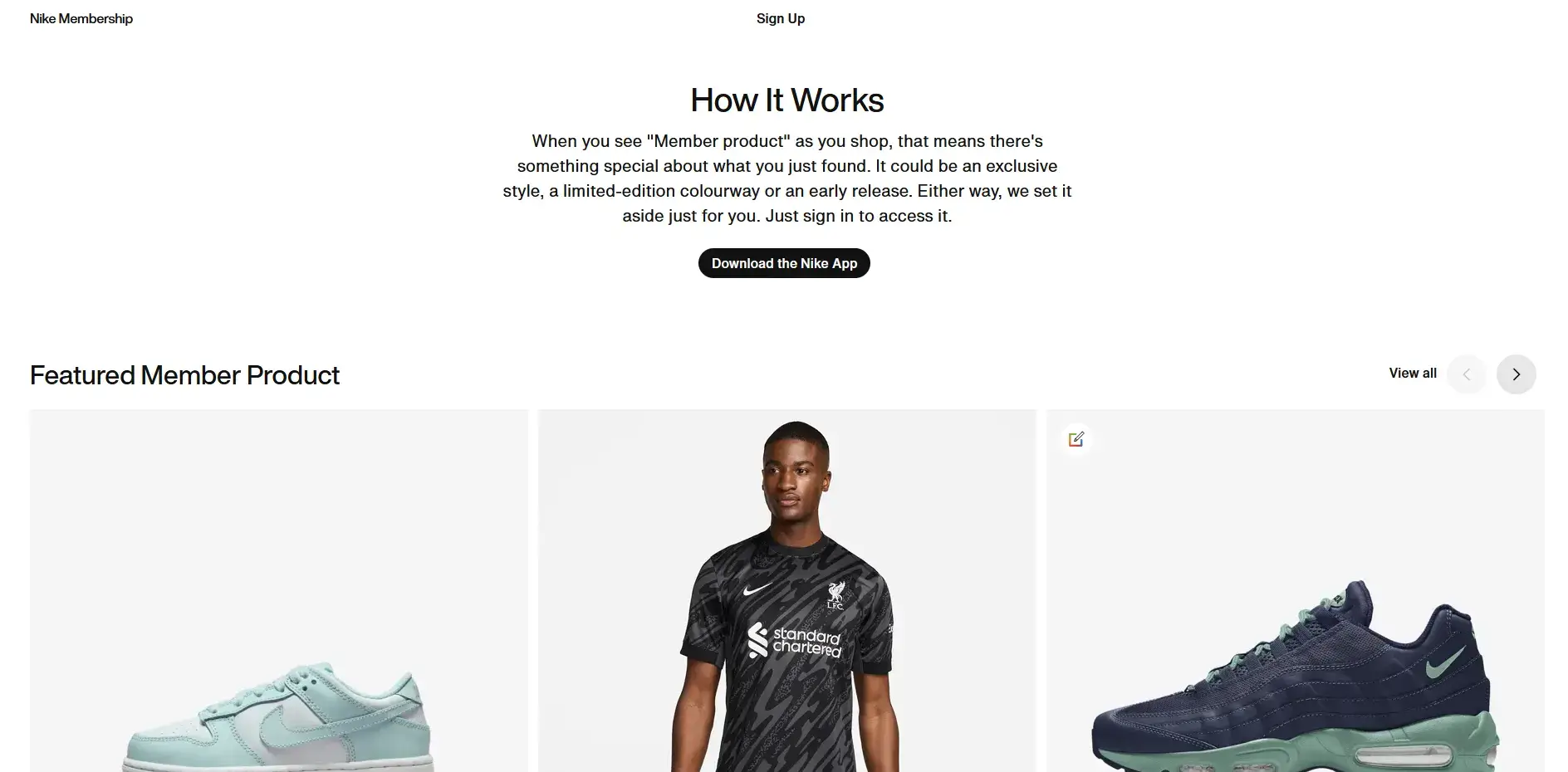
    Nike’s Member Exclusives is a great example. Branding it as an opportunity for customers to join a privileged group makes them feel special, and increases the bond they feel with your brand.

    __wf_reserved_inherit

    It’s also simply a way to get people to buy things through your app, which is stickier than a website and gives you more opportunities to cultivate loyalty down the line.

    2. Communicate With Your Customers Using Push Notifications

    Mobile push notifications are an amazing tool to use to grow loyalty. They allow you to communicate directly with your customers, without intermediaries like an email client or social media platform which make things less personal.

    You can get to customers right on their mobile phones, reaching them with messages on their lock screens, wherever they are.

    Push notifications are great for improving the level of customer service you provide, by giving to-the-minute updates on customers’ order or delivery status.

    __wf_reserved_inherit

    Push notifications are also an excellent way to nurture engagement from users in the early stage of their relationship with you, fanning the flames until they become loyal, repeat buyers.

    3. Personalize Your Communications

    The more direct nature of mobile apps and push notifications allows more opportunity to personalize how you communicate and interact with your customers.

    Research from McKinsey indicates that companies can generate 40% more revenue by using personalization. Customers want shopping experiences that are personalized and relevant to them.

    You can use the data you collect on your mobile app to send ultra-personalized push notifications, hitting customers with offers for products that interest them, and communicating differently to customers at different points in their relationship with your brand.

    4. Make the Shopping Experience Pain-Free

    Use your mobile app as an opportunity to build a perfectly optimized mobile shopping experience.

    A lot of mobile websites simply fit the desktop experience into a smaller screen, which is not ideal.

    An app should fix all of this and feel like it was designed specifically with mobile users in mind. Consider things like minimizing text input, designing for touch screens, and streamlining your checkout flow.

    If your app provides a much smoother and more usable experience for mobile users, you’ll see more people choose to use your app over your website, and loyalty will increase as a result.

    Learn more: 15 Mobile Ecommerce Best Practices to Boost Conversion Rate and Revenue

    5. Implement a Loyalty Program

    One of the best ways to boost loyalty is to incentivize it.

    Loyalty programs are a staple in all kinds of business, particularly eCommerce. You can give people an easy reason to shop with you over competing stores, by promising rewards like points or cashback on their purchases.

    Mobile apps are a perfect fit for loyalty programs. You could offer higher rewards for app users, or even just limit rewards to purchases made through the app.

    Apps like Yotpo or Smile.io make it easy to set up a loyalty program with no development required, and integrate with many other tools and eCommerce platforms, so you can be sure that your loyalty program will fit seamlessly into your customer experience with minimal changes needed.

    6. Create a Referral Program

    Like loyalty programs, referral programs are a great tool to use in combination with mobile apps.

    A referral program gives points or rewards for customers who refer new customers to your brand. This is a great way to leverage your existing loyal customers to grow your loyal customer base even wider.

    Referral programs also foster more loyalty from your existing customers when they recommend your app to others, slowly turning them into loyal advocates over time.

    7. Collect Feedback From Your Customers

    Use your app as a two-way communication channel to gather honest feedback from your customers on what they love about your brand, and what would make them love your brand even more.

    Collecting data is harder than ever, with browsers blocking third-party cookies and privacy concerns rife, which is one reason why having an owned channel like an app is so valuable.

    Direct communication gives you valuable insights you can use to improve your products and your brand, as well as making your customers feel heard, deepening your relationship with them even further.

    How to Build a Mobile App and Boost Loyalty and Retention with Vendrux

    You can build a mobile app, with minimal effort and investment, by converting your site to an app with Vendrux.

    Vendrux is a full-service website to app platform. We take your website, make a few small additions (like native mobile UI elements and native push notifications), and deploy it as native apps, fully synchronized with your website.

    __wf_reserved_inherit
    A few examples of apps built with Vendrux

    Vendrux works with any website platform, as well as custom-built websites. As long as your website is mobile-friendly, it can be turned into an app.

    There’s just about nothing for you to do – we handle all the technical aspects of the build, along with submitting your app to the app stores for publishing, and technical updates and maintenance after you go live.

    And since your website and app are fully synced, there’s minimal overhead. Just manage your website like normal, and your app updates automatically.

    Here’s how to go live with your own mobile app, in less than a month:

    1. Make sure your website is fast, responsive and mobile-friendly.
    2. Book a free demo to discuss your project further, share any custom requirements, and learn more about the process. We’ll also show you an interactive preview of your site as an app!
    3. Hand it off to our team. We’ll build your app, test it, and handle the app store publishing process. We handle everything app-related, freeing up your headspace for other business tasks.

    “My team is thrilled because we have functioning apps that require almost no effort on our part, to build or maintain. It is a brilliant solution.”

    David Cost – VP of Ecommerce & Marketing, Rainbow Shops

    “We couldn’t find another company that could offer the same features at the same price point, same time to market, and make it as easy as Vendrux could.”

    Svend Hansen – Product Owner at Bestseller

    Launching an app is one of the best things you can do for loyalty and retention, and with Vendrux, it’s unbelievably easy to go live with your own, high-quality, native apps.

    Check out some case studies from successful Vendrux users here, and book a free demo when you’re ready to learn more about boosting loyalty with mobile apps.

  • How to Increase Conversion Rates on Your BigCommerce Store

    How to Increase Conversion Rates on Your BigCommerce Store

    Having a store on BigCommerce is the beginning of your journey to competing in the fast-paced world of ecommerce. But there’s more to business success than that—you need to know how to optimize your conversion rates to boost your sales and grow your business. 

    Considering there are plenty of things that influence buyer behavior, we know that this can seem like a daunting task. From website design to checkout efficiency, we help you understand where to start and what to prioritize to optimize conversions and succeed in the digital marketplace. 

    What is the Average Conversion Rate for BigCommerce?

    As of 2024, the average conversion rate for ecommerce Is around 1.89%. We can assume that the average conversion rate for BigCommerce stores is in line with this.

    Keep in mind that there are many factors that influence conversion rate – the nature of the business, the type of products sold, the target audience, the quality of the user experience, and the effectiveness of marketing strategies, among others. 

    Conversion rates also rely on the traffic source. Email marketing, for example, has a conversion rate of 10.3% owing to its personalized nature, while organic and paid search conversions range from 2-4% and 2-3%, respectively. 

    Another factor that heavily affects conversion rates is the device used for online shopping. The conversion rate for desktop platforms is 3.9%, while the conversion rate for mobile devices is 1.7%. 

    This gap could be due to many websites not being fully optimized for mobile, leading to a less effective user experience and the prevalent distractions and usability challenges on mobile sites.

    Nonetheless, these numbers underscore the need to optimize ecommerce stores to cater to mobile users to help improve conversion rates. 

    What Affects Ecommerce Conversion Rate?

    Various factors can affect an ecommerce website’s conversion rate, including the following: 

    • Website design and user experience (UX): If the website is easy to navigate, attractive, and facilitates a good user experience, visitors are more likely to stay longer and explore more, increasing the chance of them making a purchase. 
    • Mobile responsiveness: Mobile commerce spending makes up 38% of overall digital spending in the US, emphasizing the importance of mobile-responsive websites for optimal conversion rates.
    • Page load speed: Websites that load slowly have higher bounce rates and, consequently, lower conversion rates. Visitors are more demanding of quick online experiences. 
    • Quality of product information: Detailed product descriptions, high-quality images, transparent pricing information, etc., all play a role in making customers more confident in what they are buying and, therefore, increasing the likelihood of a sale. 
    • Customer reviews: A review can make or break your ecommerce business. Before making a purchase, shoppers often look for validation from other customers, making social proof an essential aspect of conversion optimization. 
    • Checkout process: You want to make it easy for your customers to make a purchase. A complicated checkout process can cause them to become frustrated and abandon their carts. It’s also vital to simplify the checkout process and provide multiple payment options. 
    • Traffic source: Where your traffic comes from influences your conversion rates, as different channels bring in different kinds of visitors. Traffic from email marketing has higher conversion rates than organic and paid search traffic. 
    • Pricing and promotions: Conversions can be encouraged by competitive pricing and attractive promotions and discounts. 
    • Customer service: Customers who receive excellent customer service and support can trust the store more, improving conversion rates. 
    • Market trends: External factors can also affect conversion rates. These include economic conditions, market trends, and changing consumer behavior. 
    • Personalization: Providing personalized experiences can influence higher conversion rates. ecommerce stores should leverage targeted marketing tactics, such as product recommendations based on browsing history. 
    • Security: A secure and trustworthy website quashes data privacy and security concerns. This, in turn, helps attract potential buyers. 
    • Seasonality: Certain times of the year cause fluctuations in conversion rates due to changes in shopping behavior. The most prominent is during the holiday season. 

    12 Ways to Increase Conversion Rates on Your BigCommerce Store

    Now let’s dive into a list of tips to help you convert more shoppers into buyers on your BigCommerce website.

    1. Optimize for Mobile Devices 

    Source: Vendrux

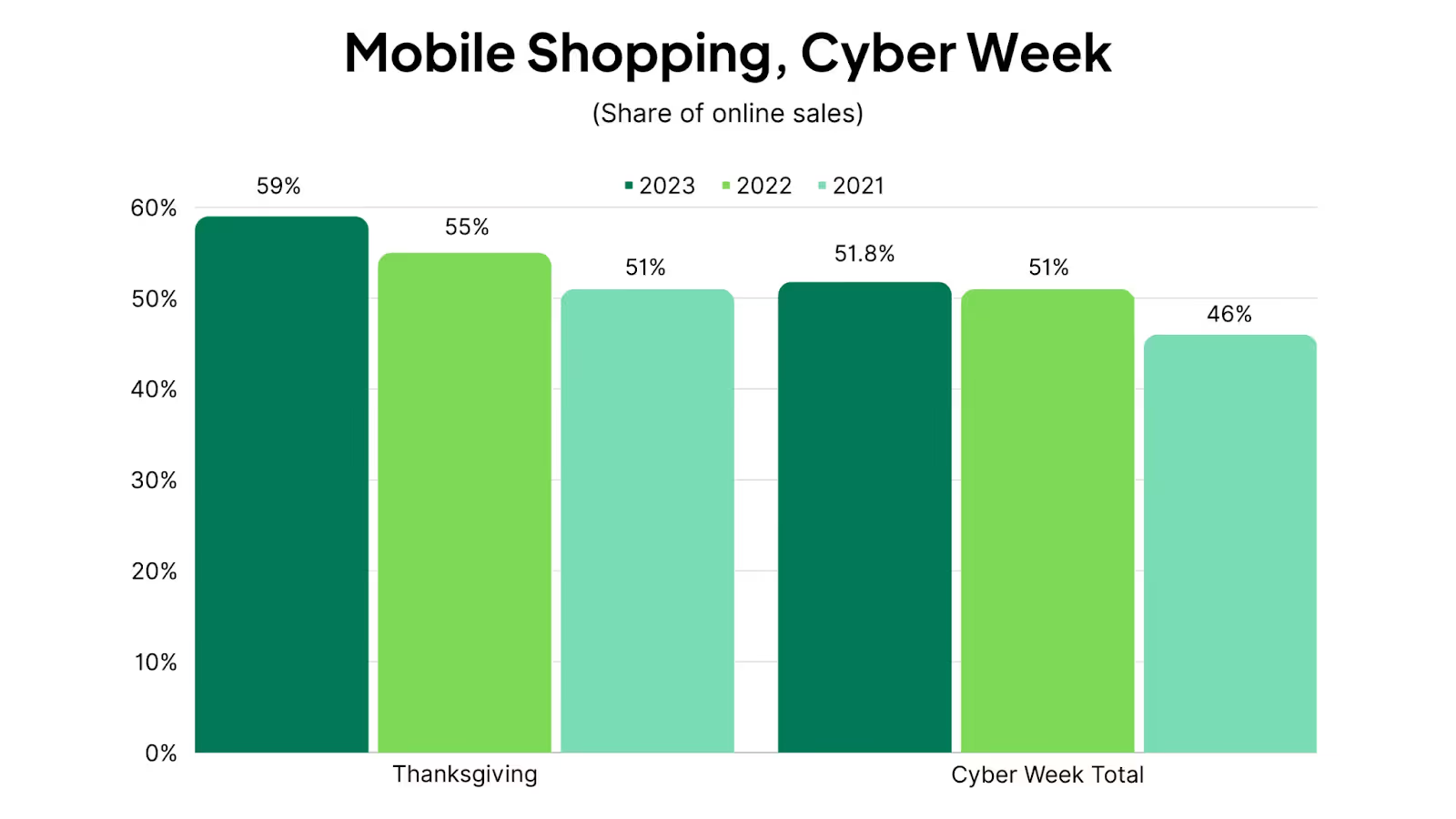
    Mobile shopping has arrived: Smartphones recently contributed 51.8% of Cyber Week’s online sales, overtaking desktop.

    This shift calls for ecommerce sites to amp up their game with snappy, mobile-friendly designs and seamless navigation for the smaller screen.

    Cross-browser testing tools for web apps can help ensure all your site’s features and functionality works correctly across all devices and web browsers, so none of your customers are left with a sub-standard experience.

    2. Improve Site Speed 

    To keep potential customers engaged, your website should load fast.

    To improve site speed, optimize your images, leverage browser caching, and reduce server response time.

    3. Create a User-Friendly Website Design 

    The design of your website is the first thing that users see when they visit. Make sure your website is clean and intuitive to promote easy shopping. This means having easy-to-follow navigation bars, search functionality, and a straightforward path to purchase. 

    4. Use High-Quality Product Images and Videos 

    Low-quality media on your website can easily deter users from making a purchase. Aim to use high-resolution images to increase professionalism and trust. 

    Where possible, add dynamic media, such as videos, to give shoppers more visual clarity, which can influence their decision-making process. 

    5. Leverage Customer Reviews and Testimonials 

    Social proof is one of the most important aspects of conversion optimization. In the information age, people rely on others to determine how good a product or service is. 

    Leverage this in your store by displaying customer reviews and positive feedback. These can help influence the purchasing decisions of new customers and steer them in your favor. 

    6. Streamline the Checkout Process

    It’s crucial that you get the checkout process right, as it affects your sales directly.

    If you make it hard for your customers to make a purchase, then chances are, they won’t. Always give your users a straightforward path to purchase—make it easy for them to give you what you want!

    The simplest way to do that is to minimize the steps customers need to complete a purchase. You can offer guest checkout, the option to save customer information for future purchases, and various supported payment methods. 

    7. Have a Clear Call-to-Action 

    Your call to action tells your visitors what you want them to do next. In this case, that’s to add an item to their cart or checkout. Make a clear, compelling, and easy-to-access call-to-action that helps guide your customers through the buying process. 

    8. Write Effective Product Descriptions

    How you describe your products will play a role in customer conversion. Make sure you have concise, informative, and compelling product descriptions that lay everything down for your customers and answer any potential questions they might have.

    Quick tip: When writing your product descriptions, focus on the benefits rather than the features to a more compelling and relatable narrative, making it easier for customers to see the value in your product.

    9. Personalize the Shopping Experience

    Nowadays, people don’t want to be fed cookie-cutter approaches. They want to connect deeper with brands and have more personalized shopping experiences. 

    Make each customer journey unique by using data to customize your customer’s experience on your site. Showing unique product recommendations based on browsing history or previous purchases, for example, is a nod to relevance and personalized interest. 

    10. Use Email Marketing 

    Email marketing has a high conversion rate because it’s more personal to the user. Consider implementing a strong email marketing strategy with customized emails that discuss abandoned cart reminders, exclusive offers, and other value-adding communications. 

    11. Utilize A/B Testing 

    As consumer behavior changes, so should your website. Utilize A/B testing to regularly measure the different elements of your BigCommerce store. These include your images, product pages, layouts, CTAs, and more. 

    The testing process will give you insights into what works best and how you can optimize your strategies to achieve better conversions. 

    12. Display Security and Trust Signals 

    Customers who deem a website secure and trustworthy are more likely to be confident enough to make a purchase. This is especially true for new customers. Ensure your website displays your security badges, SSL certificate, and other security and trust signals.

    Increase Conversion Rates for BigCommerce With Your Own Mobile App

    One more way to boost conversion rate is to create a mobile app for your BigCommerce store.

    Let’s call it a bonus tip, because there’s a crossover with a number of the tips on the list above.

    • Apps are fully optimized for mobile devices; they let you provide a mobile-specific user experience.
    • Apps load faster, especially when you consider that you can get in with one tap, instead of typing a URL.
    • With apps you can leverage automatic logins, one-click checkout and more for a smooth and simple checkout process.
    • Apps make it easier to customize for your shoppers.
    • Apps give you access to native mobile push notifications, which are even more effective than email for communication and marketing.
    • A mobile app is one of the best trust signals there is; when a shopper sees the app store badges on your site, they know you’re not a cheap site that just popped up overnight.

    A large number of people today prefer to shop on mobile, and a lot of those people prefer to shop on apps. You’ll want to give them that option by having an app available.

    Can I really launch my own app?

    Launching an app may be easier and more affordable than you think, with Vendrux.

    As long as your site is already mobile-friendly, we can help you launch an app in less than a month, with minimal effort and expense.

    We do everything for you, converting your existing website, all features included, into mobile apps that look and feel like a custom native app.

    Your apps are fully synced with your website, and we handle technical updates and maintenance for your apps, so they come with very little overhead.

    The cost is more than 90% cheaper than what you’d pay to hire developers to code your app, especially considering the ongoing maintenance costs that come with launching an app.

    If you want to see examples of some of the 2,000+ apps built with Vendrux, check out these case studies – including the Foy’s Pet Supplies app, which web development agency TinyOptics built for their client from a BigCommerce site.

    Vendrux helped this BigCommerce store launch full-featured mobile apps

    Check out our pricing here, and if you’re ready to dive in and learn more, click here to schedule a free consultation.

    Measuring and Analyzing Your Results

    Optimizing conversions isn’t done the moment you make changes to your website design and mobile responsiveness, enhance product descriptions, and leverage social proof.

    It’s time to track and analyze conversion rate improvements to further advance your strategies. 

    Measuring your strategies and analyzing your results allows you to identify which among your efforts are most effective in driving sales. Ultimately, this will enable you to focus your efforts on the most impactful areas. 

    It will also give you insights into your customers and their behaviors on your site. You’ll find out where they drop off in the buyer process, leading to more targeted improvements to enhance their experience and yield higher conversion rates. 

    Continuous improvement is the name of the game in conversion optimization. Regularly tracking and analyzing your results allows you to test new strategies, measure their impact, refine your approach, and allocate your budget more effectively. 

    Here are some tools that can help you measure your conversion optimization strategies: 

    • BigCommerce Analytics: BigCommerce has a built-in analytics tool tailored to their platform to offer specific insights on conversion rates and customer behavior.
    • Google Analytics: You can also leverage Google’s comprehensive tool to track website traffic, user behavior, and more. 
    • Optimizely or VWO: These A/B testing tools allow you to test different versions of your web pages to see which elements perform better in conversion. 
    • SurveyMonkey or Qualaroo: These tools allow you to gather direct customer feedback on their experience on your site. 
    • MailChimp or Constant Contact: For email marketing campaigns, these email marketing analytics tools will help you track the performance of your emails, including open rates, click-through rates, and conversions. 
    • Facebook Insights or Hootsuite: Social media analytics tools that give you insights into the effectiveness of your social media efforts in boosting conversion rates. 
    • Salesforce or HubSpot: These CRM systems track customer interactions and provide you with a holistic view of the customer journey. 

    When measuring your conversion optimization strategies, start with clear goals in mind. Define what successful conversion means and looks like for your business and identify specific and measurable goals. 

    Regularly monitor your data and make quick adjustments. Analyze the behavior of your visitors over time, and don’t forget to look back at historical data to understand long-term trends. 

    Remember that the key to success in measuring your conversion optimization is not just collecting data. More importantly, it’s about effectively interpreting it to make informed decisions for your ecommerce business. 

    Final Thoughts

    Conversion rate optimization is one of the top things for any ecommerce store to focus on. Getting more conversions and more revenue from your existing traffic means higher profit margins and more sustained long-term success for your business.

    There are a ton of things you can do right now to boost your conversion rate, but one with the highest impact is launching your own app.

    Doing this may be a game changer for your business, turning your brand into an authority in your space.

    Vendrux is the best BigCommerce app builder platform on the market today. It’s more than just an app builder – we’re a managed service that actively works with you to create an app that will grow your business.

    If you want to create your own app, and boost conversion rate, AOV, retention and more, book a free demo now.

  • 11 Examples of Successful Hybrid Mobile Apps

    11 Examples of Successful Hybrid Mobile Apps

    There’s a stigma around “hybrid” mobile apps – apps that blend web and native technology, often web content running inside a native shell, using frameworks like Ionic or WebView-based architectures.

    The misconception: that these are second-rate mobile apps, a cheap compromise compared to fully native apps (Swift, Kotlin) or cross-platform native (React Native, Flutter).

    The truth: hybrid is a perfectly viable way to build a real, fully-functional mobile app, for a lower cost and less overhead.

    This approach is validated by the fact that some of the world’s biggest companies use hybrid technologies in their app; even brands that wouldn’t blink at the cost of a “native” app.

    Keep reading and we’ll show you some notable hybrid app examples, so you can see for yourself how these apps are perfectly capable of delivering an ideal experience for your users.

    What Makes an App “Hybrid”?

    A hybrid app is a native app (distributed through the App Store and Google Play) that uses web technologies – HTML, CSS, JavaScript – to render some or all of its interface. 

    Rather than writing separate native code for iOS and Android, the team builds once in web tech and wraps it in a native shell.

    The most common approaches are:

    • WebView-based apps – a native container that loads web content, the same way a browser does, but without browser chrome. Gmail and Uber use this approach for parts of their apps.
    • Ionic / Cordova apps – a framework that packages web apps as native apps, adding access to device features like push notifications and the camera. Burger King, Shipt, and H&R Block use Ionic.
    • Web-to-app platforms – tools or services like Vendrux that convert an existing website into a native app, letting you maintain one codebase and push updates instantly.

    All three approaches result in real, downloadable apps that sit on the home screen next to fully native alternatives. The user typically can’t tell the difference.

    11 Hybrid App Examples from Major Brands

    Hybrid mobile apps are not just cheap solutions for brands that can’t afford a native app. They’re used by some of the world’s biggest companies – and that’s not an exaggeration.

    This shows two things: it’s not a significant sacrifice in quality, and the benefits of hybrid architecture go beyond simply being able to ship an app for a lower cost.

    Let’s look at some of the top examples of hybrid apps that exist today.

    1. Gmail

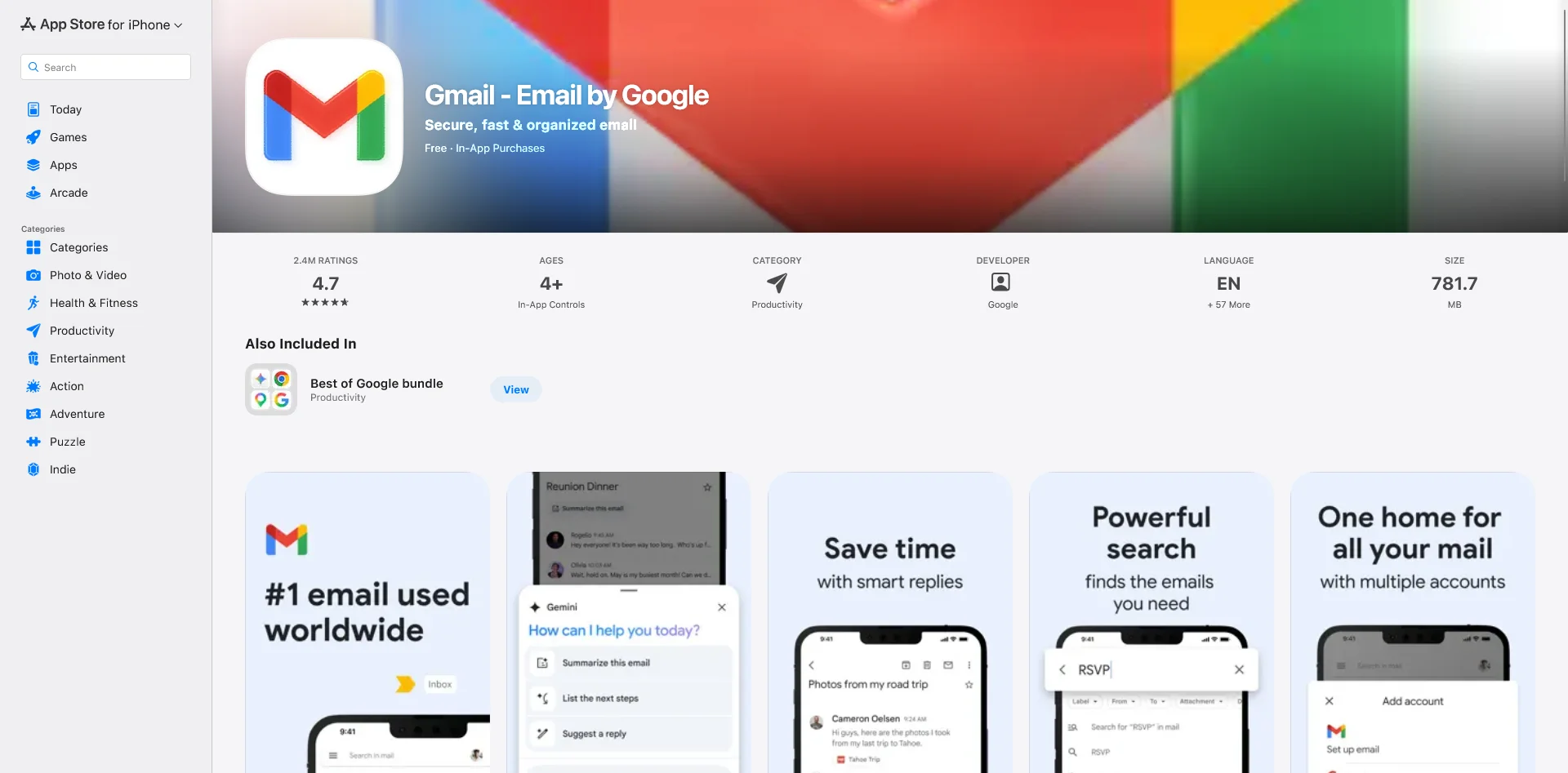
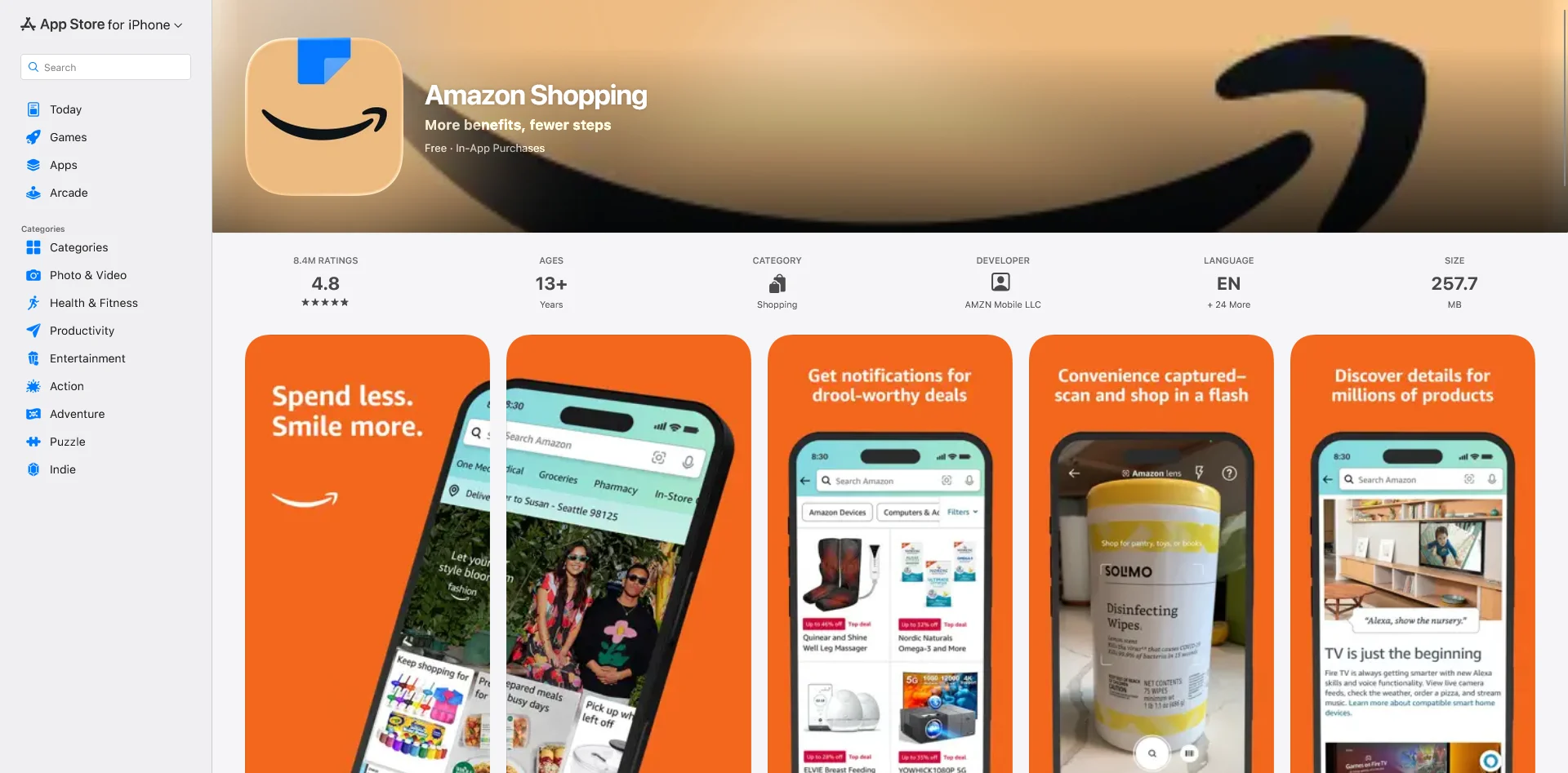
    Gmail is one of the most-used apps in the world, and it uses WebViews to render HTML email content consistently across iOS and Android. Rather than building a custom native rendering engine for every email format, Google uses web technology to display HTML emails – the same approach that powers the web version of Gmail.

    The app has a 4.7/5 rating on the App Store with over 6 million reviews. It’s among the most reliable, well-regarded productivity apps on any platform.

    Download on the App Store

    2. Amazon Shopping

    How about the biggest shopping app in the world as validation for the hybrid approach?

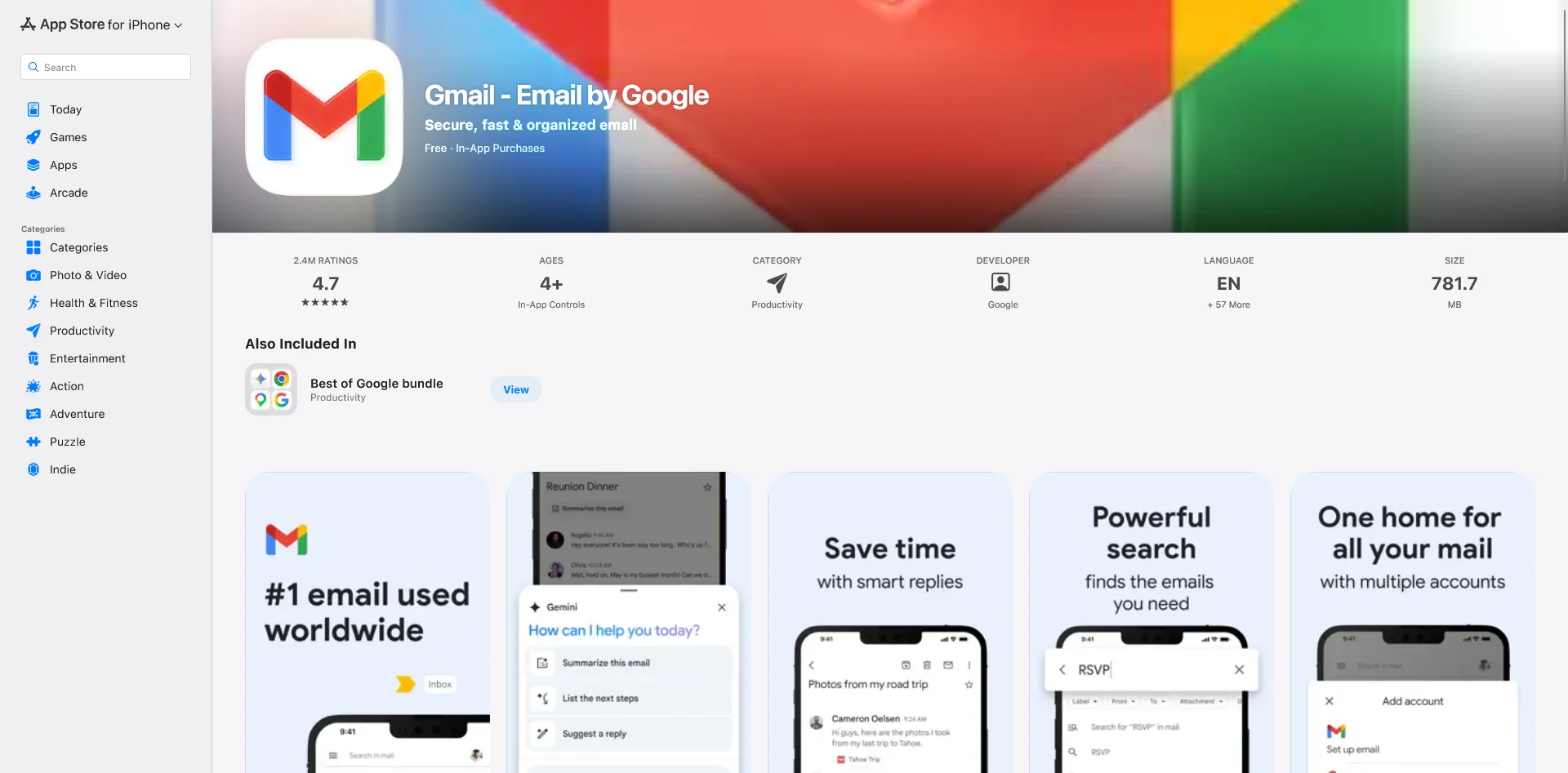
    The Amazon Shopping app uses a hybrid architecture, incorporating WebViews for content-heavy sections like product detail pages, customer reviews, and promotional content. This lets Amazon’s web and app teams share content without maintaining separate codebases, and push updates to product pages without an app release cycle.

    The app serves hundreds of millions of customers and sits among the top-ranked shopping apps on both major app stores. It is also one of the few shopping apps with consistent 4.7+ ratings at scale.

    Download on the App Store

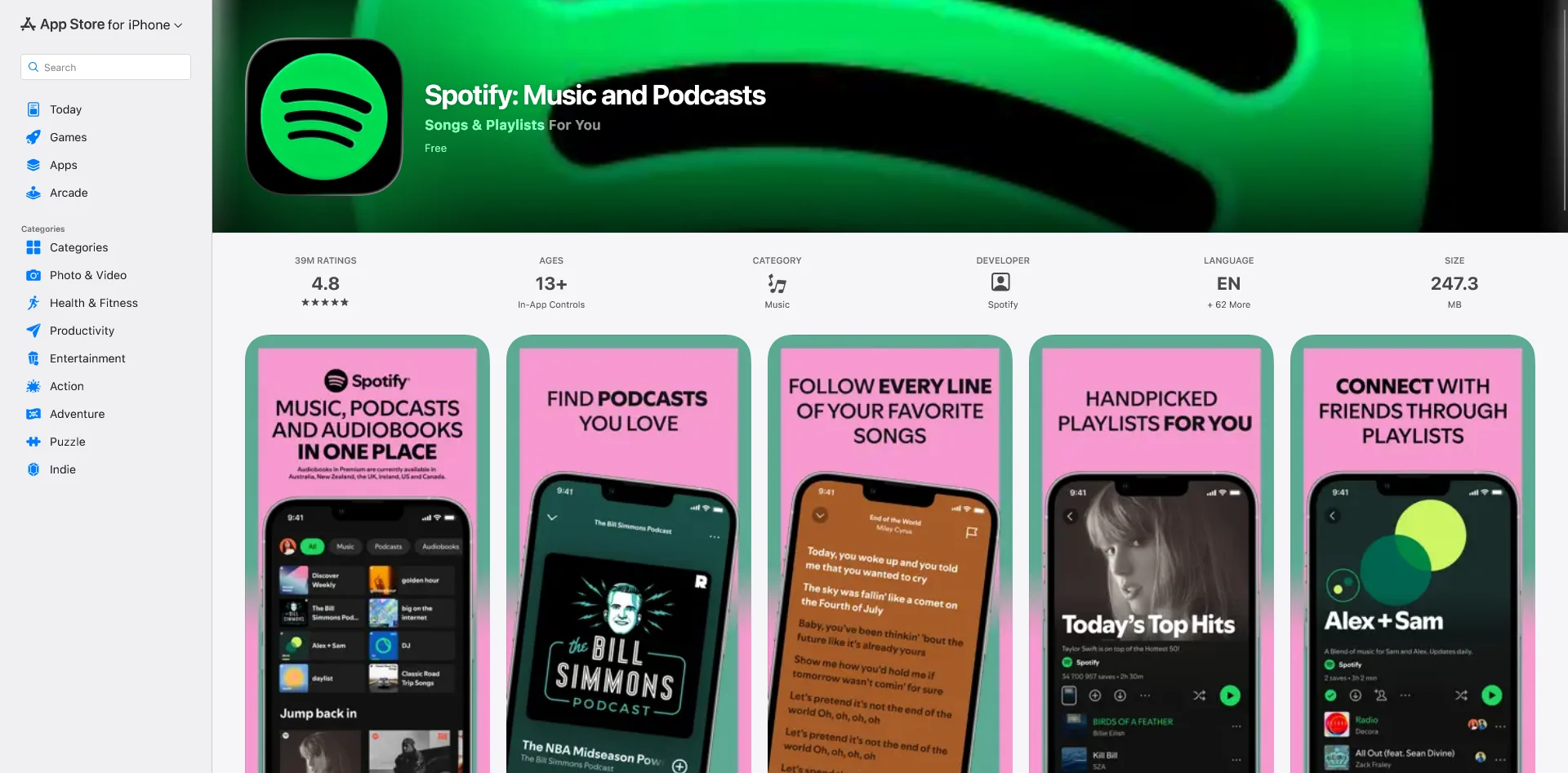
    3. Spotify

    Spotify uses web technologies extensively in its desktop client, which runs on Chromium Embedded Framework with a React-based UI. On mobile, Spotify follows a similar pattern: native code for performance-sensitive playback, web technologies for content screens, settings, and promotional surfaces.

    Spotify’s approach illustrates something important: hybrid and native aren’t mutually exclusive. The best apps use each where it makes sense.

    Download on the App Store

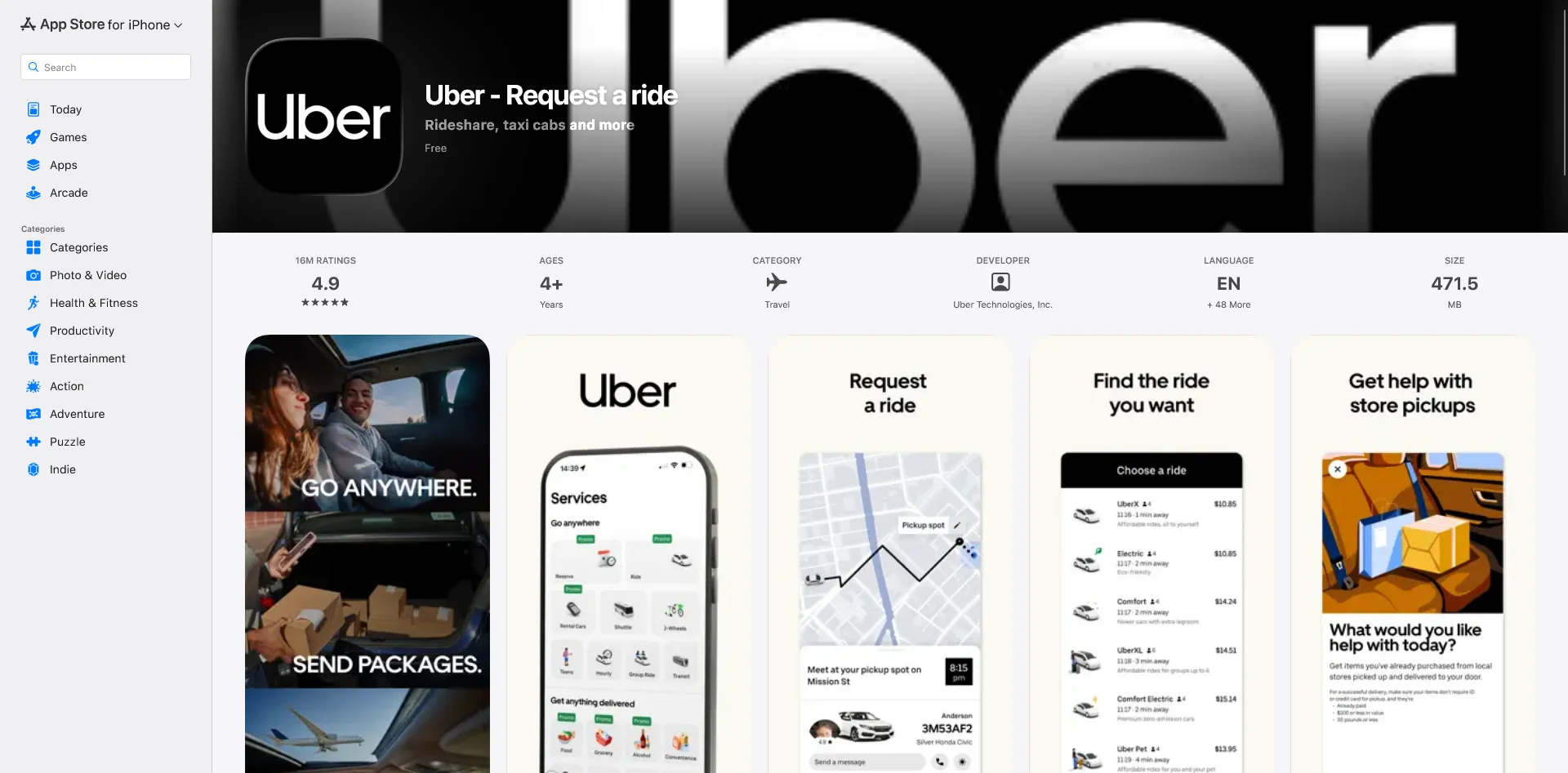
    4. Uber

    Uber’s app uses a mix of native UI and WebViews for non-core flows. Promotional content, support pages, and some in-trip screens render web content inside the app rather than native views. Uber Eats has documented this approach in detail, rewriting their web app to run inside a WebView in the native container.

    This lets Uber’s web teams own content-heavy screens without a separate mobile release. Changes go live instantly, across both platforms.

    Download on the App Store

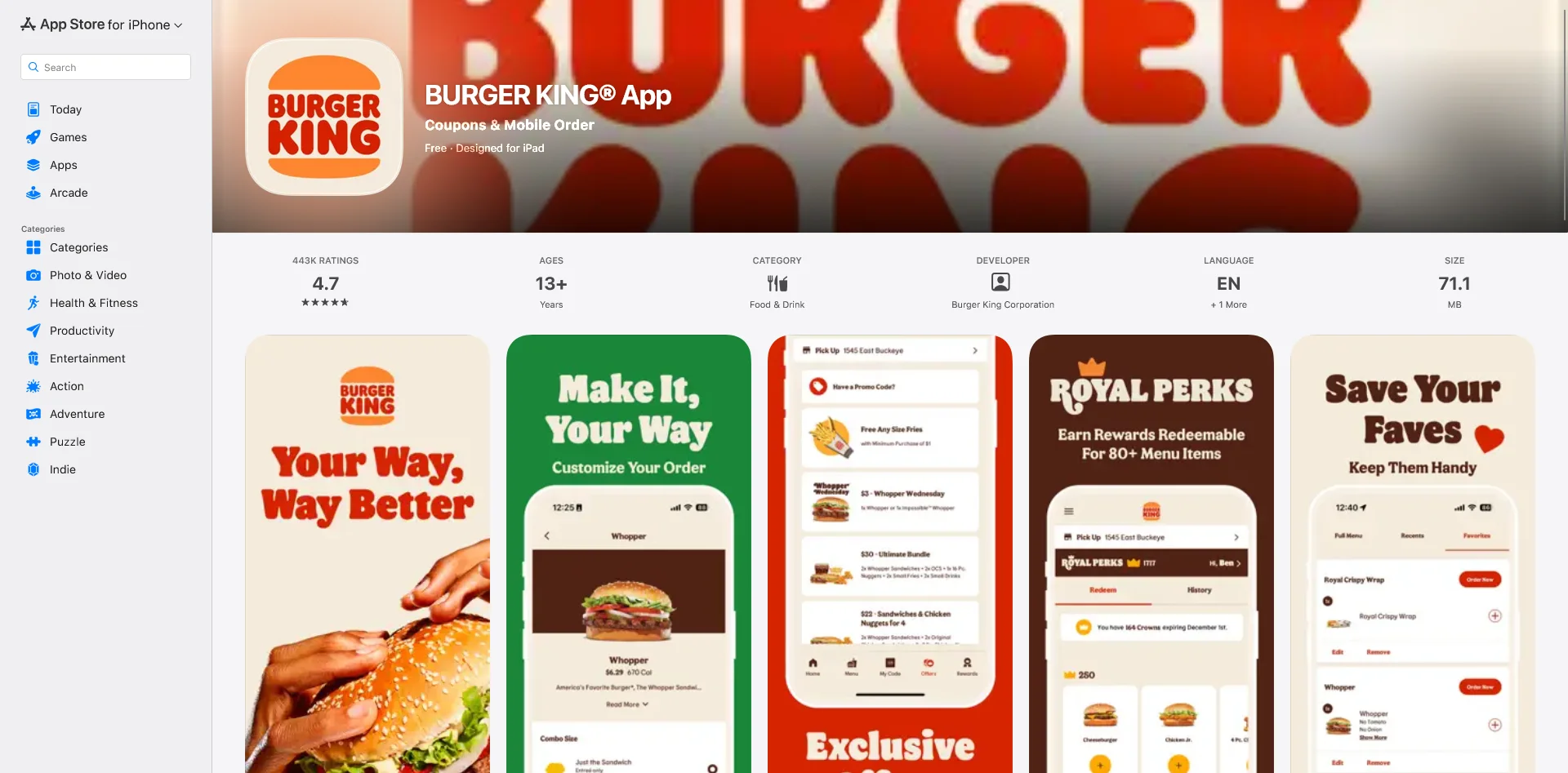
    5. Burger King

    Burger King’s app is built with Ionic, a hybrid framework that packages web applications as native iOS and Android apps. The app handles ordering, loyalty rewards, and promotions across multiple markets – all from a single codebase.

    Ionic lets Burger King’s development team build once and deploy to both platforms without doubling headcount. For a QSR brand managing app experiences across dozens of markets, that’s a meaningful operational advantage.

    Download on the App Store

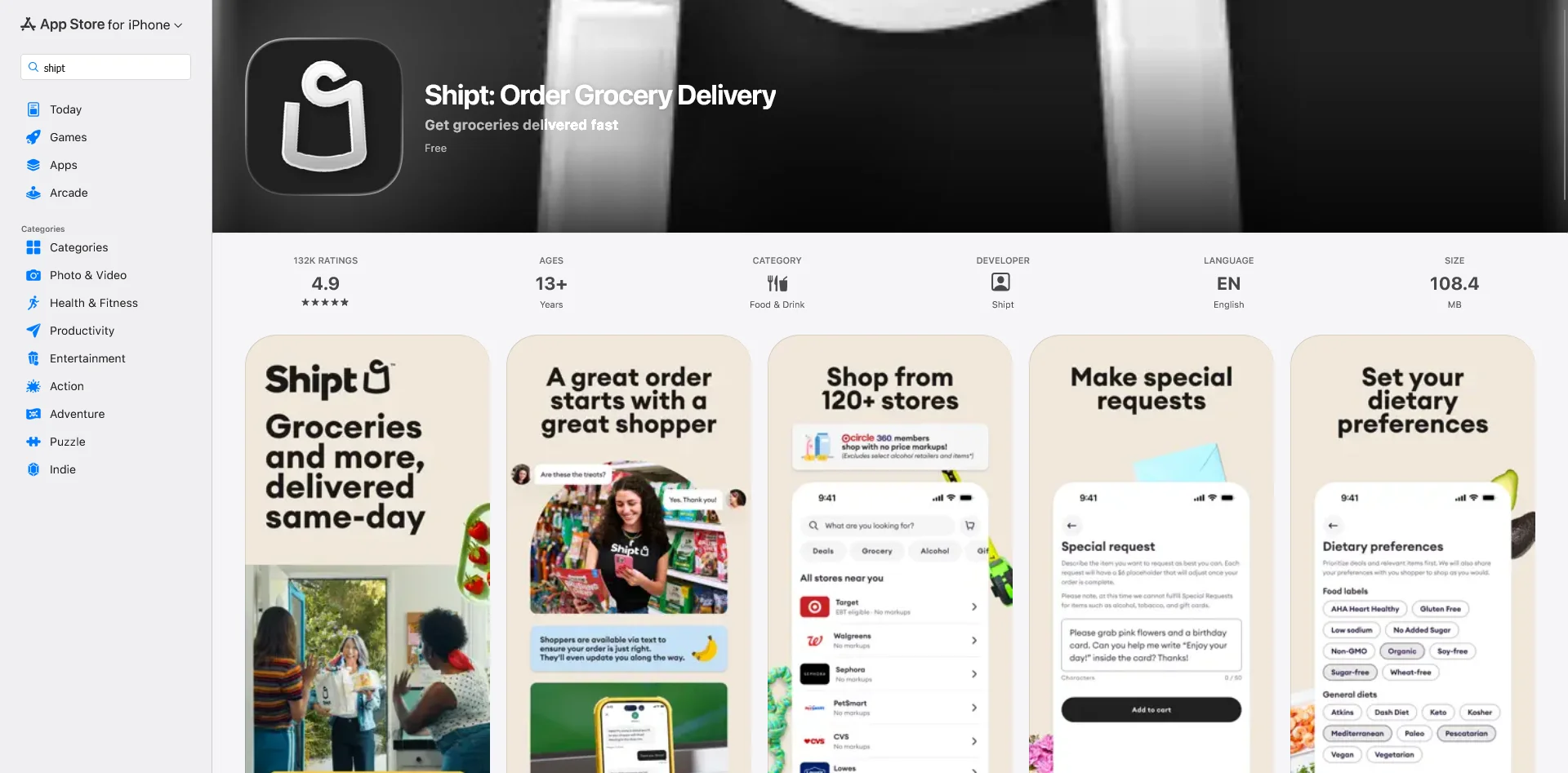
    6. Shipt

    Shipt, Target’s same-day delivery service, uses Ionic and Appflow to power its iOS and Android apps. The app handles grocery and retail delivery from Target, Walgreens, CVS, and other retailers, all from a shared codebase.

    The app has a 4.9/5 rating with over 130,000 reviews on the App Store. For a logistics-heavy app that coordinates real-time delivery across thousands of shoppers, that’s a strong signal that hybrid technology holds up under operational complexity.

    Download on the App Store

    7. H&R Block

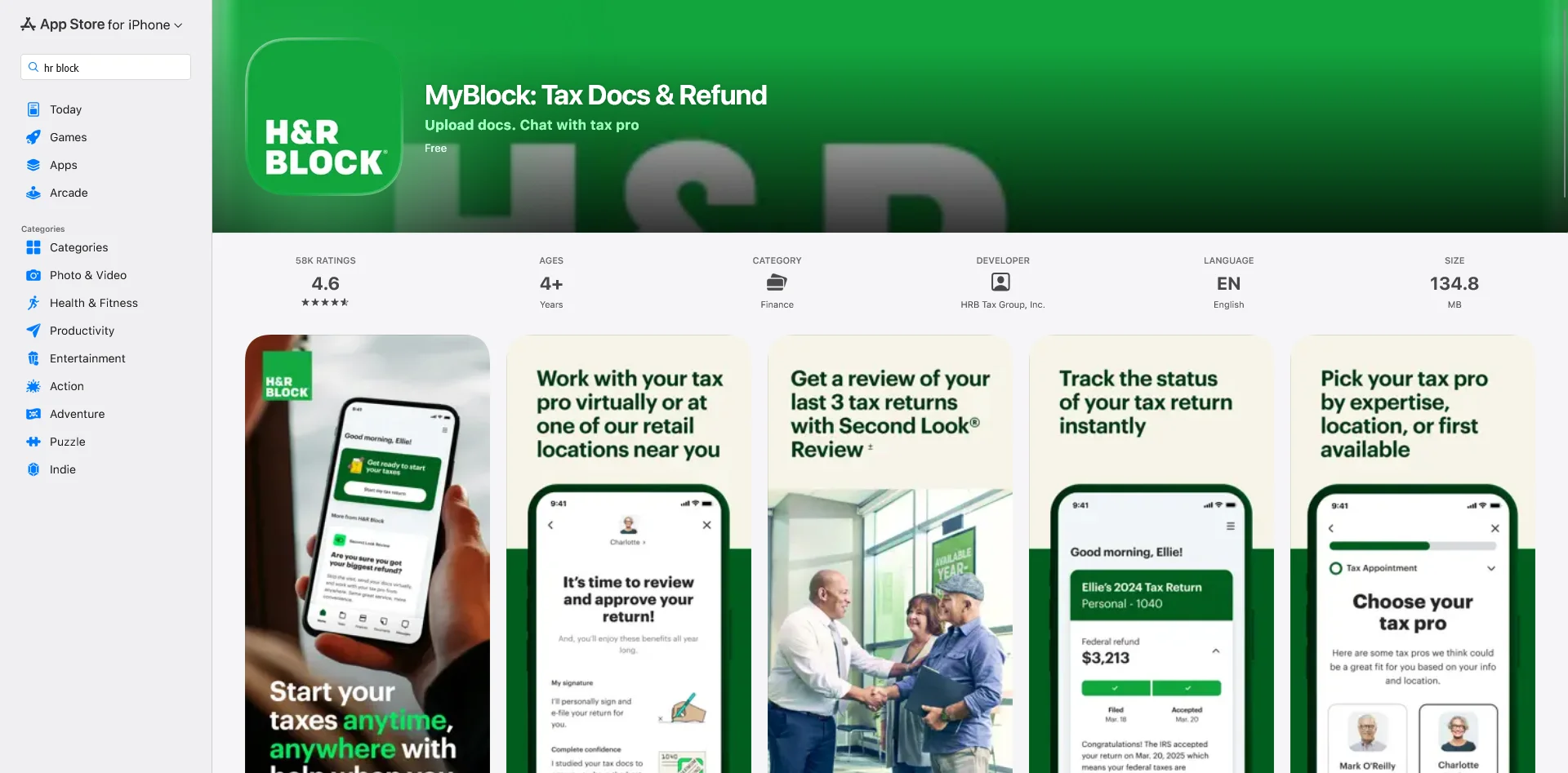
    H&R Block’s MyBlock app is built with Ionic, Capacitor, and Stencil. Users file taxes, access documents, check e-file status, and manage their finances, all core functionality for the largest retail tax preparation company in the US.

    “We didn’t want to maintain separate pipelines for native mobile apps and web apps. We wanted that cross-platform experience, so we looked at Ionic.”
    — Nick Trower, Solutions Architect, H&R Block

    The app has a 4.6/5 rating with nearly 60,000 reviews. Tax filing is a high-stakes, high-trust category where reliability is non-negotiable.

    Download on the App Store

    8. Instant Pot

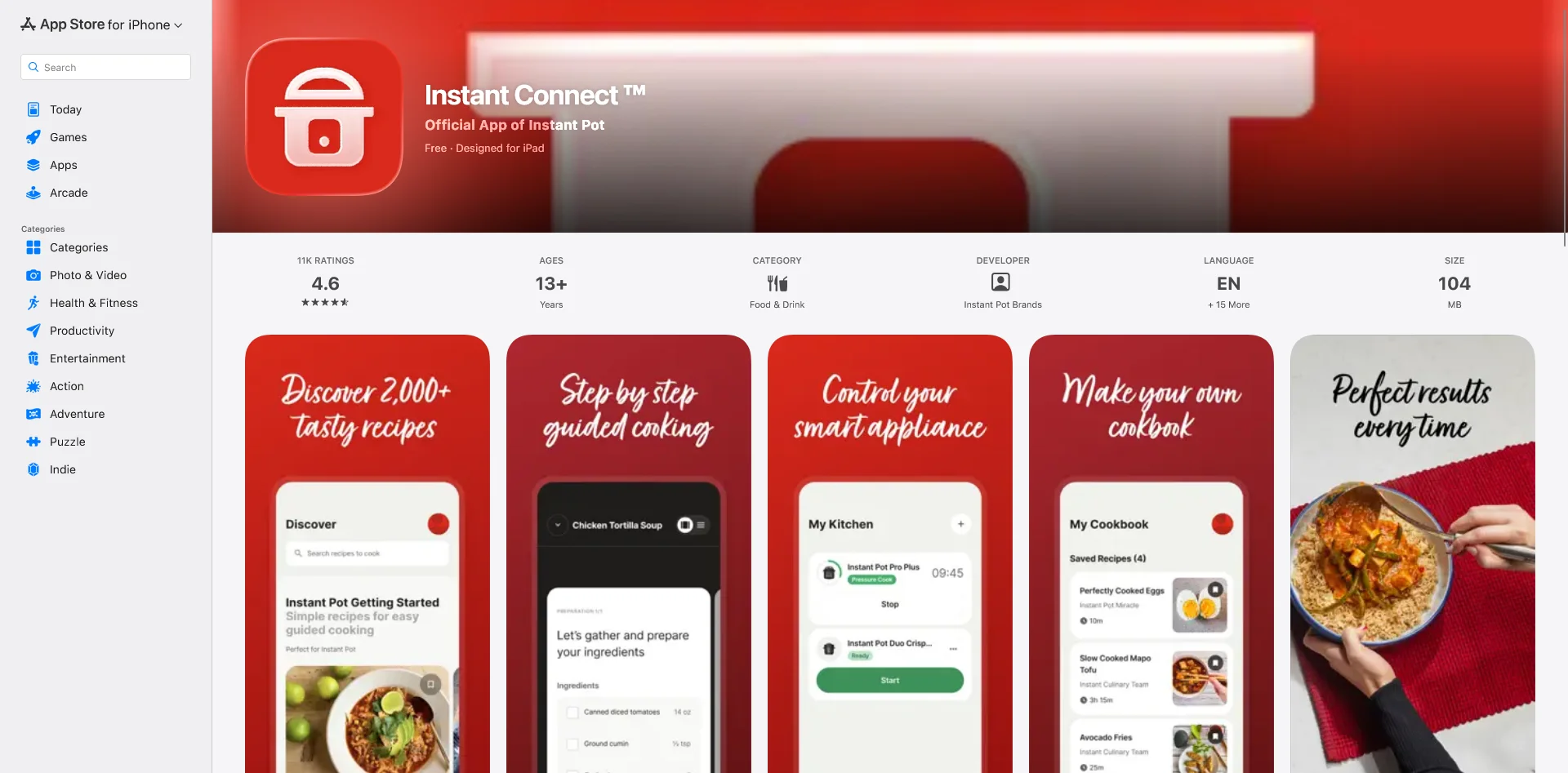
    The Instant Pot app, built with Ionic, serves a community of over one million active users. The app delivers recipes, cooking guides, and tips for Instant Pot appliances, and has helped the brand extend a physical product into an ongoing digital relationship with its customers.

    Consumer hardware companies don’t often get credit for strong digital products. Instant Pot’s app is a counterexample: a well-reviewed, well-used companion app built on hybrid technology.

    Download on the App Store

    9. JustWatch

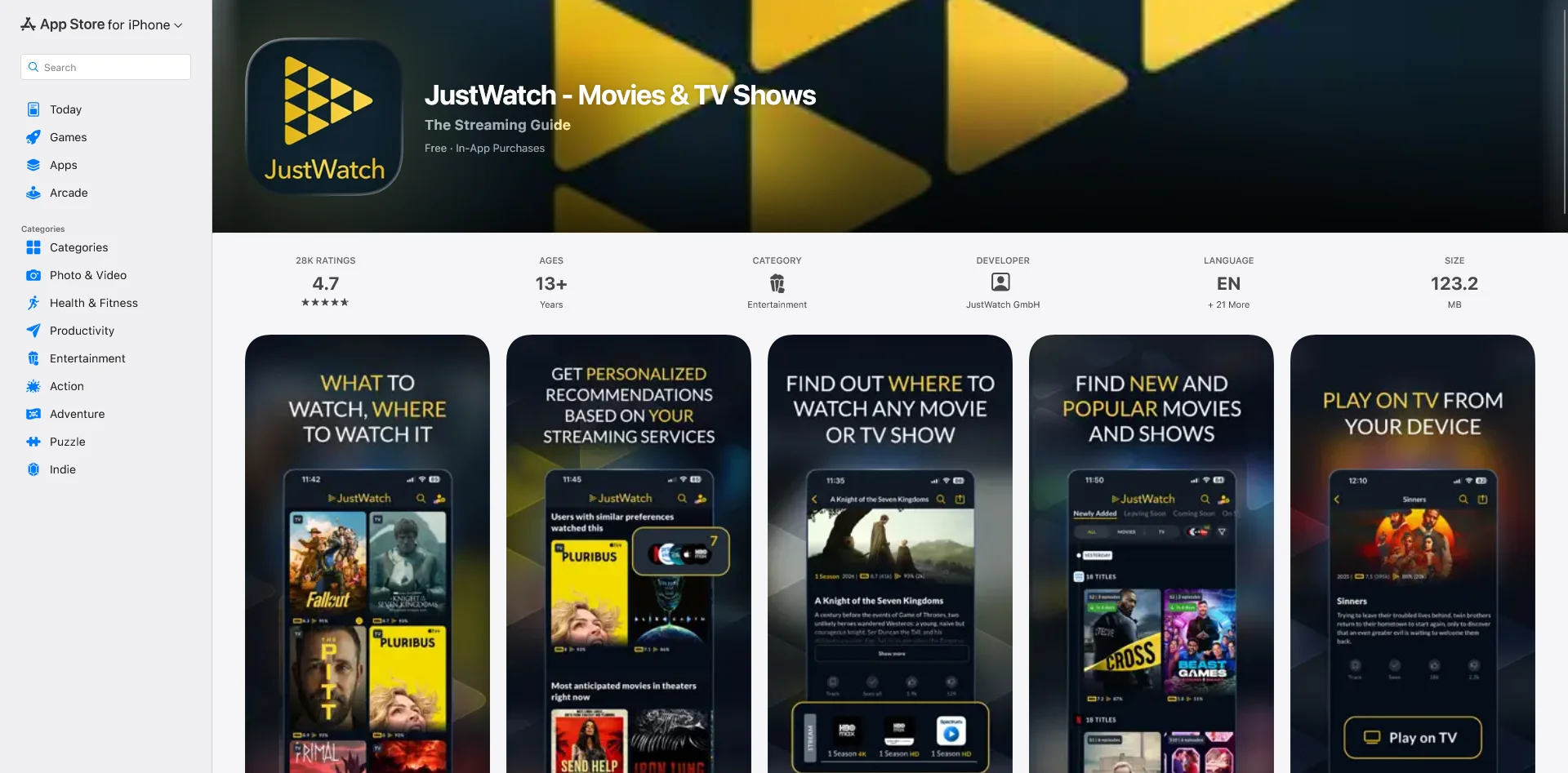
    JustWatch is one of the most widely used streaming search engines, helping users find what to watch across Netflix, Disney+, HBO Max, and dozens of other services. Their iOS and Android apps are built with Ionic.

    The app handles large volumes of content data and real-time availability information across multiple markets – a legitimate technical workload. JustWatch’s consistent 4.7+ app store ratings suggest the hybrid approach hasn’t created any user experience tradeoff.

    Download on the App Store

    10. John Varvatos

    Luxury menswear brand John Varvatos launched their app with Vendrux’s website to app approach. Their existing Salesforce Commerce Cloud site powers the app; Vendrux handles the build, configuration, and App Store distribution. 

    This approach let them launch a clean, professional mobile app that reflects well on their brand, without having to hire developers or dedicate too many resources from their lean IT team.

    The results: revenue per app user is 10x higher than mobile web. Purchase rate is 4x higher. Sessions per user are 12x more frequent. The app has a 4.9/5 App Store rating and has generated seven figures in revenue since launch.

    “The app’s been invaluable to us. The cost we’re paying versus what we’re getting back is tenfold.”
    — Nick Barbarise, Director of IT, John Varvatos

    Download on the App Store

    11. Cold Culture

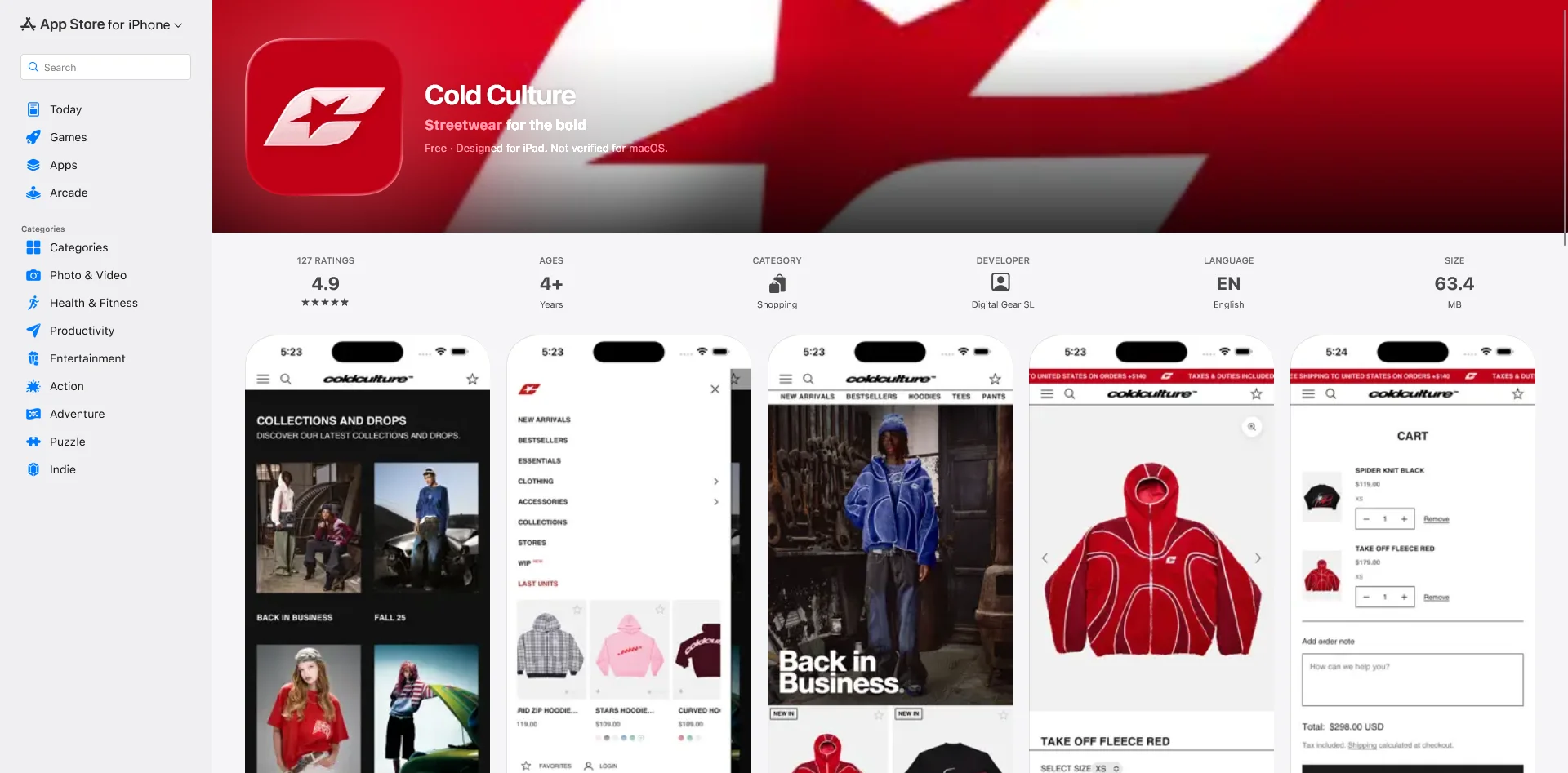
    Cold Culture is a Spanish streetwear brand built around a weekly drop model, releasing new collections to an audience of nearly one million social followers. They launched their app with Vendrux and reached 250,000+ downloads without running dedicated promotion campaigns.

    The app has a 4.9/5 rating. Revenue in the quarter after launch was 300% above projections. Push notifications replaced email as the primary channel for drop announcements, with better reach and faster purchase decisions.

    “With 250,000 downloads without promoting it… it gives you a presence as a brand that makes you more professional.”
    — Erik Asensio, 4sens Agency (Cold Culture’s agency partner)

    Download on the App Store

    Are Hybrid Apps as Good as Native?

    Across this list, from Gmail to Burger King to Cold Culture, the apps are rated well, handle genuine user volume, and operate in industries where reliability matters. None of them feel like compromises. None of them look like shortcuts.

    The honest answer – hybrid apps are not as good as native apps. Native apps do have a higher level of performance, better UI, more they can do in terms of native device integrations.

    But the key part is, for a lot of apps, the difference is marginal. Is there a difference? Sure. Is it big enough to justify the extra cost, and importantly, the extra overhead complexity of maintaining the native app?

    If you’re running an ecommerce store, a digital publisher, or any other kind of web-first business that just needs to replicate what your website already does, it’s just more efficient to build a hybrid app that delivers 96% of what a native app would.

    “If we had unlimited time and money, we would probably go for a custom native app, but that is half a million to a million a year to maintain.”
    — David Cost, VP of Ecommerce at Rainbow Shops

    The choice to use hybrid technology isn’t a concession. It’s an engineering decision based on what the team needs to build and maintain. In most cases, users have no idea what framework an app is built on. What they notice is whether the app works.

    How to Build a Hybrid App for Your Ecommerce Brand

    If you run an ecommerce store, news site, or content-driven brand on any major platform, Vendrux can turn your existing website into a native iOS and Android app, typically within 30 days.

    You keep your website as the single source of truth. Your app updates automatically when your site updates. Push notifications, App Store presence, and native device features are included.

    1. Book a free strategy call. We’ll walk you through a preview of your app, answer your questions, and help you evaluate whether a hybrid approach fits your brand.
    2. We build the app. Vendrux handles setup, design, configuration, testing, and app store submission.
    3. Go live in ~30 days. Your app launches on iOS and Android. Vendrux handles all ongoing maintenance.

    Get a free app preview and see what your mobile app could look like.

  • How We Work at vendrux

    How We Work at vendrux

    We help ecommerce brands launch mobile apps that drive retention and revenue, without the complexity of traditional app development. Our model is lean, async, and outcome-focused. We combine the speed of a product company with the care of a services firm.

    We’re not building for an exit – we’re building for impact, efficiency, and long-term sustainability.

    Why We’re in This

    The way customers shop is changing. Mobile dominates traffic, yet most mobile sites underperform. Apps offer a better experience and better engagement but until now, they’ve been expensive and slow to build.

    We created Vendrux to change that. We help ecommerce brands turn their websites into mobile apps in weeks, not months – without rebuilding, duplicating work, or compromising on design or functionality.

    How We Operate

    • Async by default
    • Few meetings, clear communication
    • Outcome-driven, not hours-driven
    • Small, autonomous teams
    • Bias for simplicity

    We build systems, not bureaucracy. If it doesn’t scale or deliver value, we cut it.

    What We Believe

    • Retention is the new growth
    • Apps are underused, undervalued channels
    • Push is the most powerful untapped channel in ecommerce
    • Your site is already 90% of your app, don’t rebuild it
    • Good software disappears, bad software needs docs
    • Simple wins, always

    Done-For-You Means Done Well

    We aren’t a DIY tool. Every customer gets a dedicated team to:

    • Adapt their site UX for app use
    • Configure the platform and publish to stores
    • Support with launch, push notifications, and ROI tracking
    • Troubleshoot and evolve their app post-launch

    We take pride in being easy to work with, responsive, and strategic. Not just a vendor, but a partner.

    Culture of Focus

    • No Slack chaos
    • No fake urgency
    • Default to deep work
    • Written updates > calls
    • Team updates weekly

    We trust each other to execute. That’s why we can stay lean and why our team includes top talent in 5+ time zones.

    Hiring Principles

    We hire slowly and with intention. We look for:

    • Builders, not maintainers
    • People who think fast, move fast and have a bias for getting things done
    • Async natives – we prefer docs, notion, emails, over calls
    • People who make things happen without waiting for permission
    • Those who care deeply about users, results, and shipping

    We avoid corporate nonsense. If you need 5 meetings to make a decision, we’re not your place.

    What You’ll Work On

    • Apps that hundreds of thousands use daily
    • Real customer outcomes – more sales, better retention
    • Improving internal tools and delivery workflows
    • Content and ideas that shape how brands think about mobile

    Team Habits

    • We give feedback fast and direct
    • We document, then iterate
    • We’re allergic to fluff
    • We build in small pieces, ship often
    • We get things done, fast
    • We work hard

    Retreats and Connection

    We occasionally meet in person – but only when it makes the work better. When we do, it’s to:

    • Communicate
    • Strengthen trust
    • Share vision
    • Tackle big problems without distraction

    Otherwise, we’re happy being remote, focused, and in flow.

    What We’re Optimizing For

    • Customers that stick for years, not months
    • Retention and LTV as our north star
    • Product + service that customers rave about

    Want to Work With Us?

    If you’re thoughtful, driven, and thrive in a remote, async environment – get in touch. We don’t care where you are, what school you went to, or how shiny your resume is. We care about what you can build, own, and improve.

  • How to Use OneSignal User Journeys

    How to Use OneSignal User Journeys

    Mobile push notifications are among the top reasons to convert your website into mobile apps. Push notifications boast impressive open rates and engagement rates, and help you boost key metrics such as retention and usage.

    OneSignal’s Journeys feature expands the possibilities for what you can do with push notifications. Journeys let you build automated, personalized workflows that guide your users along the path you want them to take.

    Keep reading to learn how OneSignal User Journeys work, and how to leverage them in your app.

    The Power of Push Notifications

    Traditional ways of reaching your users are becoming less and less effective. Email open rates are dropping, and it’s harder to reach people on social media.

    Push notifications, however, are a powerful and undiluted communication channel. Where email has open rates of less than 2% on average, the average open rate for push notifications is around 20%.

    It’s even better when you consider engagement rates. Compared to an average 1% clickthrough rate for email, push notifications score on average 28% – with some industries scoring as high as 44% clickthrough rates.

    Whatever your business type, there’s a way push notifications can help you get in front of your users, get them into your app more often, and boost revenue. 

    This includes sending promotional offers, abandoned cart notifications and order updates for e-commerce apps, to new content alerts, account updates, and re-engagement campaigns.

    The figures above are even more impressive when you consider that many businesses are not using push notifications to their full potential. Push notifications that hit users at exactly the right time, personalized for where they are on their user journey, have the potential to deliver even higher metrics, which is exciting.

    How OneSignal User Journeys Work

    The “Journeys” feature from leading push notification service OneSignal, allows you to craft automated and personalized workflows with your push notifications.

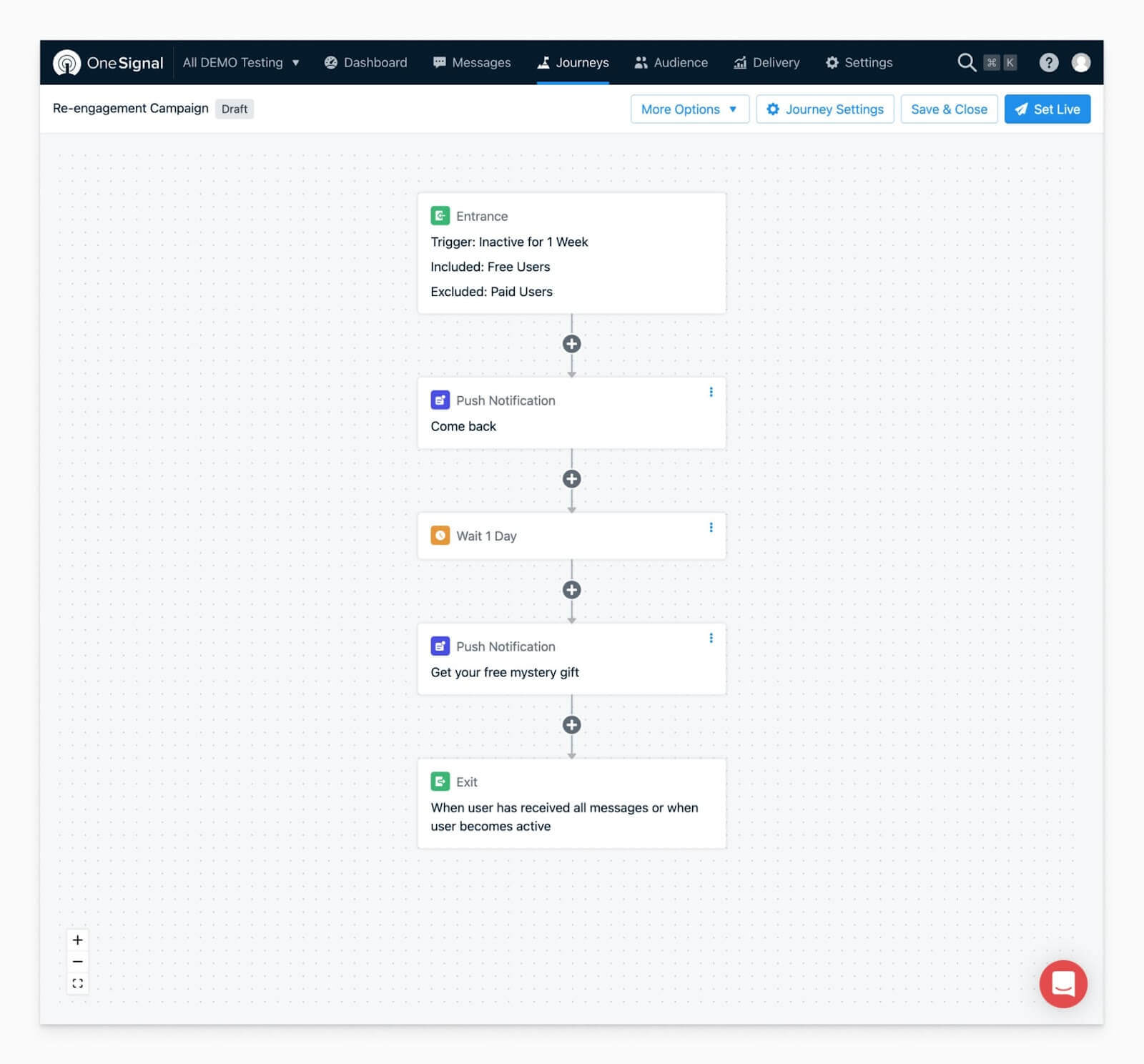
    Journeys is a drag-and-drop workflow builder that you can use to send push notifications based on certain triggers or timings.

    You can send users along various paths depending on the actions they take, and send the right message at the right touchpoint.

    Messages can even be personalized with user attributes, such as their name or purchase details.

    Once set up, these workflows operate on autopilot, delivering increased engagement with minimal time investment.

    How to Start Using Journeys

    The Journeys feature is available on OneSignal’s Professional and Enterprise plan levels, starting from $99 per month.

    If you’ve got an account at the Professional level or higher, you can get started and publish a workflow within minutes.

    While you can set up push notifications from within the MobiLouod builder, or (for WordPress users) within your WordPress dashboard, to set up a Journeys workflow, you’ll need to go into the OneSignal app.

    Go here to log in: https://dashboard.onesignal.com/login 

    From here, select your app, and navigate to the Journeys tab.

    Hit New Journey to get started. You’ll be sent to the visual Journeys builder, where you can start putting your workflow together.

    Here’s an example of what your workflow might look like:

    A workflow set up in OneSignal

    When you’re happy, just hit Set Live to let your workflow run.

    Check out OneSignal’s Journeys documentation for more on how to use this feature, and see more detailed examples here.

    Benefits of OneSignal’s Journeys

    Here are a few reasons why Journeys are so powerful.

    Relevant and personalized notifications

    User communications work so much better when they’re personalized, and relevant to the user.

    Though not as hard as with email, you still need to compete for the user’s attention with push notifications.

    If the user sees a clearly generic notification, most of the time it gets automatically dismissed. 

    The segmentation and personalization that Journeys offers means you can send notifications that actually interest users and speak to where they are on their own user journey.

    Automated to save time and resources

    Save time by not having to manually write and send individual notifications and campaigns over and over.

    A small time investment in setting up your workflow allows it to run in the background, delivering the benefits of targeted push notifications with very little in the way of labor.

    Great for engagement (and re-engagement)

    These workflows are an excellent way to bring people back into your app – especially when they’ve gone cold.

    You can time messages to send just at the right time to keep your users interested and your brand in the user’s mind. And when a user hasn’t been active in some time, you can have an automated workflow set up to re-engage them and make them a loyal user once again.

    No-code setup

    OneSignal Journeys require zero coding to set up. This allows anyone to set up and execute workflows, no matter their background. The user-friendly nature of the workflow builder means you spend more time thinking about what really matters – when and how to engage with your users.

    Cross-channel capability

    OneSignal Journeys even work across different channels – not just push notifications, but email, SMS and in-app messaging as well.

    This just gives you even more options to generate engagement and build a loyal following of app users.

    What Kind of User Journeys Can You Create?

    User Journeys are relevant for any business. There’s always an ideal path you’d like your users to follow, and Journeys helps you push users towards that path.

    Here are some examples:

    • Onboarding: push users to take the necessary actions to learn all the compelling features within your app.
    • Re-engagement: touch back with users who haven’t logged in for a while, and give them an incentive to become active again.
    • Promotional campaigns: send users relevant promotions, and increase the offer for those who don’t convert from the first message.
    • Personalized content: send content, offers or recommendations tailored to each individual, based on their actions in your app.
    • Account and order updates: keep users up to date with the status of their delivery, changes to their account, and other important information.
    • Post-purchase: follow up after someone makes a purchase, or a similar action, to deliver information or push users to take the next steps towards becoming power users.
    • Upgrades & upsells: use segmentation to identify your power users, and encourage them to upgrade or take more valuable actions.

    Get Started with Vendrux & OneSignal User Journeys

    Converting your site to mobile apps with Vendrux is a big step towards scaling your business. Get started with a free preview of your app, or schedule a free, personalized demo and get a first-hand look at the platform’s possibilities with one of our app experts.

    The next step is to harness the full power of push notifications. Even seemingly simple user journey workflows have the power to deliver huge benefits for your apps over time.

    Anyone who is familiar with email marketing knows the power of segmentation and personalization. OneSignal Journeys brings this same power to push notifications, letting you do the same thing in a much more personal communication channel.

    Enable push notifications in your apps, then head over to OneSignal to use their workflow builder to start crafting the path you want your power users to follow.

  • How to Reduce Customer Acquisition Cost for eCommerce Stores

    How to Reduce Customer Acquisition Cost for eCommerce Stores

    Customer acquisition cost (CAC) is a one of the most important metrics for eCommerce businesses.

    CAC is an indicator of how effective, and sustainable, your marketing sales strategies are.

    Reducing CAC will lead to higher profits, and more opportunities to scale your business.

    Keep reading and we’ll share our top tips on achieving a lower customer acquisition cost, to help you build a more sustainable business.

    What is Customer Acquisition Cost?

    Customer acquisition cost is the average amount spent to attract a new paying customer.

    CAC takes into account the cost of marketing, advertising, and anything else contributing to a sale, and divides this figure by the number of new customers you acquired over a specified period.

    Example time:

    Let’s say you spend $4,000 on ads, and another $2,000 on associated costs (like software, wages, ad creative).

    This comes to a total of $6,000.

    If you acquired 500 new customers from these ads, your CAC would be $12 ($6000 / 500) – $12 spent per customer acquired.

    Why Does Customer Acquisition Cost Matter?

    Customer acquisition cost matters because it directly impacts profitability, growth potential, and long-term sustainability.

    A low CAC means you can take more profit from each sale, and bank it or reinvest it into growing your business.

    Alternatively, when you can spend less to acquire customers, you can sell your products at lower prices and undercut the competition.

    Imagine you pay $10 for every customer, while your competitor, pays $20 for every customer.

    They won’t be able to match you for price, because doing so would mean they’re losing money (or breaking even at best) on each sale.

    This gives you a huge competitive advantage.

    CAC in Relation to AOV and LTV

    While customer acquisition cost is a valuable metric, it matters most in relation to average order value (AOV) and customer lifetime value (LTV).

    On its own, CAC doesn’t mean much.

    For example, how would you know if a $50 CAC is good?

    $50 to acquire a customer is amazing if you’re Apple, selling $1,000 iPhones.

    It’s not so good if you’re selling $10 t-shirts.

    That’s why you need to take average order value into consideration when judging your CAC.

    How much does it cost to acquire a customer, relative to the amount they pay you?

    The more your customers spend in each transaction, the more you can afford to spend to acquire them.

    LTV:CAC

    Customer lifetime value (LTV) is also important – perhaps more so than AOV.

    Lifetime value is the total amount a customer typically pays you over their lifetime as a customer.

    If people typically come back and buy from you multiple times, they’ll have a higher LTV, and you can afford to spend more to acquire them.

    If your LTV is high enough, you may be able to sustain a higher CAC than your average order value.

    For example, if your AOV is $50, and customers only ever buy once, your CAC has to be well below $50 for you to make a profit.

    But if your AOV is $50, and customers typically come back and buy from you 5-7 times, you can afford to lose money on the initial sale, because you know the overall value you get from these customers will make up for the money spent to acquire them.

    In fact, it’s not uncommon for businesses to lose money on each new customer. This report finds that merchants on average lose $29 for every new customer acquired.

    You typically want to aim for a 3:1 LTV:CAC ratio – meaning for every $1 you spend acquiring a new customer, you generate at least $3 over their lifetime.

    9 Ways to Lower Customer Acquisition Cost

    Now we know what customer acquisition cost is, and how to judge it in relation to other metrics, let’s look at how to reduce CAC for your eCommerce business.

    1. Improve Your Conversion Rate

    Conversion rate is a key factor in whether or not your CAC is sustainable.

    Think about it.

    If you spend $10,000 on sales and marketing, get 5,000 people to your website, and 1% convert, that’s an average CAC of $200 (50 converting customers; $10,000 / 50 = $200 average CAC).

    Now if your conversion rate was 2%, instead of 1%, what would the equation look like?

    • $10,000 total cost
    • 5,000 website visitors
    • 100 buyers (5,000 x 2%)
    • $100 CAC ($10,000 / 100)

    Through no changes to your advertising, you’ve made a significant improvement in CAC.

    The first step to improving your CAC is analyzing how effectively your website converts visitors into customers.

    Some things you can do to improve conversion rates include:

    • Making your website mobile friendly (conversion rate is typically lower on mobile, because many websites are not mobile friendly).
    • Cut out unnecessary steps in your purchase flow.
    • Optimize your call to action buttons.
    • Improve your product images.
    • Display reviews and social proof.
    • Show personalized experiences to every visitor.

    Most stores have many opportunities to improve conversion rate, and therefore reduce CAC too.

    2. Recover Abandoned Carts

    Abandoned carts are another opportunity to reduce customer acquisition cost.

    Abandoned carts represent a lost sale. But bringing this customer back and recovering the sale costs less than acquiring a brand new customer.

    These customers often have a small objection stopping them from buying, such as price, shipping, or a lack of trust, which is relatively easy to overcome.

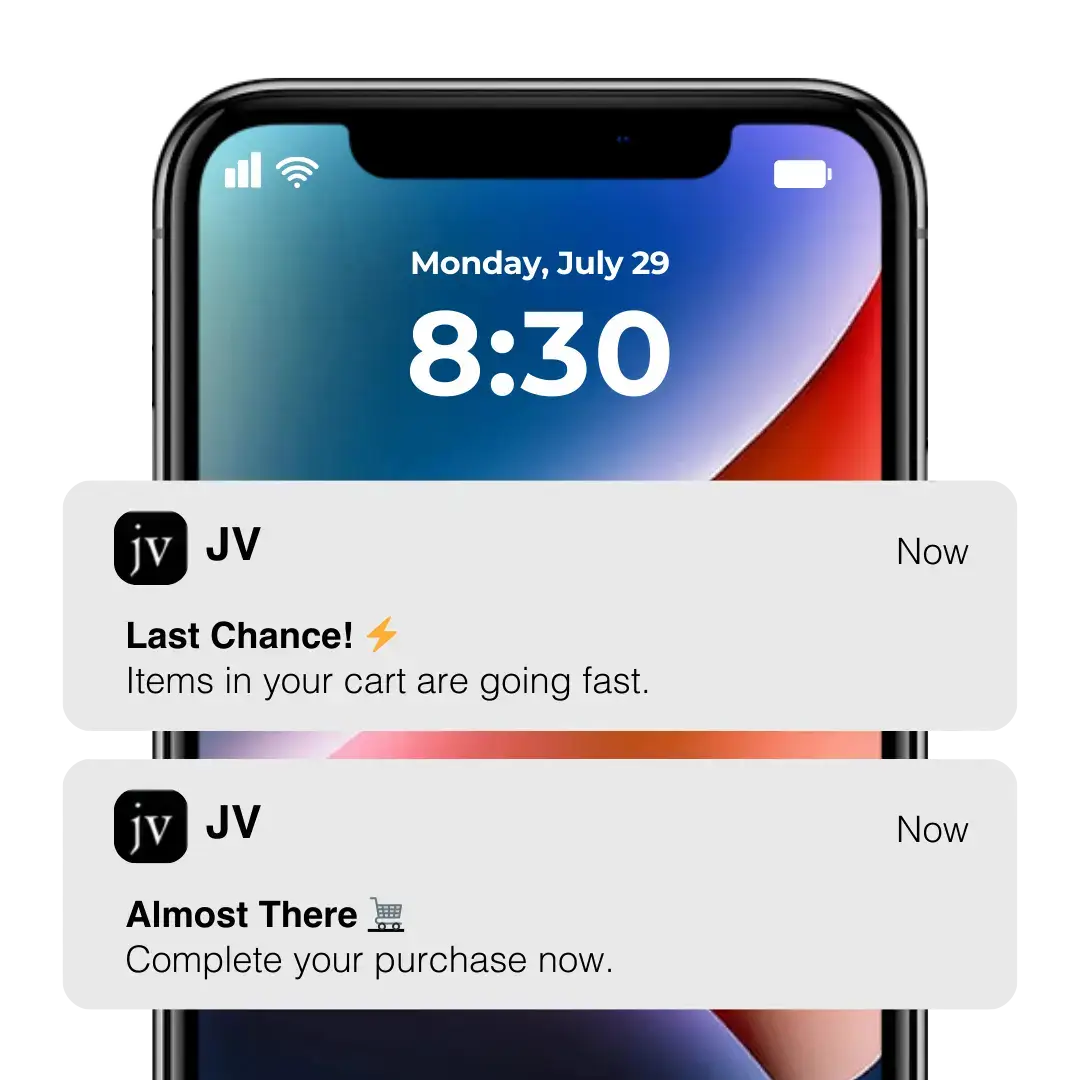
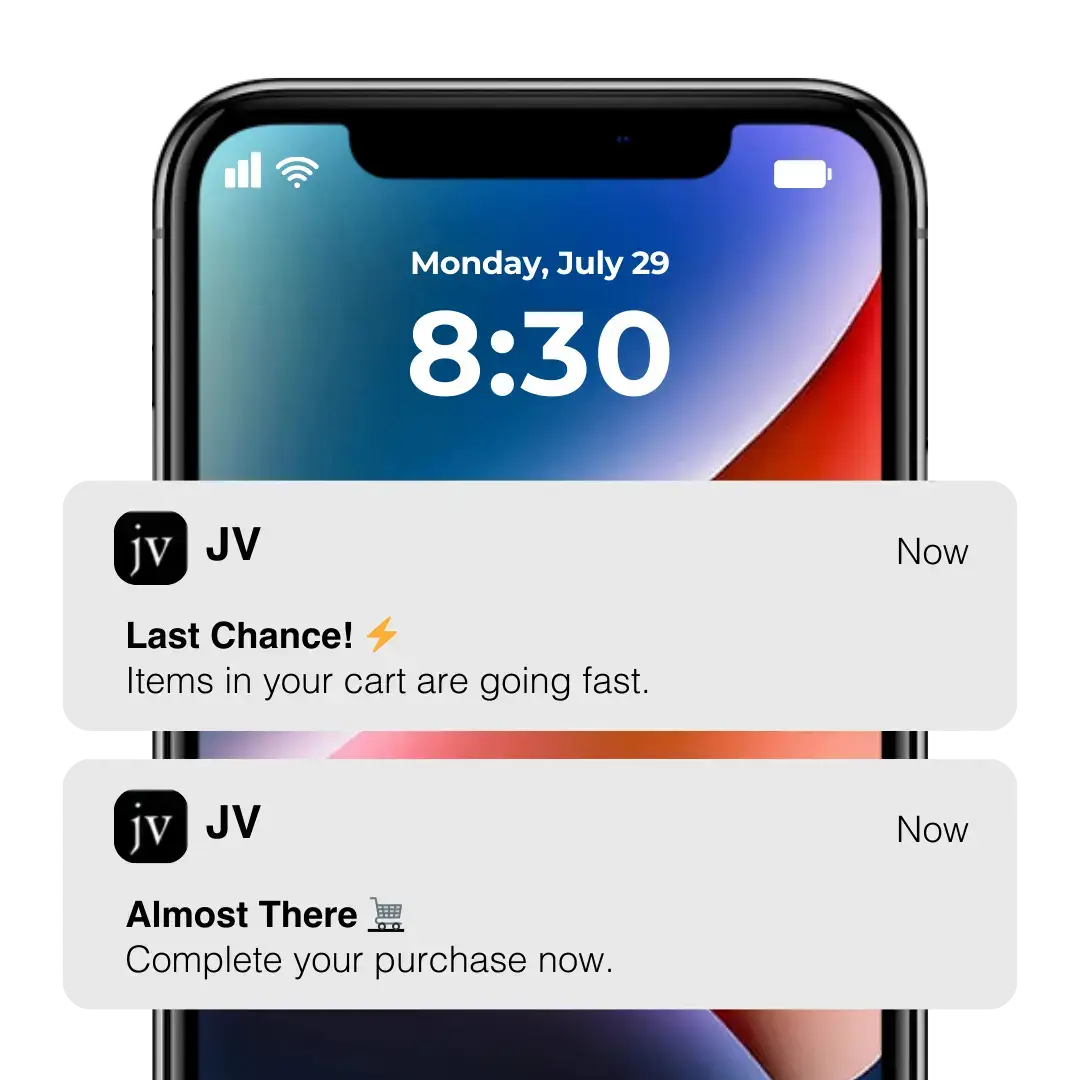
    Many customers with abandoned carts simply forgot to check out, and a quick email, SMS or push notification can be enough to recover the sale.

    __wf_reserved_inherit

    Approximately 70% of online shopping carts are left abandoned, which means there’s a significant opportunity to reclaim lost revenue, increase the number of customers, and lower your customer acquisition cost.

    __wf_reserved_inherit

    3. Narrow Your Target Audience

    If your ad spend is too high, you might be trying to advertise to too many people.

    It’s natural to want to get in front of as big a market as possible, but a smaller, more targeted audience will often be more cost-effective.

    This lets you tailor your copy, customer experience, design and messaging to a specific segment, rather than trying to please everyone.

    Do some research and figure out what your most profitable segments are, and consider doubling down on these people as your primary target audience.

    4. Invest in SEO and Content Marketing

    Consider branching out to cost-effective channels acquisition channels.

    SEO is one of the most economical traffic channels, and can deliver an incredible ROI if done right.

    Growing visibility in Google (and other search engines, such as the app stores), allows you to generate sales for very little cost.

    As a plus, content marketing and SEO helps position your brand as an authority in your field, increasing trust and conversion rate.

    SEO takes time, and some investment. But it is not nearly as expensive as paid ads, and adding a steady number of low-cost sales will help offset more costly acquisition channels.

    5. Utilize Email, SMS and Push Notifications

    Direct communication channels like email, SMS and push notifications are more cost-effective alternatives (or complements) to paid ads.

    In the retail, eCommerce and consumer goods sector, email marketing has an average ROI of $45 for every $1 spent.

    And with email becoming more saturated, and more people today going mobile-first, SMS and push notifications can be even more effective.

    __wf_reserved_inherit

    Focus on getting contact information from people who land on your website but don’t buy.

    Offer an incentive for them to sign up to your email list, to give you their phone number, or to download your app.

    This gives you the ability to market to them further, and acquire sales for a much lower cost than other acquisition channels.

    6. Start a Referral Program

    Referrals are yet another cost-effective way to get new customers.

    A study by Wharton Business School found that customer acquisition costs were significantly lower for referred customers (20 euros, or $22-23 lower in their study).

    What’s more, they found that referred customers delivered 25% more value than non-referred customers.

    With the low cost and low effort required to manage referral programs, this is a great opportunity to reduce your CAC and offset your more expensive channels.

    7. Partner with Influencers/Brand Ambassadors

    The ROI of influencer marketing can vary a lot, but brands who do influencer marketing well see an incredible return on their money.

    Influencer Marketing Hub finds an average ROI of $5.78 for every dollar spent on influencer marketing, while the top 13% of businesses are able to generate $20 of revenue per dollar invested.

    Look for influencers to partner with, whether it’s on Instagram, TikTok, podcasts, or any other platforms where your audience consumes content. 

    Larger brands can consider signing brand ambassadors to represent them, a tactic major brands have been doing for decades to grow visibility and build trust and credibility in their niche.

    8. Test, Test, Test

    You can listen to as much advice as you want, on how to get a better ROI from your paid ads, how to improve your conversion rate, which channels to use for a better CAC… but it won’t always work out as you expect.

    The best way to figure out what works and what doesn’t, is to test.

    Test everything – test pricing, test different audiences to target, test ad copy and creative, test different images on your product pages.

    Your tests will result in many micro-optimizations, which add up to a significant improvement in your customer acquisition cost in time.

    9. Launch a Mobile App

    Finally, launching your own mobile app is an incredible way to lower CAC (plus increasing AOV, LTV and more).

    Mobile apps help you improve conversion rate for mobile users, by offering a smoother, self-contained experience on mobile.

    They give you access to push notifications, which you can use for promotional campaigns, and to recover abandoned carts.

    They help you get more loyal, repeat customers, who become valuable assets for your referral program and send new customers your way.

    Mobile apps also let your business get into the app stores, a powerful authority signal, boosting trust with your customers and increasing visibility.

    There’s a reason so many brands today have their own app.

    The mobile commerce market is booming, to the tune of more than $2 trillion per year worldwide, and shoppers on the whole prefer apps to mobile websites, spending more time and money and converting at a higher rate in mobile apps.

    How to Launch a Mobile App (And Reduce CAC)

    If you don’t already have a mobile app, and think you simply can’t afford such an investment, think again.

    With Vendrux, launching an app is quick, affordable, and easy. And best of all, you don’t need to sacrifice anything in quality.

    __wf_reserved_inherit

    Vendrux helps you convert your existing website into iPhone and Android apps.

    It takes zero effort on your part – we do all the work for you, and simply use what already works for you on the web to deliver a great app experience, fully synced with your website.

    The cost is a fraction of what it costs to build a fully custom app, and it comes with none of the complexity and overhead.

    Your app updates with your website, so you have nothing extra to maintain, while you get all the benefits of having your own app.

    High-revenue brands such as Rainbow Shops, John Varvatos and BESTSELLER all used Vendrux to build apps which drive significant revenue for them for very little cost.

    __wf_reserved_inherit

    Your app could be live and in the app stores in less than a month, all for a low cost, with no major changes to your workflow.

    Get in touch now to learn more about what’s possible.

    Lower Your CAC and Boost Loyalty and Retention Now

    It’s worth the time and effort for any eCommerce business to figure out how to spend less money acquiring customers and make more profit on every sale.

    There are so many opportunities to optimize your CAC, whether it’s by improving conversion rate, investing in low-cost acquisition channels, or improving the efficiency of your ads.

    You can also launch a mobile app, which will not only help you reduce CAC, but boost long-term revenue and loyalty, delivering more value from the money you spend on marketing and sales.

    Get in touch and book a free demo to learn how easy it is to grow your business and reduce CAC with Vendrux.

  • How to Test iOS Apps Seamlessly with TestFlight

    How to Test iOS Apps Seamlessly with TestFlight

    Testing is an important part of the app development process. When building iOS (or Android) apps, it’s vital that multiple people to try the app on their own devices and test for bugs or usability issues.

    For beta testing iOS apps, TestFlight is the tool you need. In this post we’re going to explain all you need to know about TestFlight, how to use it, and a few more tips to guide you through beta testing your iOS app.

    What is TestFlight?

    TestFlight is Apple’s free tool to enable beta testing for iOS apps.

    It works not just for iOS smartphone apps, but also for apps for iPadOS, macOS, tvOS, watchOS, and iMessage.

    Through the TestFlight app, users can test beta builds of apps they’ve been invited to test. This allows testing of not-yet-published apps on an actual device, rather than in an emulator or simulated environment.

    How to Use TestFlight

    To use TestFlight, you’ll need to have an App Store Connect account (aka an Apple Developer account).

    Inside App Store Connect, you’ll navigate to the TestFlight tab, upload your build for the beta test, and invite users to test.

    Test builds are available for 90 days. Within App Store Connect, you’ll be able to view all your test builds, along with stats on:

    • How many testers you’ve invited
    • How many have installed it
    • Total number of sessions
    • Number of app crashes
    • Number of pieces of feedback submitted
    TestFlight screenshot via Apple

    There are two kinds of testing you can enable: internal and external testing. Let’s look at how to give internal and external testers access to your beta app.

    Inviting Internal Testers

    Internal testers are members of your App Store Connect account, who are authorized to test beta builds of your app.

    You can have up to 100 internal testers. These must be added to your account, so internal testers are best suited for in-house testing teams, or adjacent roles such as app manager, marketing, sales etc who you want to have an input on the app before release.

    Click here to learn how to add people to your App Store Connect Account.

    Inviting External Testers

    External testers do not need to be part of your App Store Connect account. You can invite external testers to your beta, they download the TestFlight app, and they’ll provide feedback on your beta build.

    (Before external testers test your app, you may have to submit it for a beta app review first).

    You can have up to 10,000 external testers.

    There are two ways to add external testers. You can add them to your test with their Apple ID email, or share a public link, which people can click on for access to the beta.

    If you invite testers using a public link, you can limit access to fewer than 10,000 users, or turn off access to the public link at any time.

    TestFlight Redeem Code

    TestFlight may ask your external tester for a redeem code to access the test build.

    This code will be sent along with the invitation email. This email will come with a link inside. Once the user clicks this link, they’ll see step-by-step instructions on how to get TestFlight and join the beta, along with the redeem code.

    The TestFlight app will have a link on the top right of the screen saying “Redeem”, where users can enter the code and get access to your test build.

    Each redeem code is unique, and can be used only once.

    If your beta users didn’t receive a redeem code, have them:

    1. Check the spam box for the invitation email
    2. Open the email, click the link inside, and look for the TestFlight redeem code.

    If this doesn’t work, try re-sending the invitation.

    Viewing Feedback from Beta Testers

    Beta testers can send feedback and submit screenshots directly through the TestFlight app.

    You can access these, along with crash reports, in App Store Connect.

    Testers may also send feedback to the email address assigned to the test.

    Testing Your iOS App: How and Why

    The app testing process is an important part of developing an app. Before you launch a new app, it’s vital you test it thoroughly, particularly on a real device.

    Why You Need to Test

    You don’t want to go live with a buggy, or sub-par app.

    Doing this can result in poor reviews, which will make it difficult to get downloads even once you release an improved version.

    Though your app doesn’t need to be absolutely perfect for you to launch it and publish it on the App Store, it should at least come off as a complete, professional app.

    On top of this, it’s important to test on real devices, with users unfamiliar with the app.

    The app might seem to work fine in an emulator or simulated environment. But you need to know that it will be stable and usable on an actual iOS device.

    And while it may seem like everything works from your development team’s testing, you need to know if any usability issues come up from fresh, unfamiliar users.

    Remember, your team knows how the app is supposed to work. Someone who downloads it from the app store doesn’t. If the app turns to out to be confusing and unintuitive, users will be quick to discard it and try another. You need this fresh perspective in the testing process, to ensure it makes sense to the end user.

    How to Test Your iOS App Before Release

    Here are some tips on effectively testing your app before you’re happy to submit it for publishing on the Apple Store.

    • Define test objectives: Before you start testing, clearly state your goals and objectives, including critical functionalities, use cases, and user scenarios.
    • Test on real devices: Use emulators and simulators initially, but also test on real devices to accurately assess performance, user interface, and device-specific features.
    • Test across various environments: Evaluate your app’s functionality in different network conditions like Wi-Fi, 3G, 4G, and unstable connections to ensure optimal performance and smooth handling of network disruptions.
    • Test usability and user experience: Conduct usability testing to ensure your app is intuitive and easy to use. Gather user feedback on design, interface, and overall satisfaction through user experience testing to identify areas for improvement and enhance engagement.
    • Conduct functional and non-functional testing: Verify that each feature of your app functions correctly through functional testing. Additionally, perform non-functional testing to assess performance, security, compatibility, and accessibility for a robust and reliable app.
    • Continuously iterate and retest: Testing is an iterative process. Retest your app after addressing identified issues and making updates to ensure new bugs were not introduced. Repeat this cycle until you are confident in the stability and readiness of your app for release.

    Final Thoughts

    Thorough testing is important if you want to launch a successful iOS app. Luckily, Apple provides a great testing tool for iOS developers, in TestFlight.

    TestFlight is the way to go to run beta tests for your iPhone app. If you’re building an Android app, there are some alternatives that do a similar thing.

    Take the time to test your app, and get it right before launching, and you’ll have a much better chance of getting traction once you actually land in the App Store.

  • How to Measure Mobile App Performance (And the Results That Matter)

    How to Measure Mobile App Performance (And the Results That Matter)

    Launching a native app is a great move for brands across diverse sectors like ecommerce, SaaS, media, and more. 

    The potential benefits of launching an app are substantial – from revenue to engagement to user retention.

    But to truly understand the impact of your mobile app on your business, you need some real business metrics to point to.

    This guide focuses on measuring real business outcomes, to give you a structured approach to understanding mobile app performance. 

    We’ll explore key metrics related to revenue, user engagement, customer retention, and brand perception, giving you clear benchmarks to aim for and practical strategies to maximize your app’s return on investment.

    Vendrux helps businesses of all types – from ecommerce to SaaS to media – launch high-quality, revenue-driving mobile apps for minimal investment and effort. Want to see how it works? Go here to get a free preview of what your website will look like as an app.

    Most Common Business Results to Measure for Mobile Apps

    Let’s look at a range of different ways to measure mobile app performance, using hard, clear metrics. Keep in mind that not all of these metrics will be relevant to all types of apps – we’ll go into the most important ones for different types of business a little later.

    Revenue

    Revenue is where the rubber meets the road for most businesses. Your mobile app should be contributing meaningfully to your bottom line, and there are several key ways to measure this impact.

    Conversion Rates

    Look at conversion rates – the percentage of users completing valuable actions like purchases or subscriptions. 

    Mobile apps typically outperform mobile websites by a factor of 3x or more in conversion rates. This dramatic improvement comes from the seamless experience apps provide: stored payment information, personalized recommendations, timely & relevant push notifications, and even offline functionality that lets transactions happen without constant connectivity.

    Measurement Strategy: Track conversion rates across different user segments, acquisition channels, and app versions to identify optimization opportunities.

    Average Order Value (AOV)

    Examine your Average Order Value (AOV). Well-designed apps can increase AOV by 15-40% compared to mobile web experiences. 

    Think about it – when a customer is using your app, you can offer tailored product recommendations based on their purchase history, suggest complementary items, and create a checkout process that’s virtually frictionless. 

    Apps also tend to keep shoppers 

    All these elements encourage customers to add more to their cart.

    Measurement Strategy: Monitor AOV trends over time, across different user cohorts, and in relation to specific app features or marketing campaigns.

    Revenue Generated

    Track the total revenue generated through your app. While this doesn’t always tell the full story, it’s a simple way to assess how much business your app facilitates.

    For established businesses, mobile apps typically account for 35-65% of total digital revenue within 12-18 months of launch. 

    Don’t just look at absolute numbers, though. Compare growth rates between your app and other channels, analyze how much revenue comes from first-time versus repeat customers, and try to measure incremental revenue (sales that wouldn’t exist without the app).

    Measurement Strategy:

    • Track both absolute revenue figures and percentage of total business revenue
    • Compare revenue growth rates between app and other channels
    • Analyze revenue attribution between first-time and repeat customers
    • Measure incremental revenue that wouldn’t exist without the app

    User Engagement

    Revenue tells you what’s happening now, but engagement metrics help you predict future success. Engaged users become loyal customers, make repeat purchases, and often become brand advocates.

    Daily Active Users (DAU)

    Daily Active Users (DAU) is your fundamental engagement metric. Healthy apps maintain a steady number of people who regularly use the app, which should ideally grow over time.

    Track this not just as an absolute number but as a percentage of your total user base. Look for patterns across different days of the week and monitor how DAU responds to marketing efforts and app updates.

    Measurement Strategy:

    • Track DAU as both absolute numbers and as a percentage of total user base
    • Monitor DAU patterns across different days of the week
    • Analyze DAU in relation to marketing efforts and app updates
    • Compare DAU growth against Monthly Active Users (MAU) to assess stickiness

    Session Length

    Session length (how long users spend in your app per visit) reveals engagement depth. Optimal times vary by industry. 

    Ecommerce apps might aim for 3-8 minutes (enough time to browse and buy without frustration). Media apps might target 8-15 minutes (enough time to consume content).

    You need to look at this number in context with your overall metrics. Comparing session length in the app vs session length on your mobile/desktop websites is a great way to see the engagement impact of your mobile app.

    Measurement Strategy:

    • Examine session length distribution rather than just averages
    • Identify key user actions accomplished within different session durations
    • Correlate session length with conversion metrics
    • Compare trends across different app versions and features

    Session Frequency

    Session frequency tells you how often users return to your app. It’s like session length; increasing this metric shows the app is doing a good job engaging users – and more sessions typically translates to higher revenue.

    Measurement Strategy:

    • Segment users by frequency cohorts (power users vs occasional users)
    • Analyze patterns in session timing (time of day, day of week)
    • Correlate session frequency with user lifecycle stage
    • Measure impact of notifications and re-engagement campaigns on frequency

    Screen Flow and Feature Usage

    You might even get really deep into the weeds and track usage patters for specific mobile app features.

    This won’t be relevant for all types of apps. But if you have a mobile app with exclusive features (not available on the website), you may have an interest in how often these features are used.

    Measurement Strategy:

    • Create flow visualizations to identify common paths and drop-off points
    • Track feature adoption rates for new and existing features
    • Analyze time spent on different screens and features
    • Identify correlation between specific feature usage and retention

    App Retention

    Attracting downloads is just the beginning. True success comes when users keep your app installed and return to it regularly. This is where retention metrics come into play.

    Retention Rates

    Track retention rates (the percentage of users who return after their first visit) at key intervals like Day 1, Day 7, Day 30, and Day 90. 

    Industry averages for 30-day retention hover around 35-40%, with top-performing apps reaching 58% or higher. 

    Compare retention across different user cohorts and acquisition channels to identify what’s working best.

    Measurement Strategy:

    • Track retention curves across different user cohorts
    • Compare retention between acquisition channels
    • Analyze impact of onboarding improvements on retention
    • Correlate feature usage with retention rates

    Churn Rates

    The flip side of retention is churn – the percentage of users who stop using your app (you’ll want a low number for this metric).

    Understanding why users leave is just as important as the raw numbers. Consider implementing exit surveys or analyzing behavior patterns preceding churn.

    Measurement Strategy:

    • Conduct exit surveys to understand churn reasons
    • Identify patterns in user behavior preceding churn
    • Analyze churn by user segments and acquisition sources
    • Calculate customer lifetime value impact of reduced churn

    User Lifecycle Progression

    Think about your user lifecycle as a progression: new users become casual users, who become active users, and eventually power users. 

    How you define a “power user”, as well as users at other stages in the lifecycle, is up to you. But the main idea is that an app should help nurture one-time customers or sporadic users into regular, high-value customers.

    Measurement Strategy:

    • Define clear criteria for each lifecycle stage
    • Track progression and regression between stages
    • Identify key actions that correlate with stage advancement
    • Measure time-to-power-user across different segments

    Learn more: How to Improve Mobile App Retention

    Overall Customer Retention

    Beyond app-specific retention, your mobile app could also deliver success by increasing your overall retention rate (how many customers remain actively buying, or how many users continue to engage with you).

    Customer Retention Rate

    Look at how app users compare to non-app users in terms of overall loyalty to your business. You can also assess your overall retention rate over time, paying specific attention to when the mobile app was launched and whether it correlates with a noticeable change in your retention rate.

    Measurement Strategy:

    • Compare retention between app users and non-app users
    • Track changes in overall retention before and after app launch
    • Analyze retention across different customer segments
    • Measure retention impact of cross-platform vs single-platform usage

    Customer Churn Rate

    Just like above; look at what difference (if any) the mobile app makes on your overall churn rate. Has churn decreased since launching the app? Do users with the mobile app downloaded churn at a lower rate?

    Measurement Strategy:

    • Calculate economic impact of reduced churn
    • Analyze patterns in customer behavior before churning
    • Compare churn rates between different customer segments
    • Measure effectiveness of app-based re-engagement campaigns

    Customer Lifetime Value (LTV)

    The best measure of long-term retention is customer lifetime value, or LTV – the typical amount a customer spends with you over their lifetime as a customer.

    Higher retention = more purchases/longer as a subscriber, and higher LTV.

    Measurement Strategy:

    • Compare LTV between app users and non-app users
    • Track LTV changes as users adopt additional channels
    • Analyze LTV components (purchase frequency, AOV, retention)
    • Calculate ROI based on LTV improvements

    Brand Perception

    While harder to quantify than revenue or engagement metrics, brand perception significantly influences long-term success. Your app is often the most frequent touchpoint customers have with your brand, making its quality a critical component of overall brand experience.

    App Store Ratings and Reviews

    App store ratings and reviews provide the most visible measure of satisfaction. Top-performing apps maintain average ratings of 4.5+ stars. 

    But don’t just count stars. Analyze review content for common themes in both positive and negative feedback. Responding thoughtfully to reviews (especially critical ones) demonstrates your commitment to customer experience.

    Measurement Strategy:

    • Monitor rating trends over time and across app versions
    • Conduct sentiment analysis on review content
    • Track common themes in positive and negative feedback
    • Measure impact of addressing user concerns on ratings

    Net Promoter Score (NPS)

    You might want to use Net Promoter Score (NPS) surveys within your app to measure how likely users are to recommend it. 

    Leading apps maintain NPS scores of 50+, significantly above the industry average of 30-40. Track NPS trends over time and across different user segments to identify areas for improvement.

    Measurement Strategy:

    • Implement in-app NPS surveys at key moments
    • Track NPS trends over time and across user segments
    • Correlate NPS with specific features and experiences
    • Compare app NPS with overall brand NPS

    Social Media Sentiment

    Social media sentiment offers another window into perception. Monitor conversations about your app across platforms, paying attention to both volume and sentiment. 

    For healthy apps, positive mentions should outweigh negative ones by at least 3:1. Social listening tools can help automate this process and identify influential users whose opinions carry particular weight.

    Measurement Strategy:

    • Implement social listening tools to track mentions
    • Analyze sentiment trends during key events (updates, campaigns)
    • Identify influential users and their impact on sentiment
    • Compare sentiment with competitor apps

    Further reading: A Step-by-Step Playbook for Launching Your Mobile App

    Measuring Mobile App Success for Different Verticals

    Different types of businesses naturally prioritize different metrics when evaluating mobile app performance. Let’s explore what matters most for various sectors.

    Ecommerce Apps

    For ecommerce businesses, the primary goals are driving incremental revenue, increasing purchase frequency, and enhancing customer loyalty.

    Mobile apps typically drive higher conversion rates and AOV than the brand’s mobile website, with higher shopping frequency and session length, with lower cart abandonment (or higher recovery rate for abandoned carts). All this leads to more LTV from app users.

    Key Metrics:

    • Conversion Rate 
    • Average Order Value
    • Purchase Frequency
    • Avg. Session Length
    • Cart Abandonment Rate (plus cart recovery rate/revenue)
    • Product Discovery (# of products viewed per session)
    • Revenue Share (how much of your total revenue comes through the app)
    • Repeat Purchase Rate
    • Push Notification Opt-In Rate (more push subscribers = a more effective direct marketing channel)
    • LTV

    Learn more: Sustainable Acquisition Strategies for Ecommerce Apps

    Media & Content Apps

    Media companies want to maximize content consumption, increase subscriptions, and build habitual usage.

    You want to get people reading your content more often; consuming content for longer; and more upgrades to premium offerings (e.g. subscriptions or purchases).

    Key Metrics:

    • Content Consumption
    • Session Frequency
    • Time Spent In-App
    • Subscription Conversion
    • Ad Engagement
    • Push Notification Effectiveness
    • Offline Reading/Viewing

    SaaS Mobile Apps

    For SaaS businesses, mobile apps often serve a different purpose. The primary goals are enhancing platform stickiness, increasing feature adoption, and reducing churn. 

    A mobile app may come as part of a subscription. The mobile app itself is not the product, but another feature of your overall product. It’s a success if it helps users stay subscribed for longer (or pushes users to subscribe to a higher tier).

    Key Metrics:

    • Feature Usage
    • Daily Active Users
    • Session Frequency
    • Adoption Rate (how many subs use the app?)
    • Cross-Platform Retention (how does the mobile app affect your overall retention/churn rates?)
    • LTV (do people who download the app stay subscribed for longer, or sub to higher plans more often?)

    Marketplace Apps

    Marketplace businesses have unique challenges in measuring mobile success, as they need to balance activity on both sides of their platform. 

    Many success metrics are the same as for regular ecommerce apps; more revenue, higher conversion rates, higher customer retention.

    But you might focus more on engagement-related metrics. Since the network effect is so crucial for marketplaces, if your app succeeds in getting more activity (on both the buyer side and seller side), it can have a huge impact on the overall health of the business.

    Key Metrics:

    • Transaction Share
    • Buyer/Seller Ratio
    • Buyer/Seller MAU
    • Listing Creation
    • Message Response Time
    • Transaction Completion Rate
    • Return Frequency

    Community & Social Apps

    Community and social platforms live or die by engagement. The DAU/MAU ratio (daily active users divided by monthly active users) is a key stickiness indicator, as is the number of sessions, session length and interaction rates.

    Key Metrics:

    • DAU/MAU Ratio
    • Content Creation
    • Interaction Rate
    • Notification Engagement
    • Time in App
    • Return Rate
    • Community Growth

    Want to launch a mobile app that drives real results for your business, with little to no risk? Vendrux helps you do this, by converting your existing website into an app. Book a free consultation with our team of experts to learn more about how it works.

    ROI: Performance vs Investment

    There’s one more aspect to understand: mobile app success has to be measured relative to the investment you put in.

    This is ROI – return on investment.

    What this means is that an app that drives $10k in monthly revenue can be a great success or a monumental failure, depending on what it cost to make (and to acquire users).

    If it cost $150,000 to build your app, another $5-10k per month to maintain, and you’re paying around $50 to acquire each user, your app is probably not a net positive for your business.

    But if that same app – $10k monthly revenue – cost just around $1-2k to build, a few hundred per month to maintain, and minimal cost to get users, it may be a roaring success.

    ROI is key to any business decision. Make sure you know the path to a positive ROI for your mobile app.

    __wf_reserved_inherit

    How Vendrux Maximizes Your App’s ROI

    Vendrux lets you launch a high-performance mobile app for iOS and Android without:

    • Rebuilding your website
    • Managing a second codebase
    • Taking on significant overhead and operational complexity
    • A steep upfront investment

    For around $500/month, you get a fully managed service that handles everything from app configuration to app store submission and ongoing maintenance.

    The upfront cost is low, the overhead is low, yet results are practically equal to what you’d get from a fully custom app.

    This means your app doesn’t have to generate millions in new revenue to be worth it. Even a modest increase in repeat purchases, push notification-driven conversions, or customer retention can make your investment profitable. Everything else is upside.

    Unlike cookie-cutter app builders, Vendrux gives you a fully branded, premium native app experience without limitations. Your tech stack, your site functionality, your checkout flow – it all works out of the box, just like it does on your site. But you also get the mobile-native features that matter for business results: push notifications, home screen presence, and an App Store listing that boosts brand credibility and discoverability.

    __wf_reserved_inherit
    A few examples of mobile apps launched with Vendrux. Want more? Check out our app showcase here

    Most importantly, you’re not doing this alone.

    Vendrux isn’t a tool. It’s a team. We take full ownership of your app’s success, helping you drive adoption, improve engagement, and continually optimize your app’s performance post-launch. 

    That includes strategy sessions, Slack access to our team, and done-for-you push notification flows that help turn your app into a serious retention and revenue channel.

    For businesses focused on outcomes, not just launching an app for the sake of it, Vendrux offers the highest probability of positive ROI with the lowest possible barrier to entry.

    Want to see what your app could look like? Start with a free preview and we’ll show you exactly what’s possible.

    Final Thoughts

    Measuring your mobile app’s performance effectively means:

    • Picking the right metrics to track
    • Weighting metrics correctly (find your North Star – most important success indicators)
    • Putting these metrics into the overall context of your business
    • Looking at your app’s return against the investment you put in

    You’ll also need to look beyond surface metrics to understand true business impact.

    Yet while downloads and ratings matter, revenue, engagement, retention, and brand perception tell the real story of your app’s success. You can’t pay for stock or cover payroll with a screenshot of your app store reviews.

    To launch an app that contributes measurable results for your business, think about the metrics you need to track and the benchmarks you’re looking for before you launch – and take into account how much you’re going to spend on the app as well.

    Less investment (not just upfront, but the time and headspace required to manage) = a higher chance of a positive return.

    Vendrux helps you get that positive return, by stripping away the cost and effort involved in launching and managing your app, drastically lowering risk, and also the bar required for a positive ROI.

    At around $500 per month, even just a small boost in revenue and engagement from your mobile app and it’ll be worth it.

    Everything above? Pure profit. 

    Interested? Get a free preview of your app to start the ball rolling.

  • How to Own Your Website Traffic: Building Unstoppable Moats

    How to Own Your Website Traffic: Building Unstoppable Moats

    DTC brands are at a crossroads.

    Most rely on traffic they don’t control—Facebook and Instagram ads, Google search rankings, and influencer promotions.

    These channels are effective, but they’re rented land… subject to algorithm changes, rising costs, and platform risks that can cut off your lifeline overnight.

    To survive (much less to thrive), you need to own your audience and traffic.

    Read on to learn how to transform your website into an owned traffic machine, to scale profitably and survive as ecommerce becomes more and more cutthroat.

    Want the latest insights into how 7, 8 and 9-figure brands are driving sustainable growth? That’s what you get with our weekly newsletter, The Retention Edge. Subscribe for free today.

    Why Owning Your Website Traffic is Crucial

    Most brands today are addicted to traffic they don’t own. They rely on Facebook and Instagram ads, Google search rankings, and influencer shoutouts to bring in customers. 

    These can all be powerful ways to scale a brand. But here’s the problem—every single one of those platforms can change their rules overnight, leaving your brand scrambling for a new sales channel.

    We’ve seen this before:

    • Facebook’s iOS14 update slashed tracking capabilities, making paid ads less efficient.
    • Google’s algorithm updates can nuke organic rankings, wiping out years of SEO work.
    • Influencer fatigue means customers trust organic recommendations over paid sponsorships​.

    If you’re building your brand on borrowed land, you’re at risk.

    Even putting aside platform risk, the competition in ecommerce is rising at a staggering rate.

    Between March 2020 and January 2022, the number of live Shopify websites increased by more than 2.5 million (a 201% rise).

    Source: Relo

    With more brands competing for their share of your customer’s wallet, there’s less room for error than ever before.

    The result is roughly 60% higher CAC, compared to five years ago.

    The solution? 

    Own your traffic.

    What “Owning Your Traffic” Really Means

    Owning your website traffic means controlling how you acquire and communicate with your audience. 

    Instead of renting visibility from ad platforms and search algorithms, you:

    1. Create content that not only ranks, but builds brand affinity.
    2. Capture visitor data to re-engage them via email, SMS, or your app.
    3. Build communities around your brand that sustain themselves.
    4. Optimize for repeat visits and higher LTV, reducing reliance on paid ads.

    This isn’t just a neat idea. It’s a necessary strategy for survival, with ad targeting getting harder and CAC going to the roof.

    Read more: the difference between Paid, Earned and Owned Media Channels

    The Framework for Building Owned Traffic Moats

    A moat is a competitive advantage that protects your business from competition. It’s whatever stops a competitor from stepping in and replicating your business overnight, or a third-party platform from wiping out all your sales in one swift algorithm change.

    Your website can be a strong moat or a flimsy one. The key is to leverage your website to create brand assets.

    1. Engaging content that attracts and retains customers
    2. Email & SMS lists
    3. Owned assets like a mobile app or a community

    These are all assets you control, with no algorithms, no gatekeepers.

    The Owned vs Rented Traffic Equation

    Most growth channels are rented traffic.

    This is fine; renting is more immediately scalable. You can get a much quicker return on your investment.

    But long-term, your success is tied to that channel, and changes (ad accounts getting banned, acquisition costs going up) can make it hard to sustain your business in the future.

    Rented Traffic = Constant Spend

    • You pay a toll every time someone visits (ads, influencers, SEO that’s at risk of Google updates).
    • Costs increase over time as competition rises.

    Owned Traffic = Scalable & Repeatable

    • Traffic grows as you nurture audiences through content, email, and SMS.
    • Costs decrease as customer retention increases.

    SEO & Content as a Moat (The Foundation of Long-Term Retention)

    SEO traffic is not an owned channel; it’s earned.

    It’s not owned because you’re not in total control. You can follow all the best practices, but you’re still ultimately at the mercy of Google’s algorithm.

    It also takes time to see a return on your results—hence why this traffic is earned (you earn traffic from SEO based on past work and investment).

    SEO is, however, a great way to build owned traffic moats.

    Google search delivers cheap, scalable traffic to your website, which you can turn into owned audiences (email, SMS, mobile apps).

    But most brands don’t play it this way. If they invest in SEO at all, it’s only to generate buy-now traffic to their product and collection pages.

    What they don’t understand is that their target audience is so much bigger than those who are actively in-market.

    The smartest stores treat SEO optimization as ongoing maintenance, instantly spotting and fixing hidden errors that silently tank traffic and rankings.

    To simplify the process, they use apps that offer SEO all-in-one solutions (like Tapita SEO & Speed Optimizer) to stay ahead of issues Google would otherwise penalize.

    By thinking about SEO as a stepping stone to owned moats, you can start to build wider audiences that contribute far more revenue (and profit) in the long run.

    Converting Your Earned and Paid Web Traffic into Owned Channels

    A key part of your SEO strategy (as well as paid acquisition) has to be converting web traffic into owned channels.

    For the hard work (and investment) it takes to get someone to your website, you need to retain their attention for longer than just one browsing session.

    Step one is getting traffic.

    This is where SEO is great. It’s cheap and scalable, allowing you to attract people who are both in and out of market.

    See how Hollow Socks and True Classic do it.

    They have articles that attract a wider audience, educate and nurture people who are not yet laser-focused on buying.

    These pages either direct people further down the funnel (to product pages), or try to get you to join their email list.

    Alternatively, you could pitch other owned channels, like your mobile app or a members-only community.

    This is why every ecommerce website you land on, whether it’s the home page, product pages or a blog post, serves you an opt-in with the offer of a discount or some other incentive if you join their list.

    Now let’s look at a few of the best owned traffic moats to focus on.

    Email & SMS – Your Direct Line to Revenue

    Email & SMS are still high-ROI channels​.

    • Email has an average ROI of 36:1, meaning for every $1 spent, you get $36 back​.
    • SMS sees 6x higher click-through rates than email​.
    • Retargeting people via email/SMS is 10x cheaper than acquiring new customers via paid ads.

    Best of all, they’re owned channels. You control the audience and the messaging. You don’t have to constantly pump money in to get returns, like with paid ads, and you can’t get shut out as easily (though email deliverability is getting tighter of late).

    This direct line to your customers, and to potential revenue, is crucial in today’s DTC landscape.

    Building a High-Value List

    Here’s how to start building a powerful and valuable list, leveraging your existing website traffic.

    1. Optimize website pop-ups for email/SMS capture (exit intent, timed, and scroll-triggered).
    2. Use quizzes & gated content to increase sign-ups (e.g., skincare quiz to recommend products).
    3. Offer exclusive perks for subscribers (early product drops, VIP pricing).

    The Role of Automated Flows

    The incredible value of channels like email comes from their simplicity and lack of overhead.

    Automated emails (which actually have significantly better engagement than email campaigns) require little to no ongoing work to maintain.

    Set these up once, and they print money:

    • Welcome Series (45-60% open rates)
    • Cart Abandonment Flow (Recover up to 15% of abandoned carts)
    • Post-Purchase Flows (Drive repeat orders & referrals)
    • Win-Back Campaigns (Re-engage lapsed customers)

    Read more: Why Email, SMS & Push Are Your Brand’s Most Dependable Revenue Channels

    Mobile Apps as a Moat

    One of the best, and most overlooked, owned moats? Your own mobile app.

    An app gives you direct control over your audience. It’s real estate on your customer’s home screen. Your brand remains constantly top of mind, and you can contact them (with extremely high visibility, and essentially for free) with push notifications.

    Why Every DTC Brand Should Consider Building an App

    If you’re in a high-retention, high purchase frequency industry, an app can be an incredibly powerful growth lever.

    • Apps convert 3-4x higher than mobile web.
    • Apps drive higher repeat purchase rates and LTV.
    • Push notifications have 30x better engagement than email​.

    As for launching an app, the biggest misconception is that apps are only for huge brands with endless capital.

    Thanks to no-code solutions like Vendrux, any brand can build their own app, without spending a ton of money.

    All you need is an optimized mobile website. Converting your website into a mobile app is easy—and you don’t need to hire developers to do it.

    Check out this article for more on whether or not your brand needs an app. To learn more about how Vendrux makes it happen, get a free consultation now.

    Tactics for Driving App Adoption

    You can grow your app with largely the same methods you would an email list, or a community.

    Offer incentives for people to download it (e.g. discounts), or exclusive benefits they only get in the app (e.g. early access to new product drops).

    • Offer exclusive in-app perks (discounts, early access).
    • Incentivize app downloads at checkout.
    • Use QR codes in packaging to drive app installs.

    Each app user is far more valuable than an email subscriber, which is more valuable again than someone who just lands on your website and bounces. So it’s worth investing in these assets (as your investment will pay off in the future).

    The Role of UGC & Community-Driven Content

    Another owned moat is the community you build around your brand.

    There are two sides to this.

    One is an actual community. Obvi, for example, has a Facebook group with over 100,000 members.

    This is something they own (not quite to the degree of a mobile app or email list, as Facebook can still technically control it. But it’s far more ownership than a branded page with diminishing reach).

    On the other hand, you’ve got the de facto community of users who use your products and post about them online (UGC).

    UGC is typically considered earned, rather than owned, but it’s a moat nonetheless.

    It’s a following that doesn’t disappear because you stop spending advertising dollars, or because Meta decides to scupper your ad accounts.

    So these are other things you can use your website traffic to build.

    Create engaging content, and focus on building an amazing customer experience, and a brand that resonates.

    Retention is the New Acquisition – Monetizing Owned Traffic

    The brands winning in 2026 aren’t just throwing money at Meta ads. They’re owning their audience.

    Why more brands don’t focus on owned channels is that they don’t have the same immediate payoff as paid acquisition.

    You spend $1 to get someone on your email list, and that money disappears (for now).

    But in time, that dollar can turn into $10, $20, $40—even more.

    While paid acquisition, even if you’re consistently putting in $1 to earn $2, is always reliant on money going in.

    If the equation changes, and now $1 only earns you $0.90, you’re finished.

    Final Action Plan

    1. Audit your traffic reliance: What % of your sales come from owned vs rented traffic?
    2. Invest in email & SMS automation: Set up the essential flows.
    3. Ramp up content & SEO: Build authority in your category.
    4. Consider launching an app: If you have high repeat purchase rates, this is a no-brainer.
    5. Double down on retention: Your existing customers are your highest-margin growth channel.

    Own your audience. Own your future.